

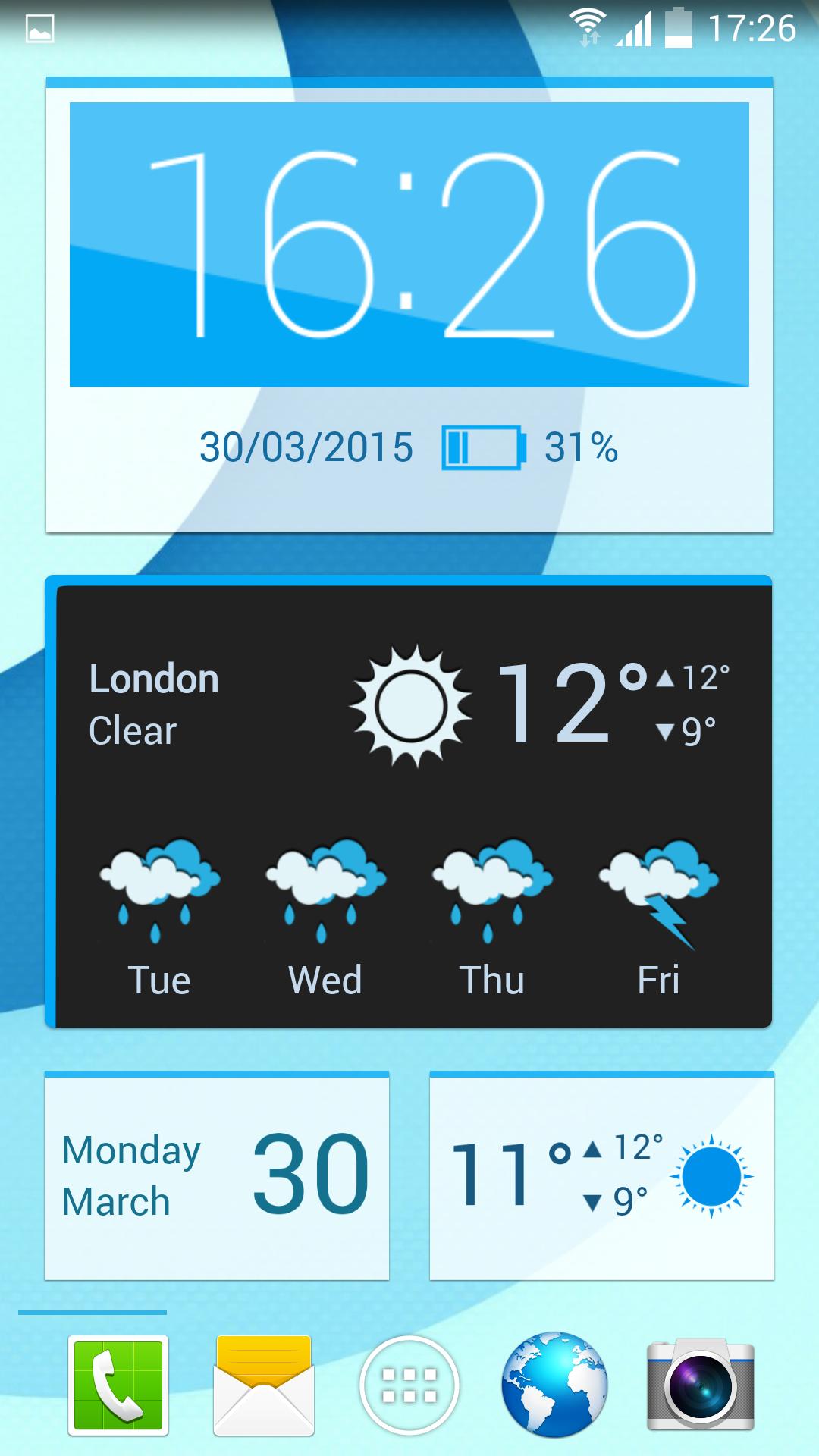
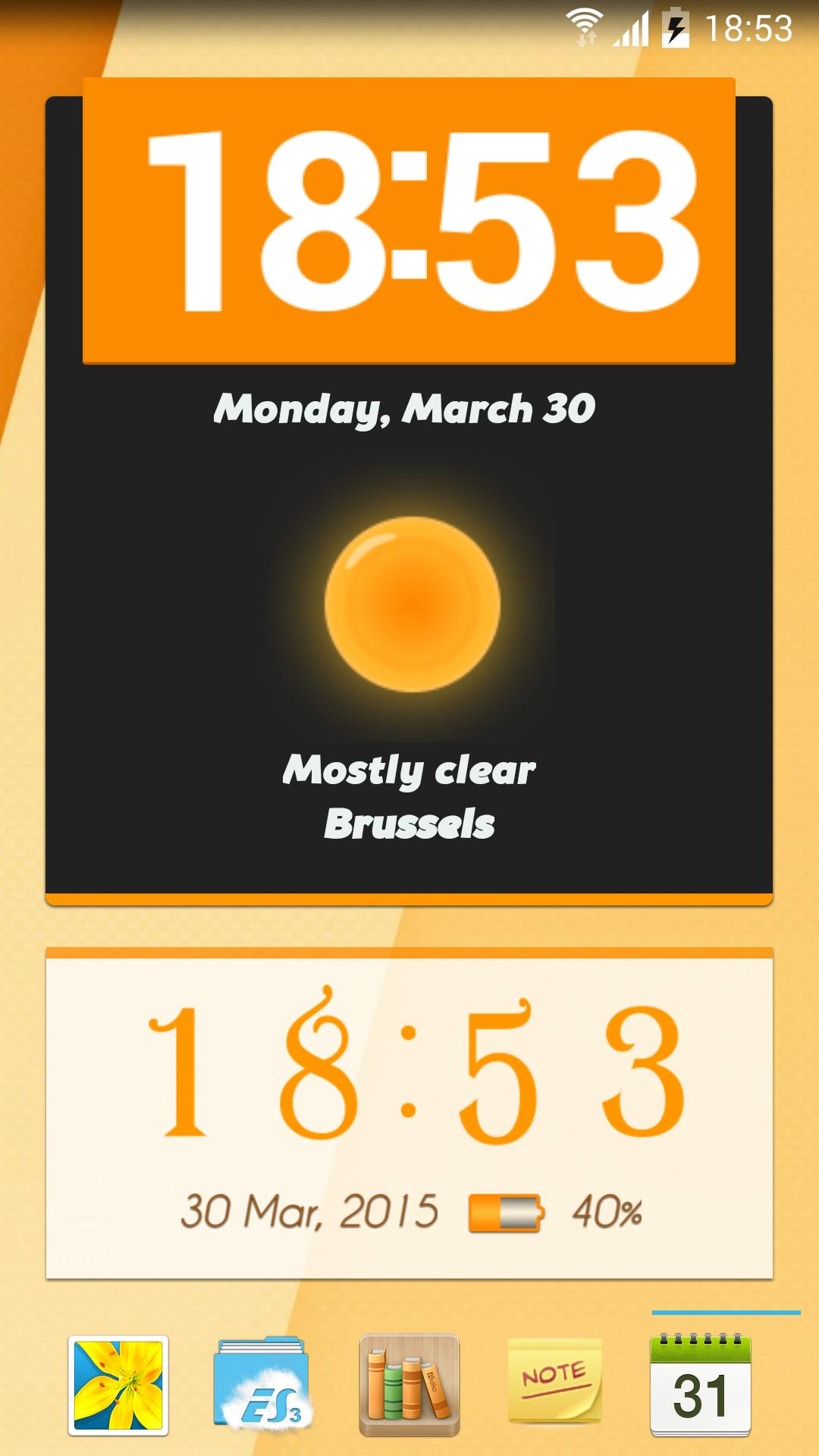
Get cool animated clock and weather widgets for your Android device!
BEST WIDGETS: IT’S BETTER THAN THE BEST.
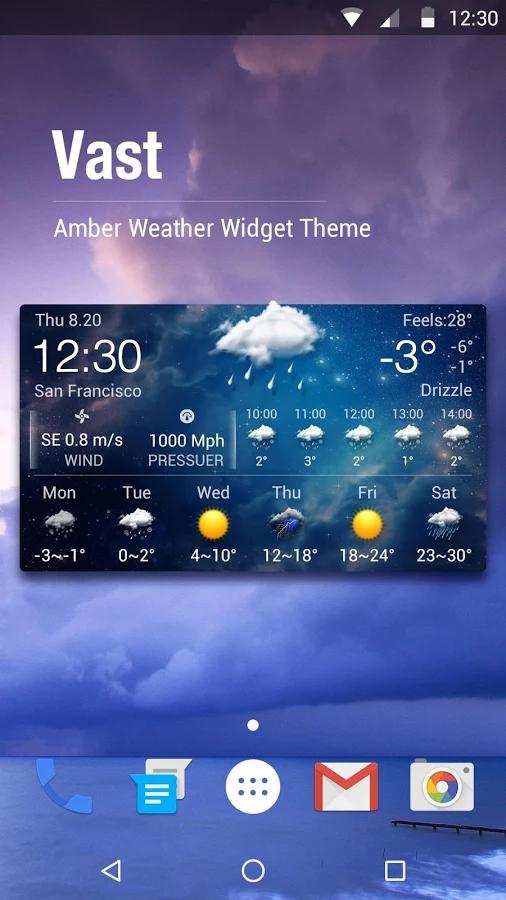
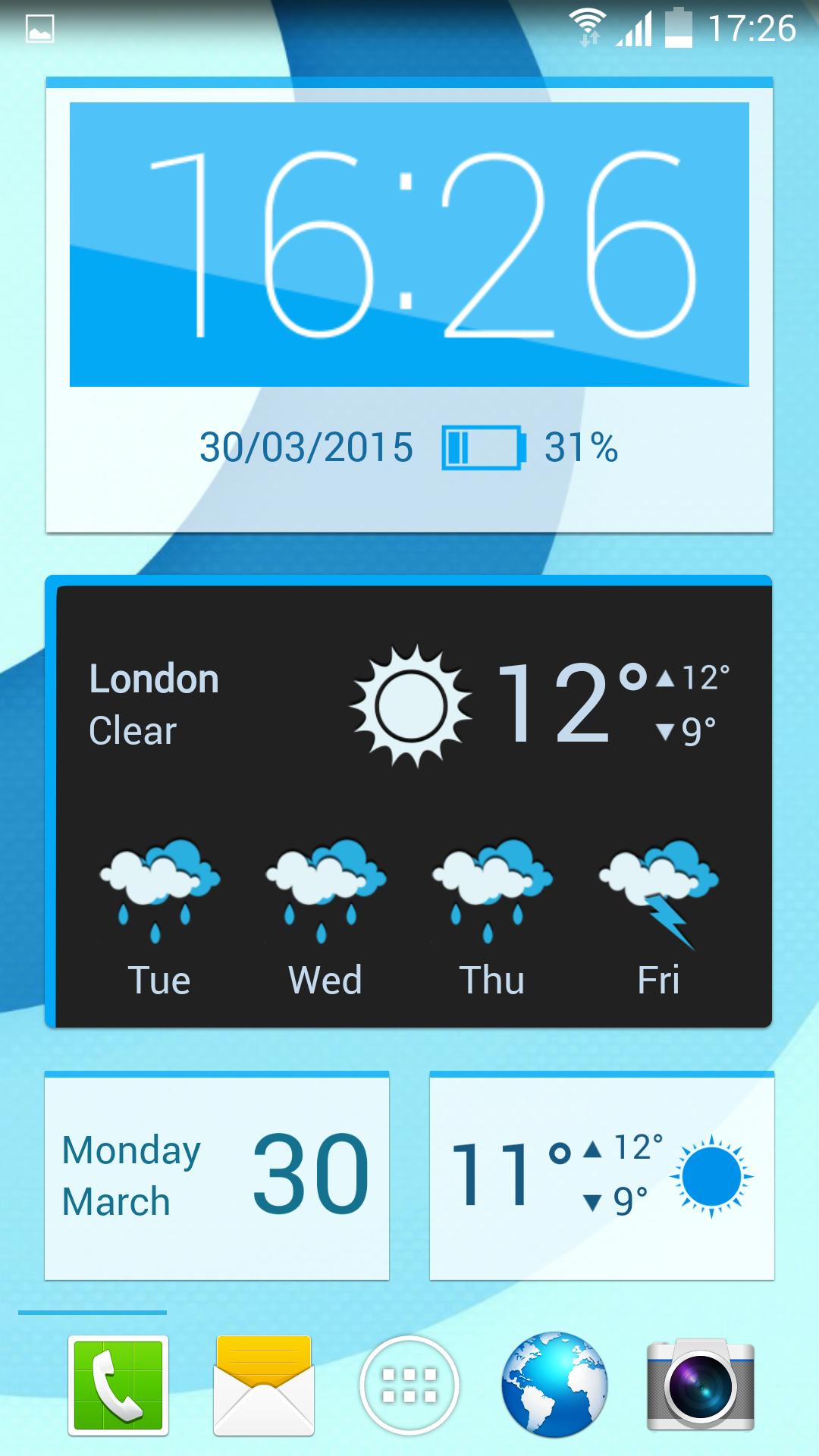
The ultimate animated widgets for Android have arrived, and the best thing is - they're completely free! Set up an animated clock widget, date widget, battery widget, weather widget or a forecast widget that you can customize and resize freely. With the premium feel and finish that rivals paid widget packages, Best Widgets will blow you away!
GREAT COMES IN MANY FORMS
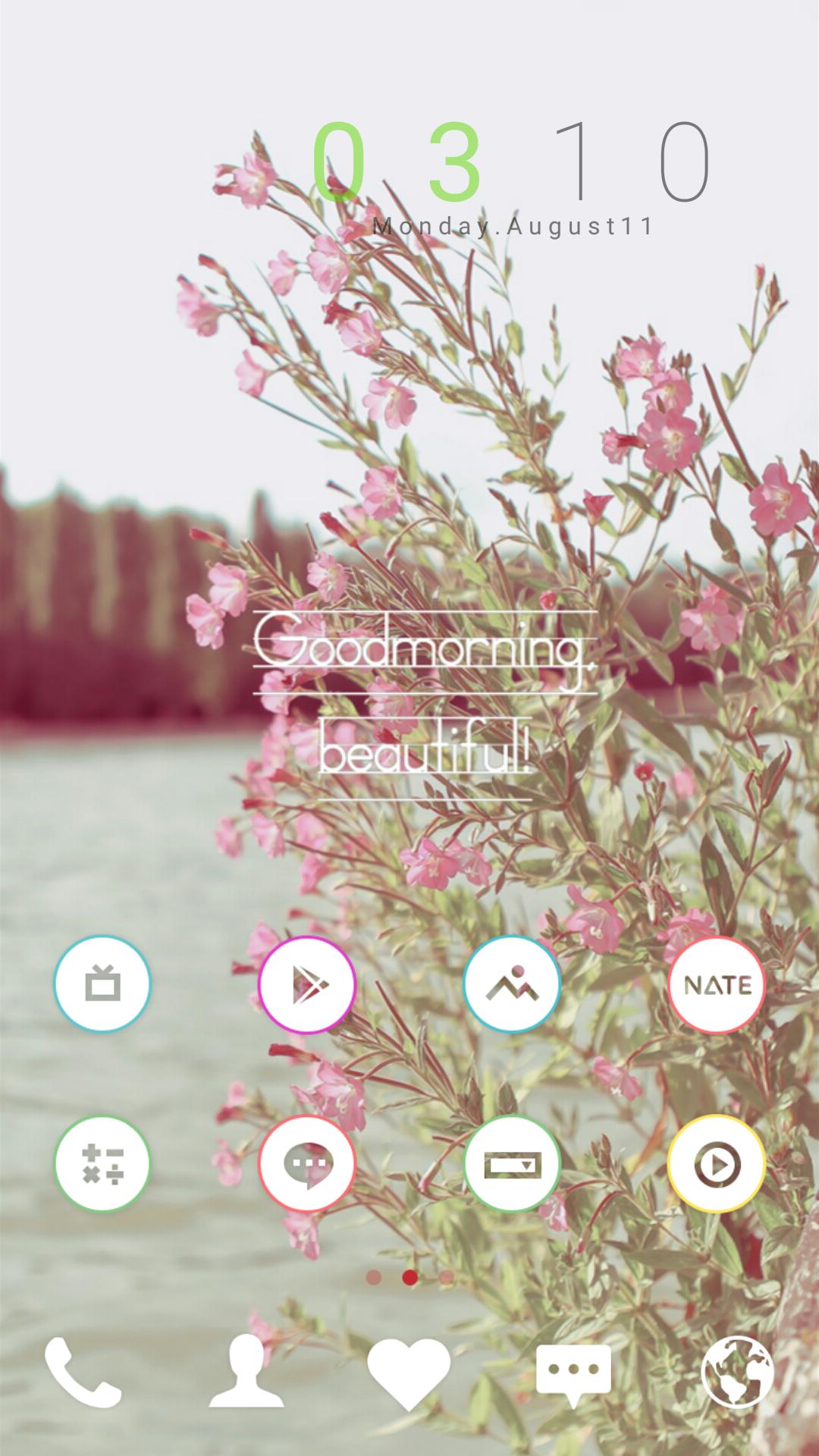
• Wealth of features: Show time, date, battery, current weather and forecast information.
• Dozens of sizes: Choose from a number of dimensions suitable for phones and tablets (2x1, 4x1, 4x2, 4x4, 5x1, 5x2, 6x2) and resize the widgets freely.
• Lock screen support: Display a widget on your phone’s or tablet’s lock screen (available in 4x2 or 4x4 on any device that supports lock screen widgets).
SO MUCH OF YOU IN EVERY WIDGET
• Full theme support: Download widget and clock backgrounds, change weather and battery icons, apply custom fonts and colors.
• Animated clock widget: Enjoy a beautiful animated clock with 7 animations to choose from (available on devices running Android 4.0+)
• App shortcuts: Tap on the date and time to open any application you choose.
• Customizable formats: Easily change the time and date formats and weather units.
• World clock: Show the local time for any location you want.
A WEATHER SCREEN TO BEHOLD
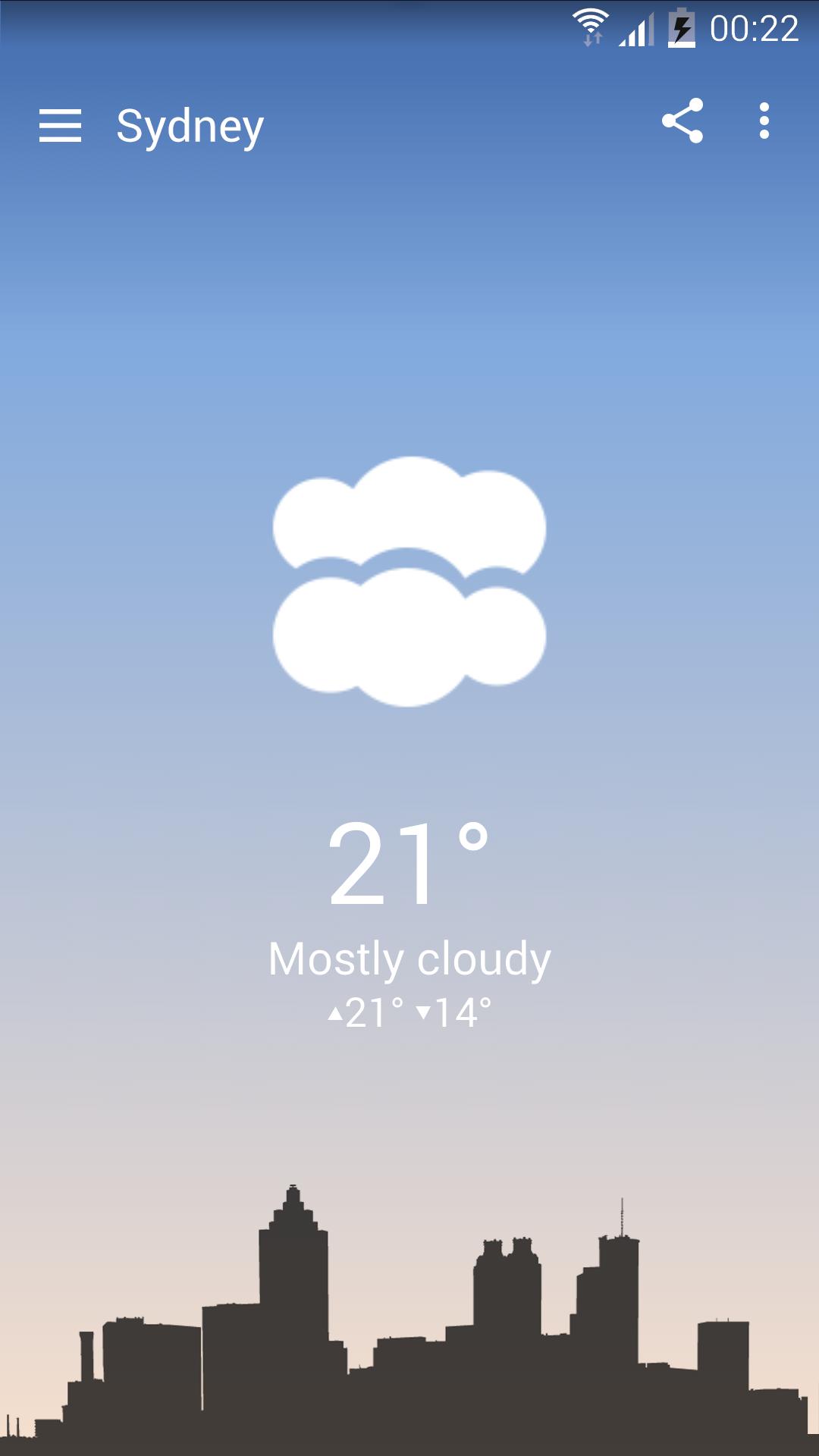
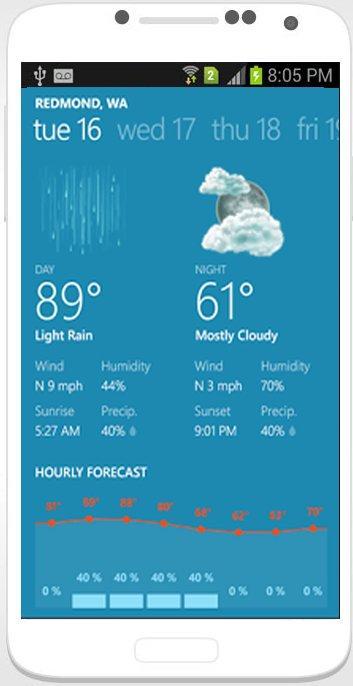
• Easy to access: Simply tap on the weather information on your widget to get a detailed overview of the current conditions and see the latest four-day forecast.
• Informative: Quickly get the latest hour-to-hour and day-to-day forecast along with awesome weather graphs.
• Sleek and simple: Select between three awesome-looking weather screen styles - realistic (with weather condition animations), minimalistic (with graphics that react to the time of day) and wallpaper-based (looks amazing with live wallpapers!).
• Share-friendly: Easily send the weather forecast to your friends via e-mail or social networks using the built-in share functionality.
A GREAT WIDGET EXPERIENCE
• High-quality graphics: Get widgets that look crystal clear on modern, high-resolution screens.
• Light on system resources: Save your device’s battery life and memory with our optimized time and weather update processes.
• A joy to set up: Use our simple yet gorgeous Material Design interface and get a beautiful widget in a matter of seconds.
• Easy weather location selection: Use the device’s sensors to determine the location, or set it up manually.
HAVING TROUBLE?
• To see how to set up your widget, tap on the Best Widgets icon in your app drawer and take a look at the included video tutorials.
• Feel free to contact us using the support e-mail ([email protected]) - we'll be happy to help!
NOTES:
• Best Widgets uses Google AdSense to display ads, and does not collect or share your personal information with other companies.
• Best Widgets requires a limited set of permissions which are exclusively used for automatic location functionality, weather update service and theme storage.
• Best Widgets may experience time freezing or weather update issues if you use task or battery manager applications. To avoid this, make sure you whitelist Best Widgets in these programs.
• Best Widgets will not work if it is installed or moved onto the SD card.
NEWS:
To get the latest news about Best Widgets and our other apps, find us on:
• Facebook: https://www.facebook.com/BestWidgetsAndroid
• Twitter: http://www.twitter.com/naissusworks
• Google Plus: http://www.google.com/+Naissusworks
• Web: http://www.naissusworks.com
 Download