

biiCADo Touch Free – Professional 2D CAD app for creating DXF drawings
biiCADo Touch – Professional 2D CAD app for creating DXF-drawings
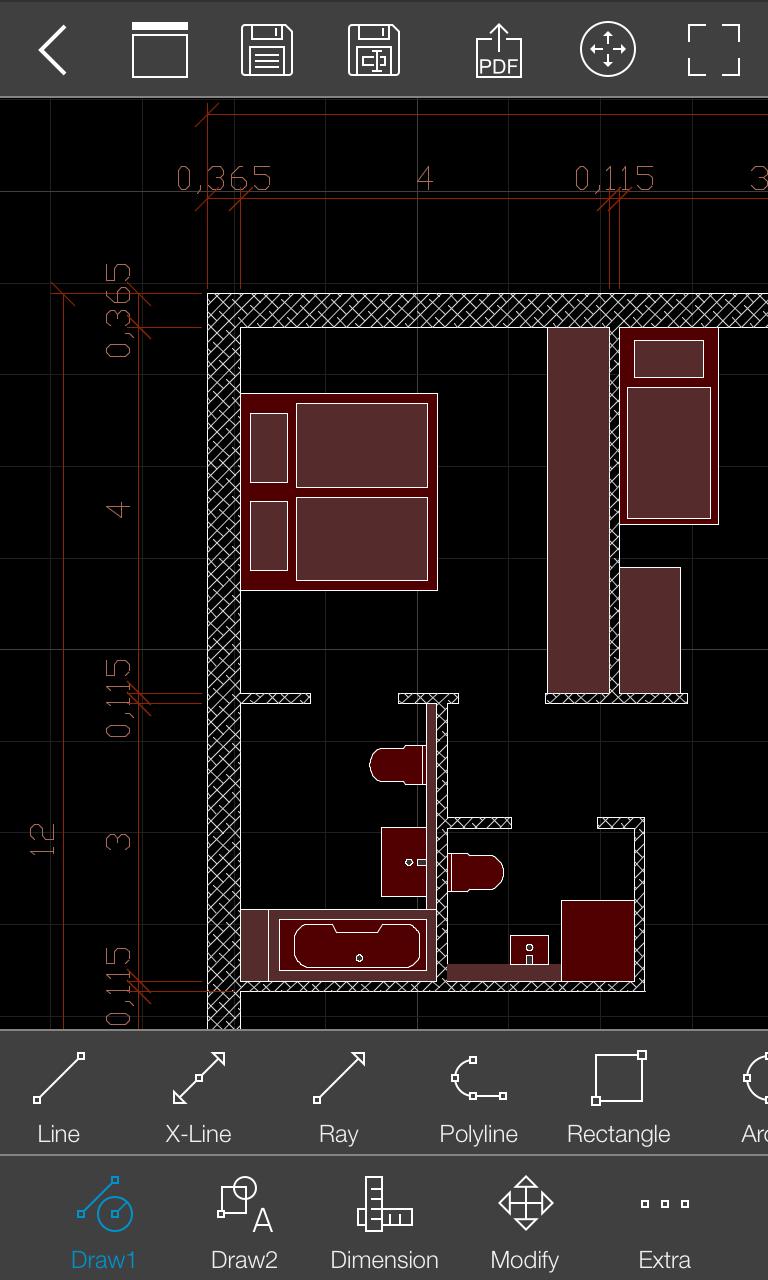
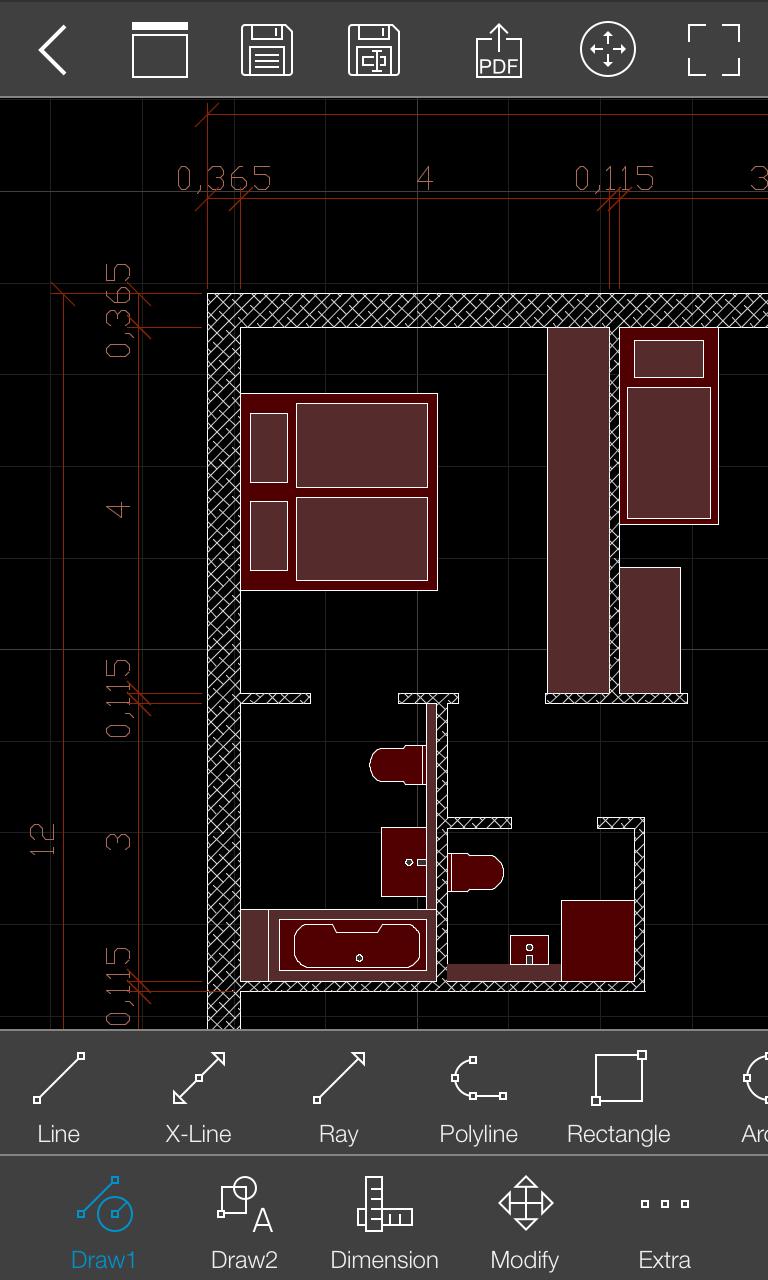
biiCADo Touch is a professional 2D CAD-application, optimized for use in mobile devices. The intuitive operation and a variety of CAD Tools enable fast and efficient creation of technical drawings in DXF format. Create PDF documents of your drawings and send them directly from biiCADo touch, to share them with others.
This version of biiCADo Touch has the full functionality of biiCADo Touch Pro version with the following limitations:
- Saving drawings is limited to max. 25 geometric elements
Demovideos can be found at: http://www.bast2i.com/support.html
General:
• Create 2D CAD drawings
• Drawing in Inch and metric units
• Import / export of DXF documents via e-mail
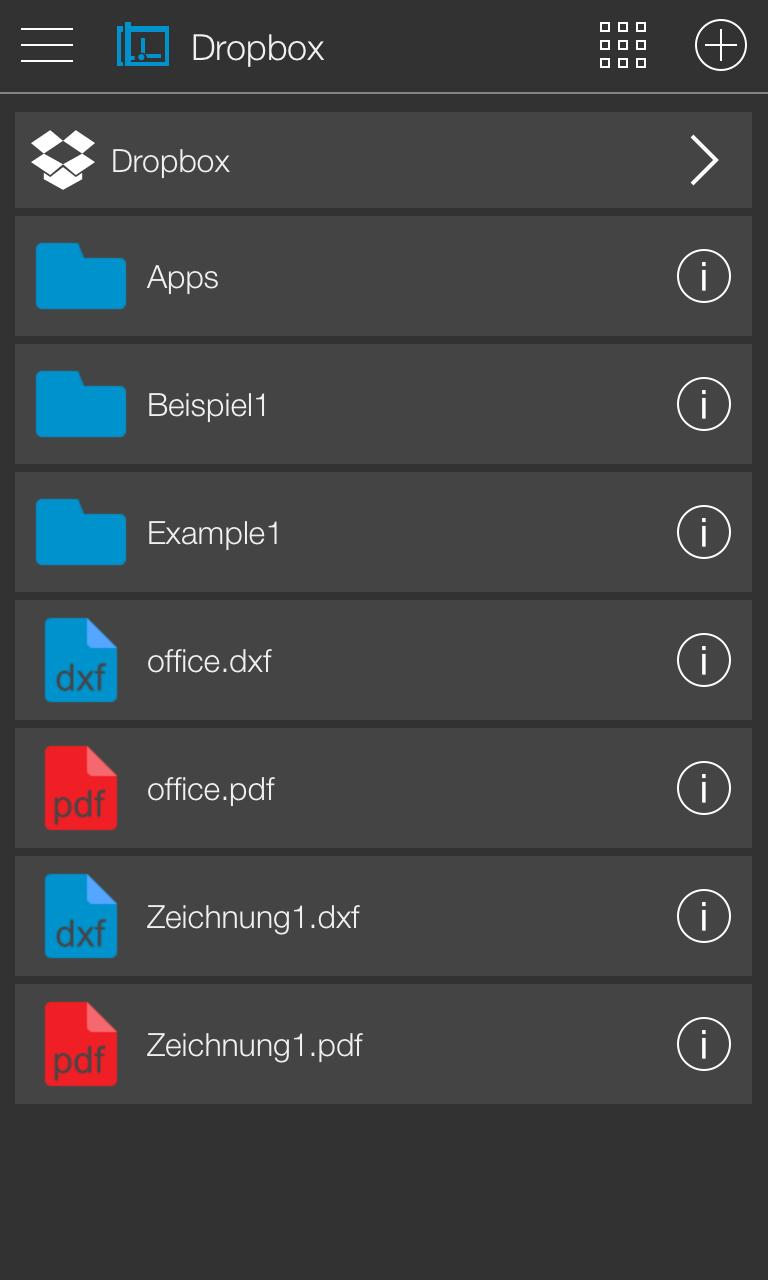
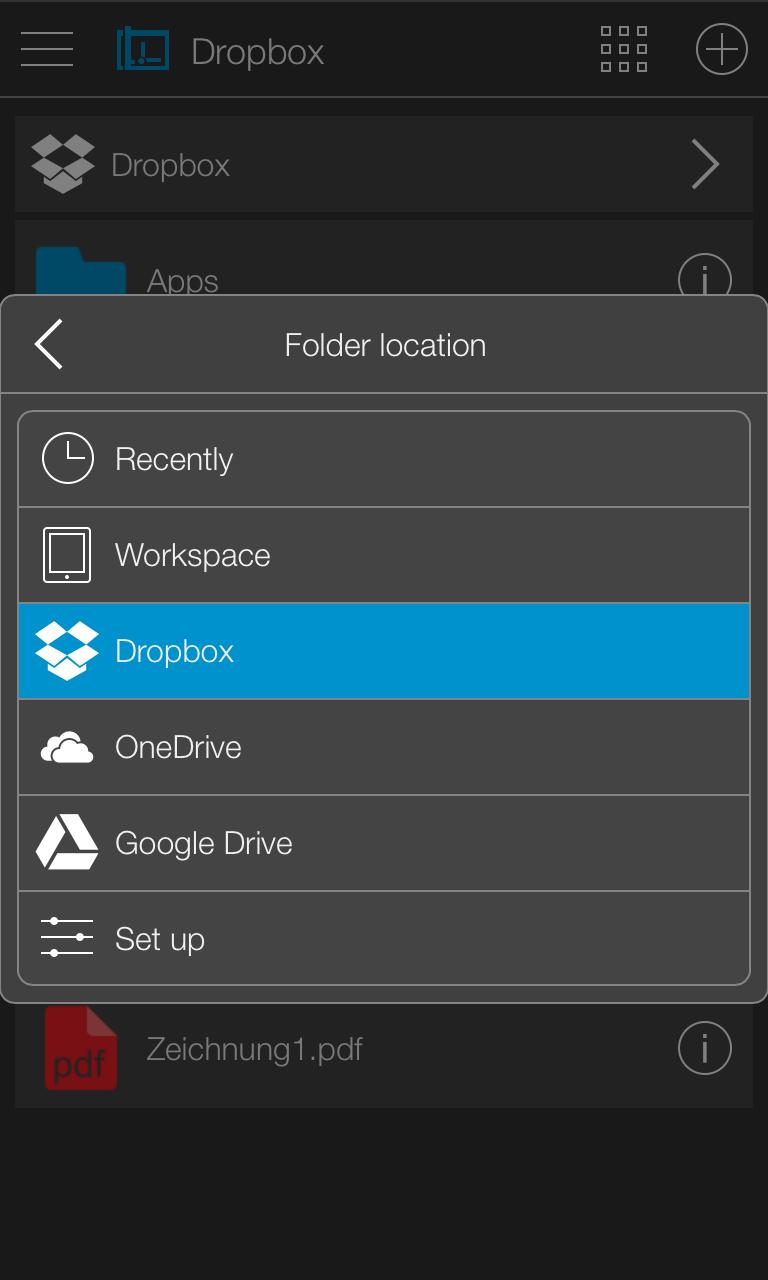
• Dropbox support (Pro version only)
• Organize your DXF- and PDF-documents clearly in project folders
• Undo / Redo any number of times
Supported geometry elements which can be created and edited:
• Point, Line
• X-Line, Ray
• Polyline, Rectangle, Polygon, Donut, Array
• Arc, Circle, Ellipse, Elliptical Arc, Spline
• Text, Multiline Text
• Hatch, Solid
• Create Block, insert Block, Block attributes
• Inserting external DXF blocks.
Dimensions
• Horizontal, Vertical, Aligned
• Radius, Diameter
• Angular, Coordinates
• Tolerance, Leader lines
• center marks
Edit Drawing:
• Power Edit (Access to all element properties)
• Grips
• Delete, copy, move
• Rotate, scale, mirror
• Trim, extend
• Chamfer, Fillet
• Offset
Supported fonts:
• txt, isocp, romanc, italic, greekc
Supported hatch:
• Ansi31, Ansi32, Ansi33, Ansi34
• Ansi35, Ansi36, Ansi37, Ansi38
• Solid
Tools for precise drawing:
• Magnifier
• Snaps
• Ortho mode, grid view, grid snap
Supported Presettings (add, delete, edit):
• Layer, Linetype
• Text style, dimension style, point style










 Download