

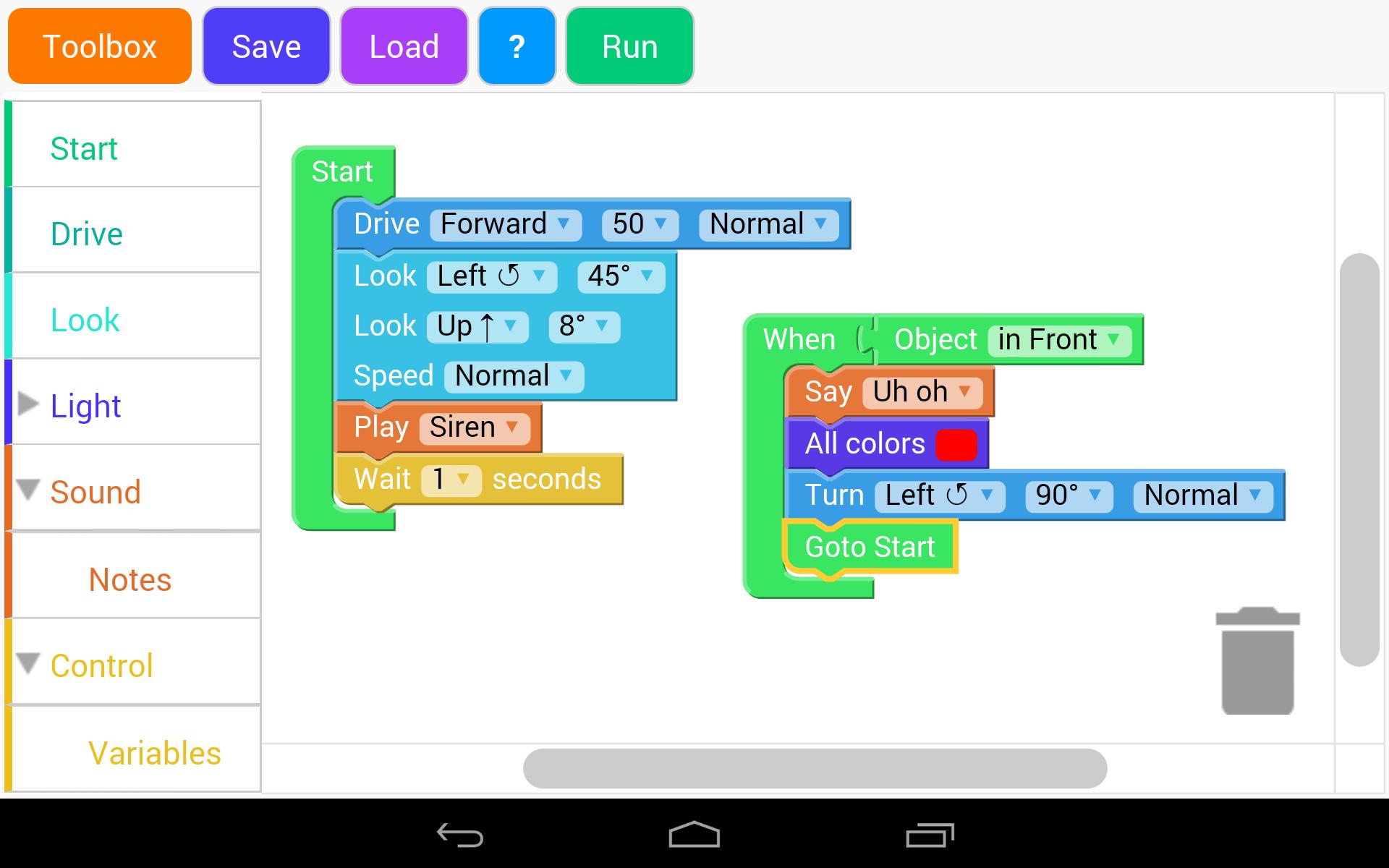
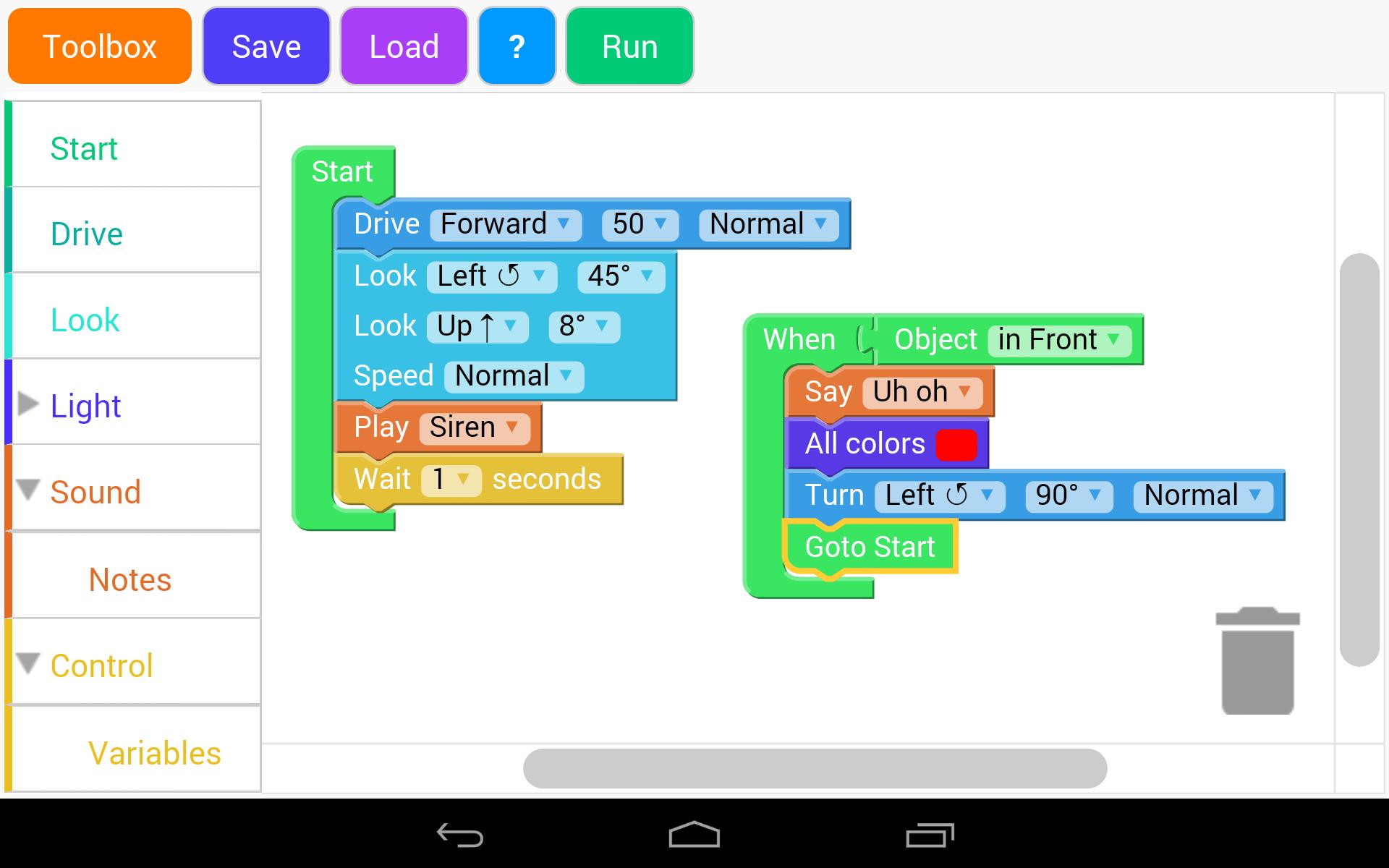
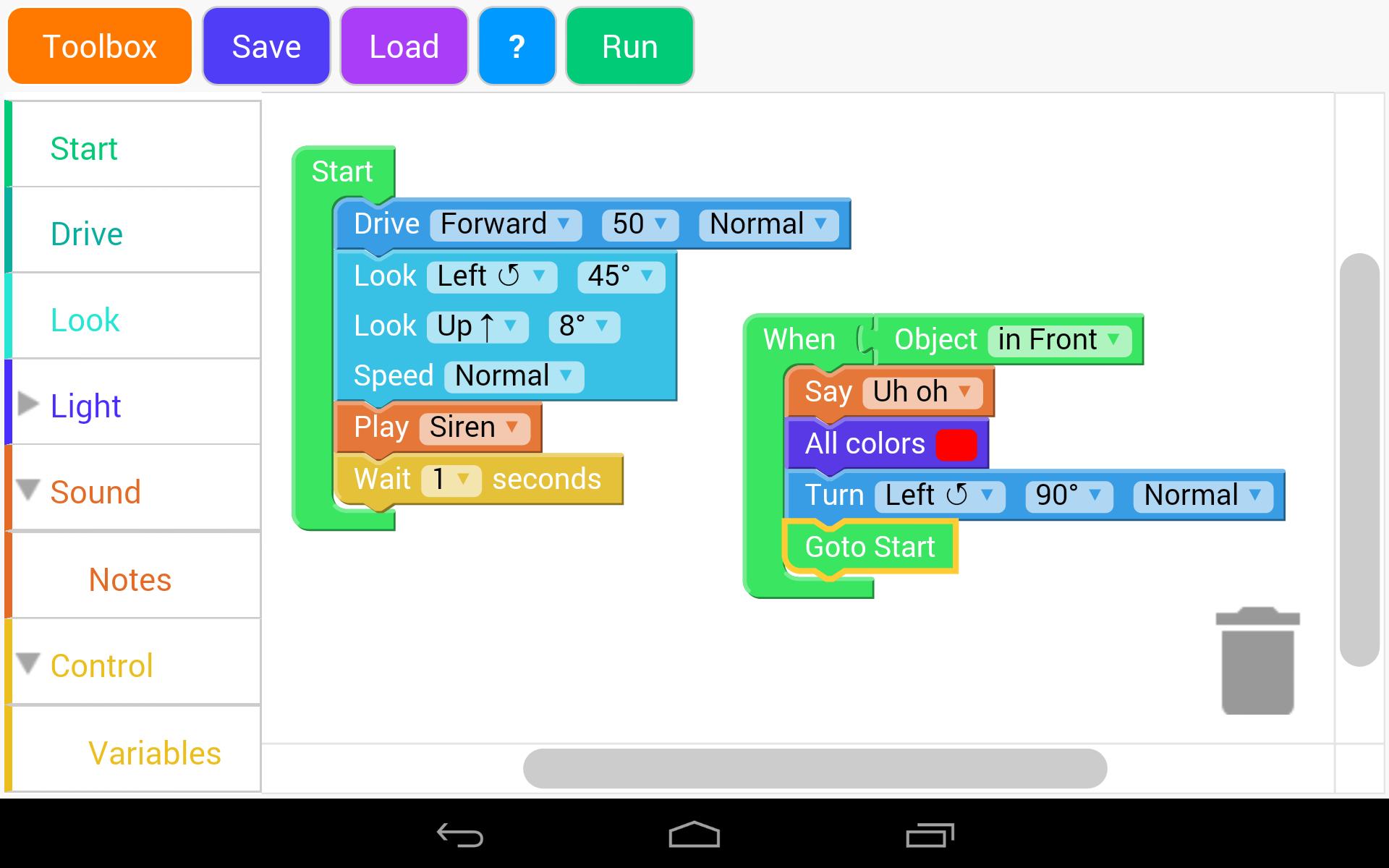
Use Blockly to control Dash and maybe Dot .NOT an official WW App.
This app uses the Bluetooth 4 to connect to Dash and Dot and then interact with them using B lockl y on both phones and tablets running android 4.4+
**** IMPORTANT : THERE IS A PROBLEM WITH SOME PHONES AND TABLETS RUNNING ANDROID 6 and 7 WE ARE LOOKING FOR A SOLUTION, Blocklify 4 KIDS WORKS HOWEVER ****
** Please check that your phone has Bluetooth 4 LE before downloading. **
It is not meant to be a replacement for the great WW apps!
Now available in multi language!! Catalan, Deutsch, English, Español, Français, עברית, Italiano, Nederlands, Português, Polski, Svenska, 簡體中文 and 正體中文 available.
Choose the grey "world" icon to change language.
For any problems or feature requests or Beta access please contact [email protected].
Check out "Blocklify 4 Kids" for a simpler version with introductory lessons.
Tested on
==========
*Nexus 7 2013
*Nexus 5
*Samsung Galaxy Tab 10
*Samsung Galaxy Grand Duo 2
Cool Things
===========
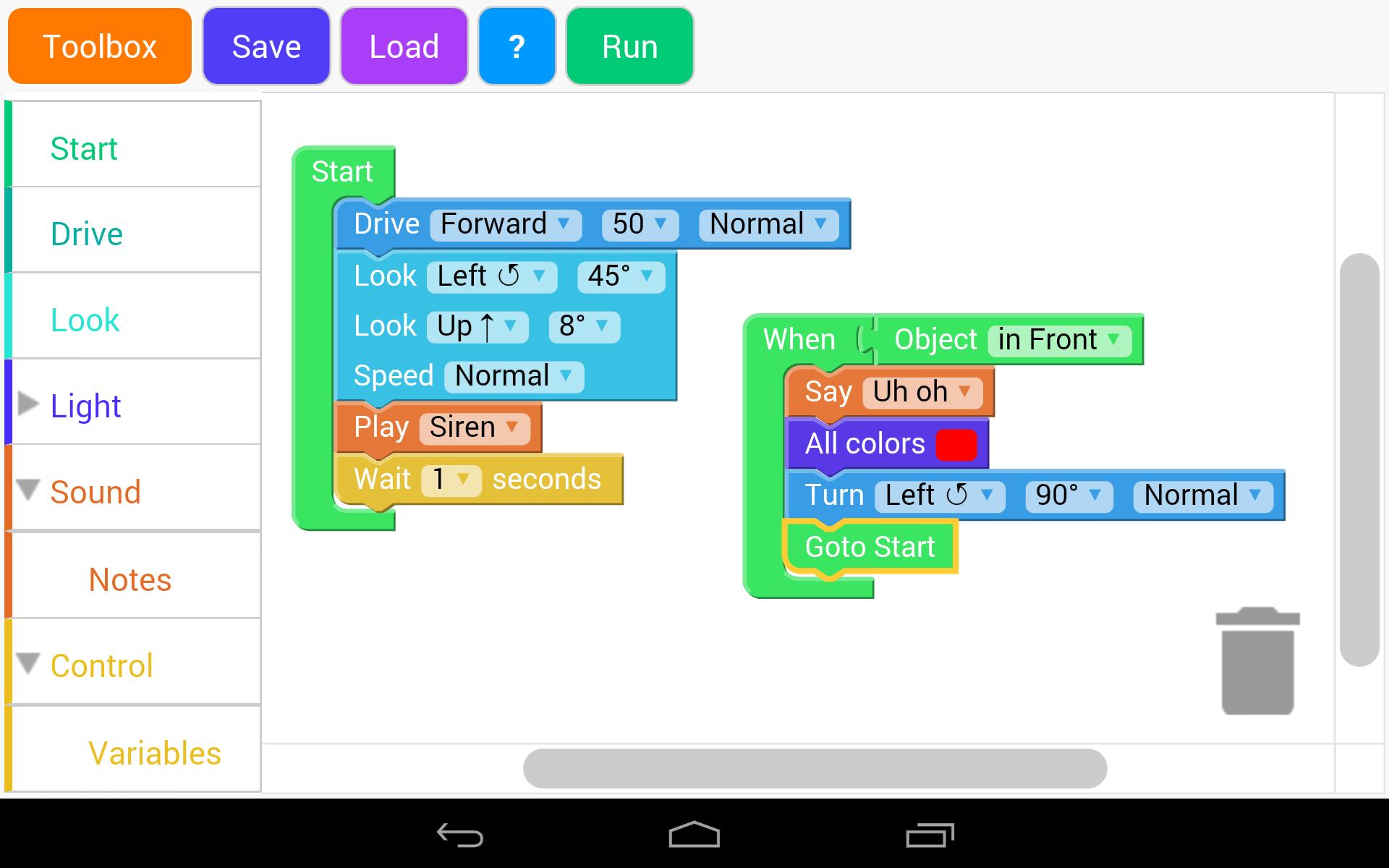
* Uses the same colour scheme as the official app so children can transition from this app to the official without problems.
* Event, Drive, Sound, Logic and Music Blocks, variables and sensor data all implemented.
* Multiply Toolboxes, click the orange"Toolbox" button to toggle between WW toolbox and a toolbox containing standard blocks.
* Blocks for function calls and variables are also located in the second toolbox.
* Load and Save the multiple workspaces.
Limitations
===========
* This is a work in progress so not all the same blocks are present.
* There is a Wait Block in the control section so you can program the robots to wait after each sound.
Controls
===========
Use the The "Load" and "Save" buttons to save and load multiple workspaces.
Use the grey "world" icon to change language
The "Run" button executes the program. Click "Stop" to cancel current program.
Have fun!


 Download