

Enjoy millions of the latest Android apps, games, music, movies, TV, books, magazines & more. Anytime, anywhere, across your devices.
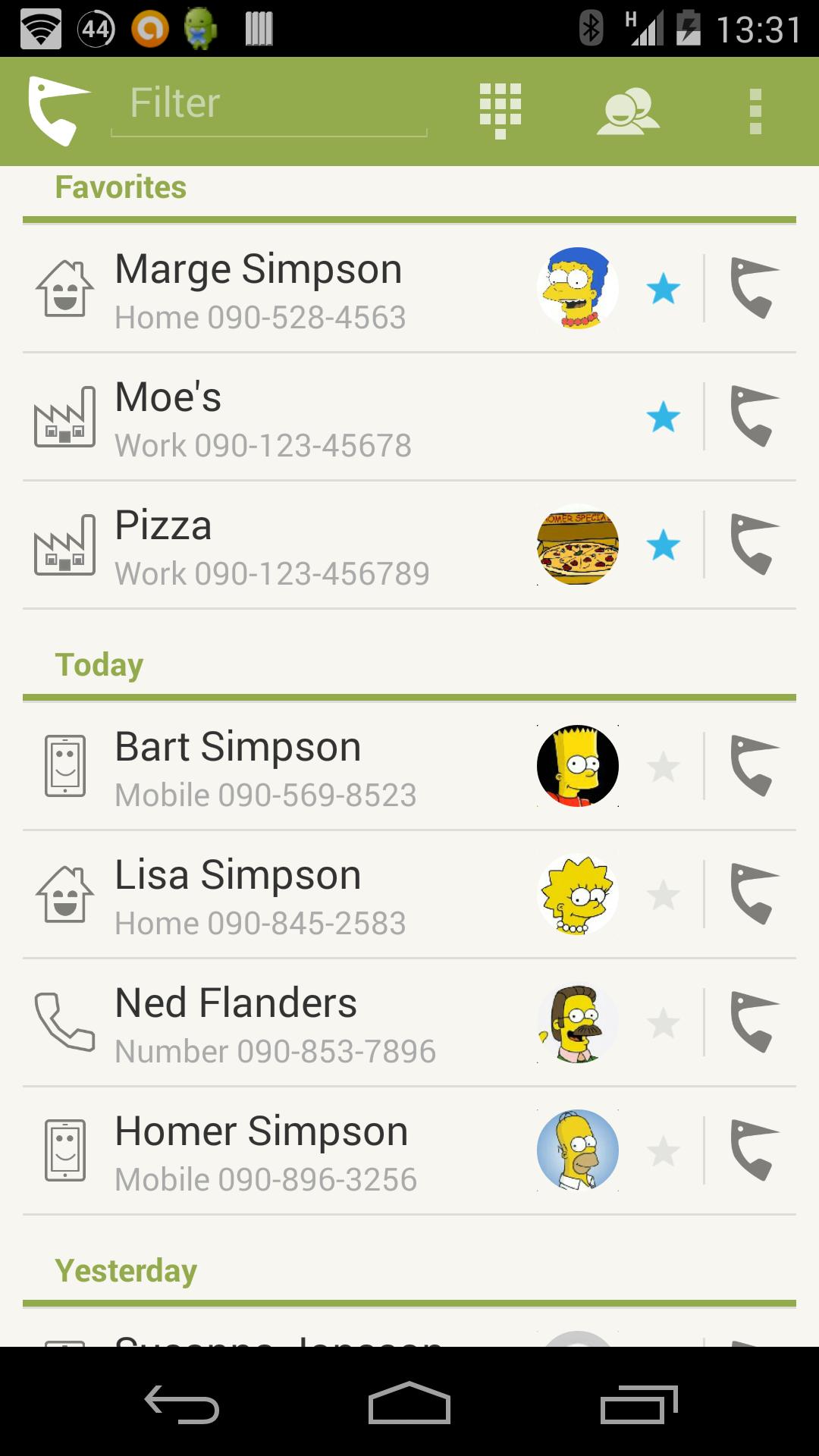
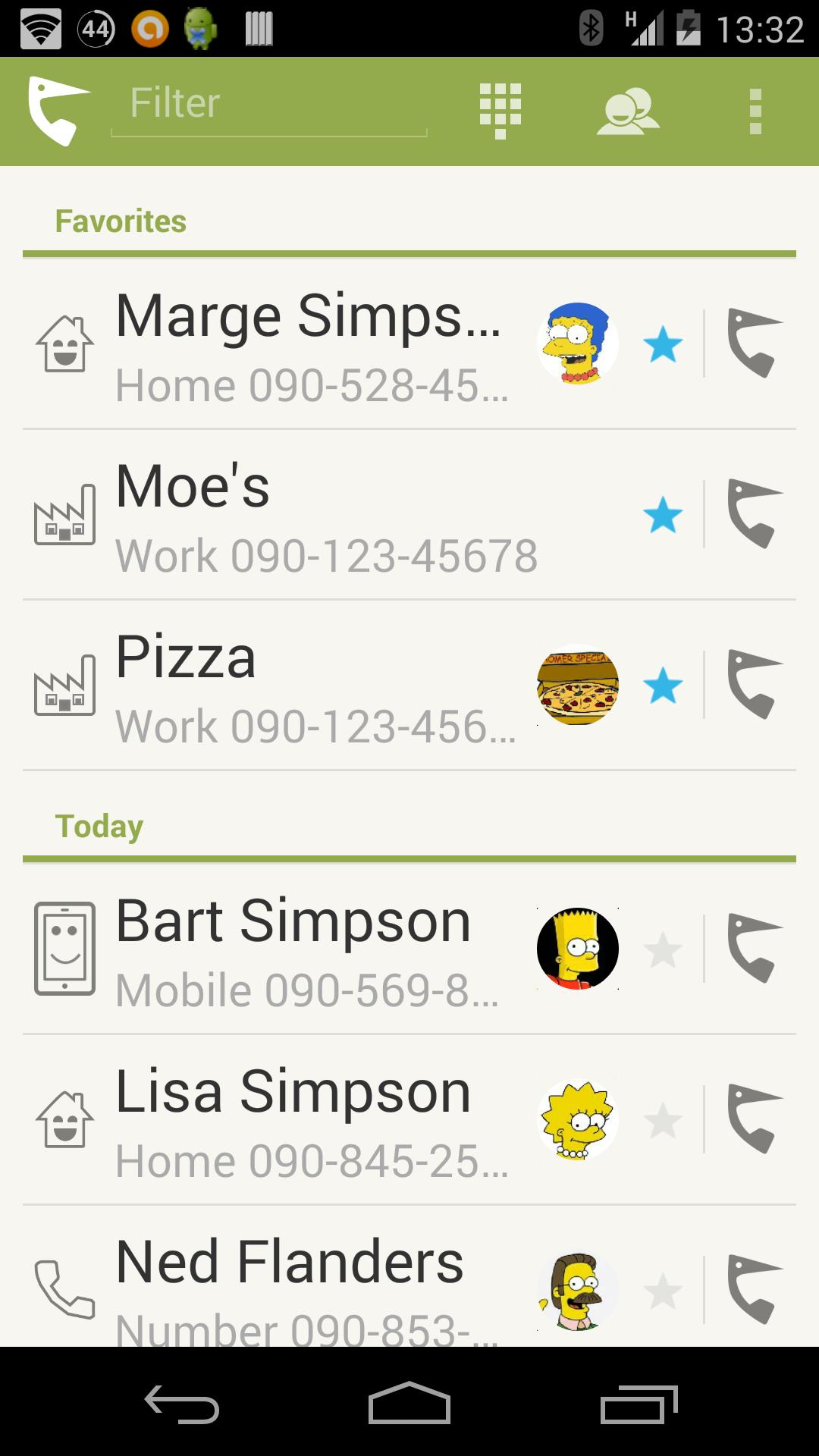
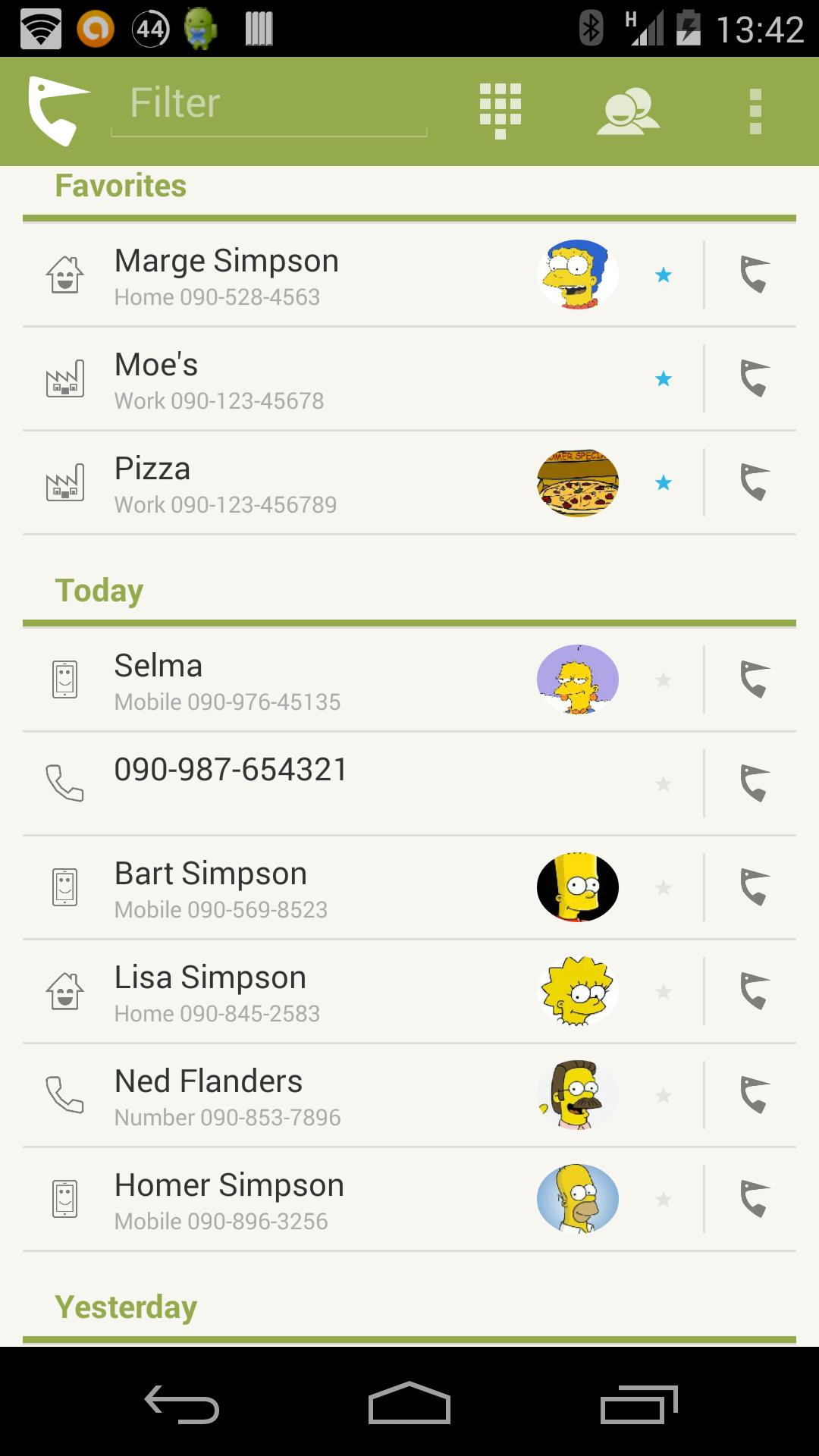
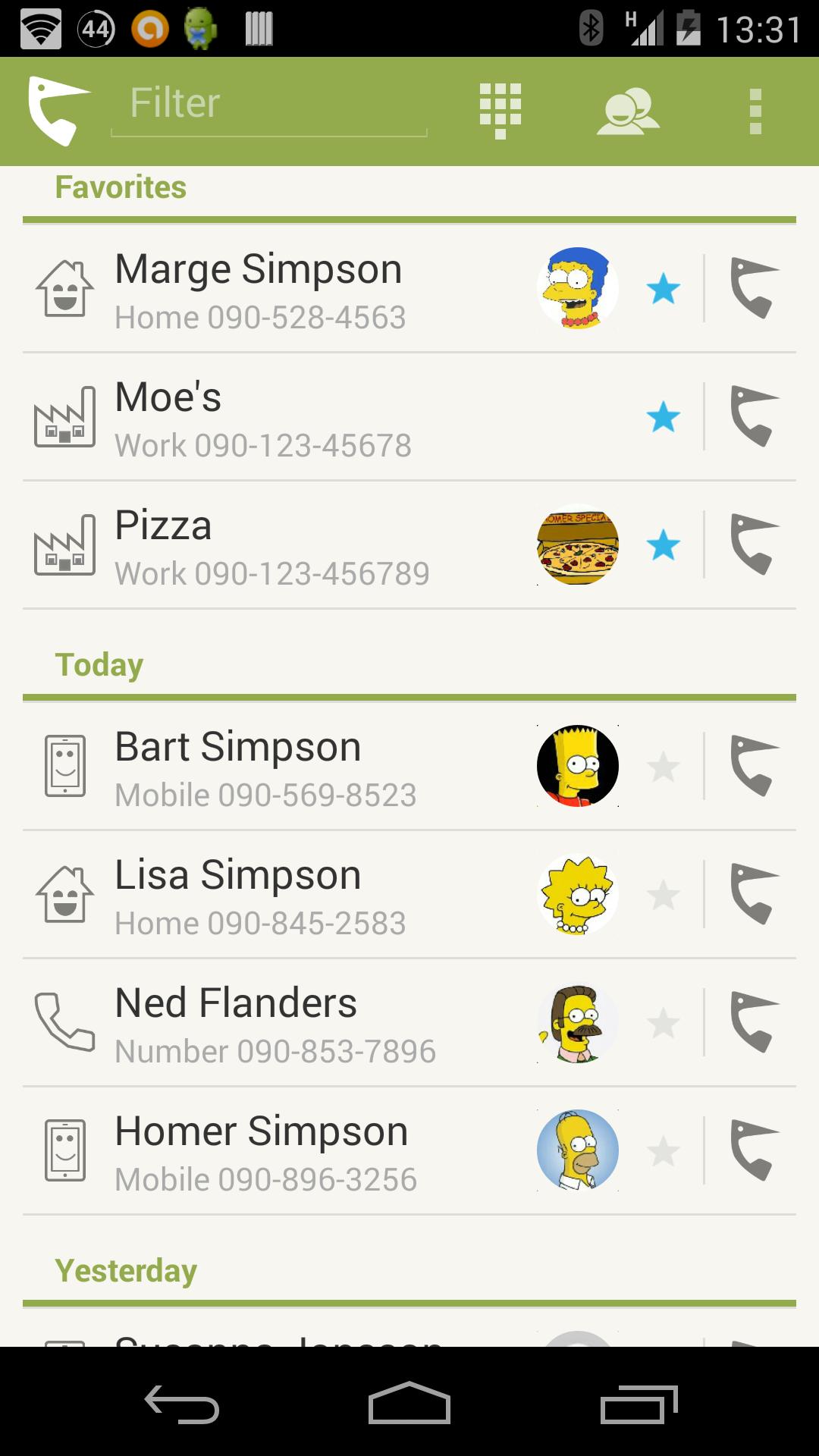
Callpecker is an recent call log application that hopefully makes your life a little bit easier. It collapse all calls so you get rid of duplicates and makes it quicker to call your favorite numbers.
Please send feedback to [email protected] and we will improve Callpecker to fit your needs!
Main features
- One-click-call
- Only one item per number in call log
- Favorite persons and numbers
- Remove numbers from recent call log
- Contact pictures
- Small/Medium/Large letter font
- Customised appearance
- View/Edit/Add contact
- Search number or contact
- Send email or SMS/MMS to contacts
Call
When clicking on the call button a call will be directly made to the number you have selected. An extra vibration notification if added to make you aware of that the call is initiated.
If the number is not known nothing will happen when clicking this action.
Menu actions
A menu bar appears when clicking an item in the call list.
Add contact
If the number in call log isn't found in your contacts, you can easily add the number as a new contact by selecting this option.
In the contact editor you can choose what kind of number it is, like mobile, work etc.
View contact
If you have an recent call with a person that is available in you contacts, you can go directly from the item in the call list to view the contact information in the contacts application.
Dial
As long as a number in the call list isn't unknown, you can prepare the dial application with the item's number.
The action won't make any call. Just enter the number to the dial application.
When an item in the call list log is associated with one of you contacts and the contact has one or several email addresses connected, you can use this action to create an new email using your favorite email application.
If the contact has several email addresses connected, you get an option box to choose from.
SMS/MMS
If the item in the call list is connected to an contact and the number is tagged as mobile number, you can use this action to start sending an SMS/MMS to the given mobile number.
Note that this action only appears if the number is set to type "Mobile" in you contact.
Remove
Use this action to remove all of the selected number from call log.
Note that contacts connected to the number won't be removed from the contacts list.
Favorites
Persons you call often can be added to your favorite list. The favorites will be shown at the top of the call list.
Via settings you can choose to only show your favorites in the favorite list or if you also want to show them the common call list.
Filter
To quickly find a name or number in call log you enter a text in the filter input field. You can enter either a part of the number or the name of the person you looking for.
Note that this search is only made in the recent call log. Not in contacts.
Actionbar actions
Call contact
When you want to call a person in your contacts list that is not available in the recent call log, simply use this action to open the phone's contacts application. The number you selected will be called instantly.
Open dial
The open dial action opens the phone's application with no phone number entered.
Permissions
Perform phone call
Callpecker supports one-click-call and uses this permission to start a new phone call.
Read call log
Callpecker is based on the information in the recent call log.
Write call log
Callpecker needs this permission to be able to remove items from call log. See action "Remove".
Read contacts
Callpecker reads contact information to display the contact's thumbnail.
Network access
Used by Google Analytics to collect user behavior. No personal information is logged.
Vibration
Used for user feedback when clicking buttons.





 Download