• Home
  • Game
    Action Simulation RPG Sports Casual Cards Music Puzzle Shooting Romance
  • Apps
    Business Social Lifestyle Shopping Tools Travel Finance Education News Health
  • Blogs

English 中文(简体) 中文(繁体) 한국어 日本語 Português Español Русский العربية Indonesia Deutsch Français ภาษาไทย
Home Apps Business Color Checklist
Color Checklist

Color Checklist

1
2
3
4
5
Download
  • Version 2.0
  • Category Business
  • Package Name com.kenzap.checklist
  • Update Time July 23, 2025
  • Size 3.78MB
About this app

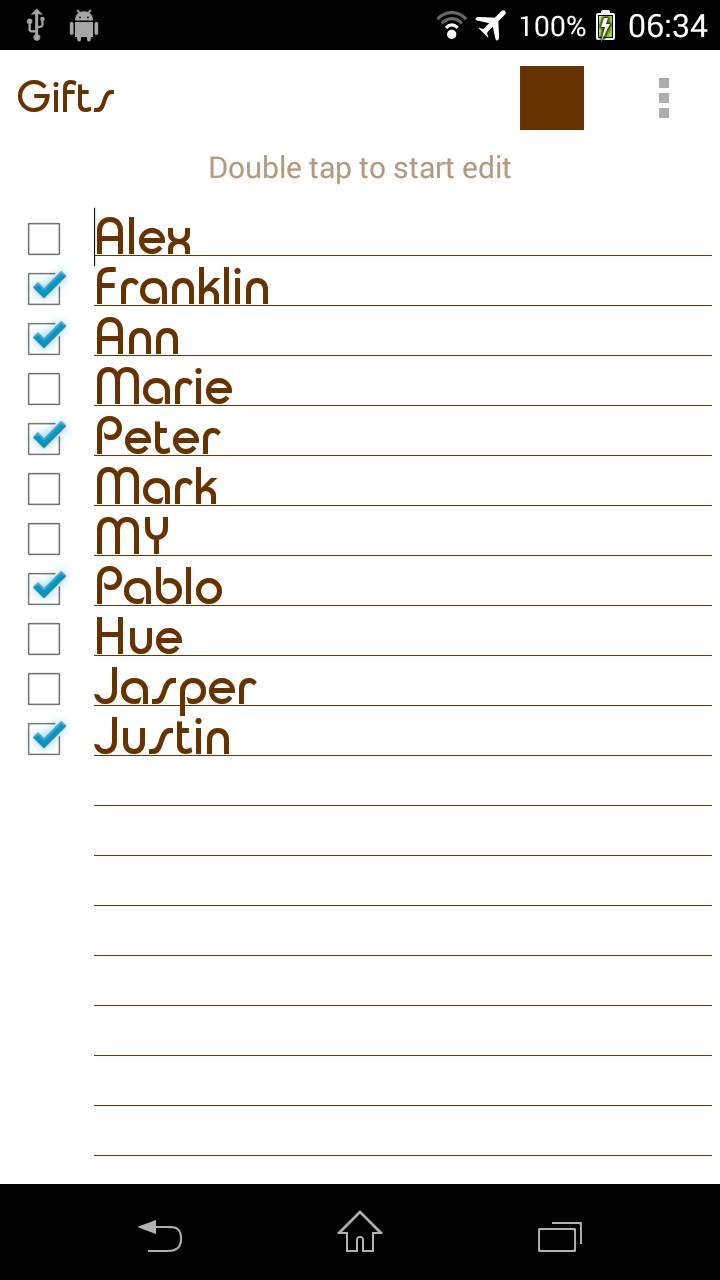
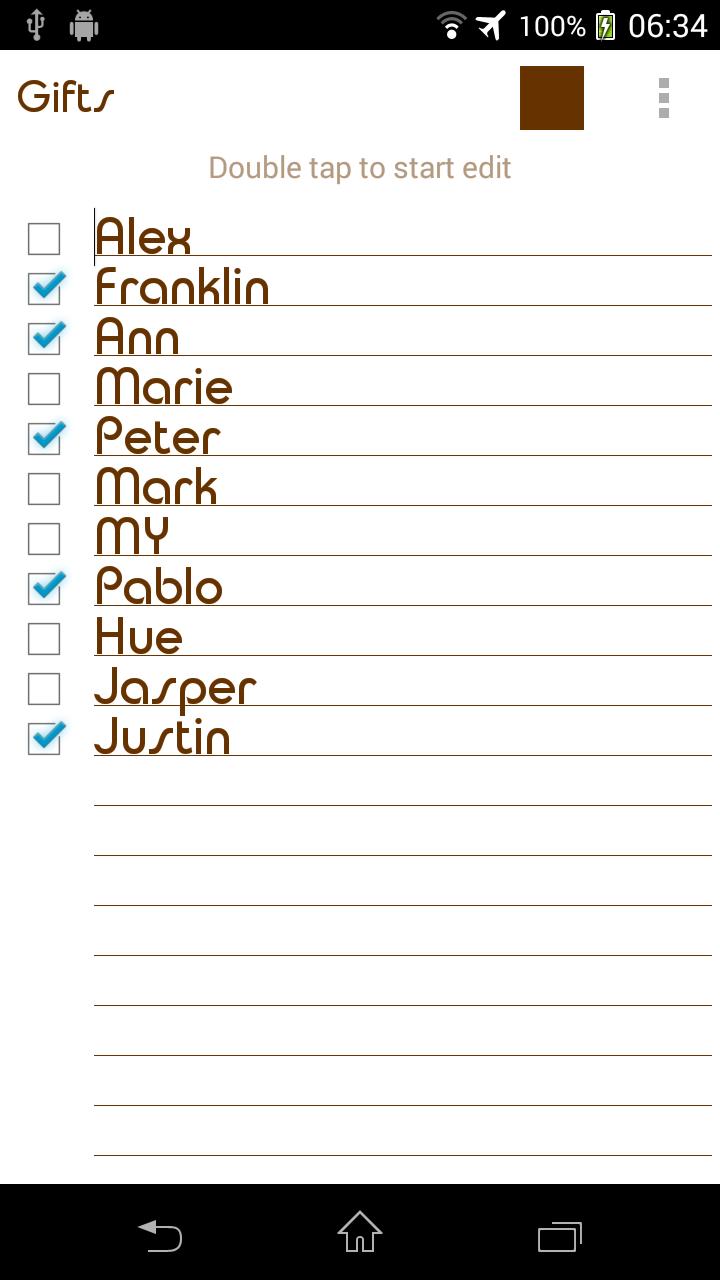
Simple, flexible and nice looking checklist for shopping everyone must have.

Features:

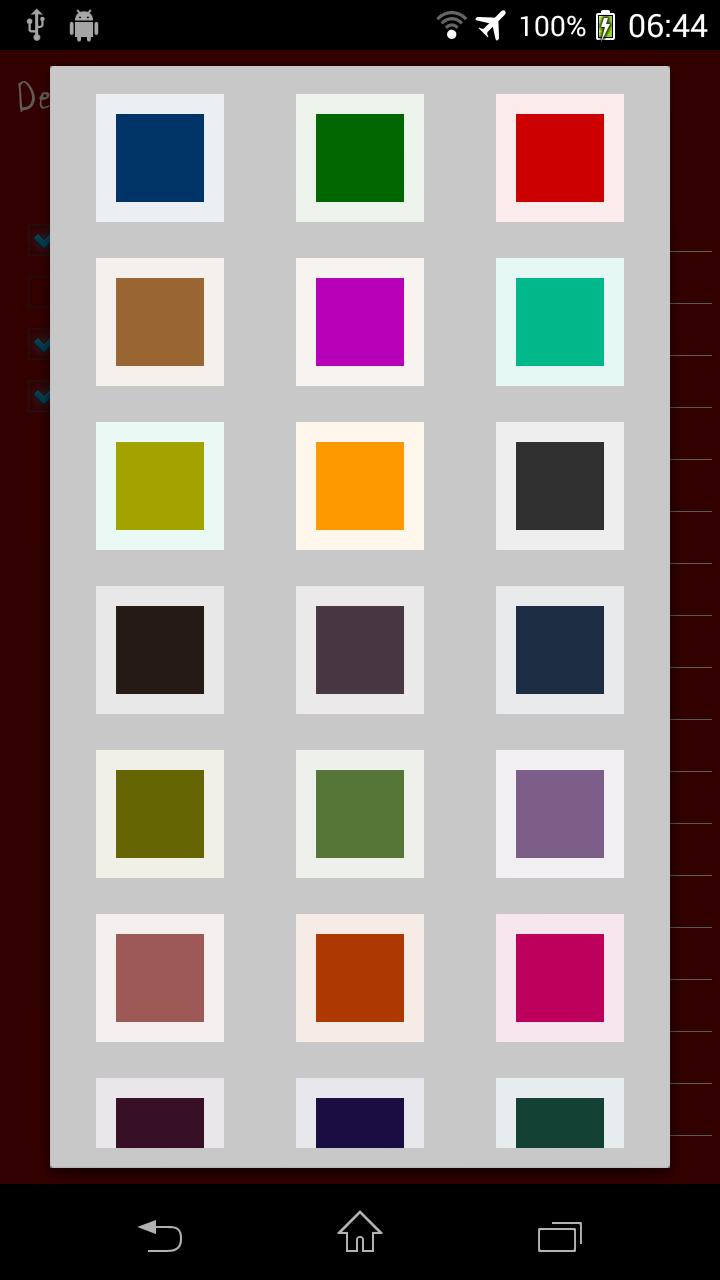
- Custom Colors & Fonts.

- Easy to Organize.

- Reminders.

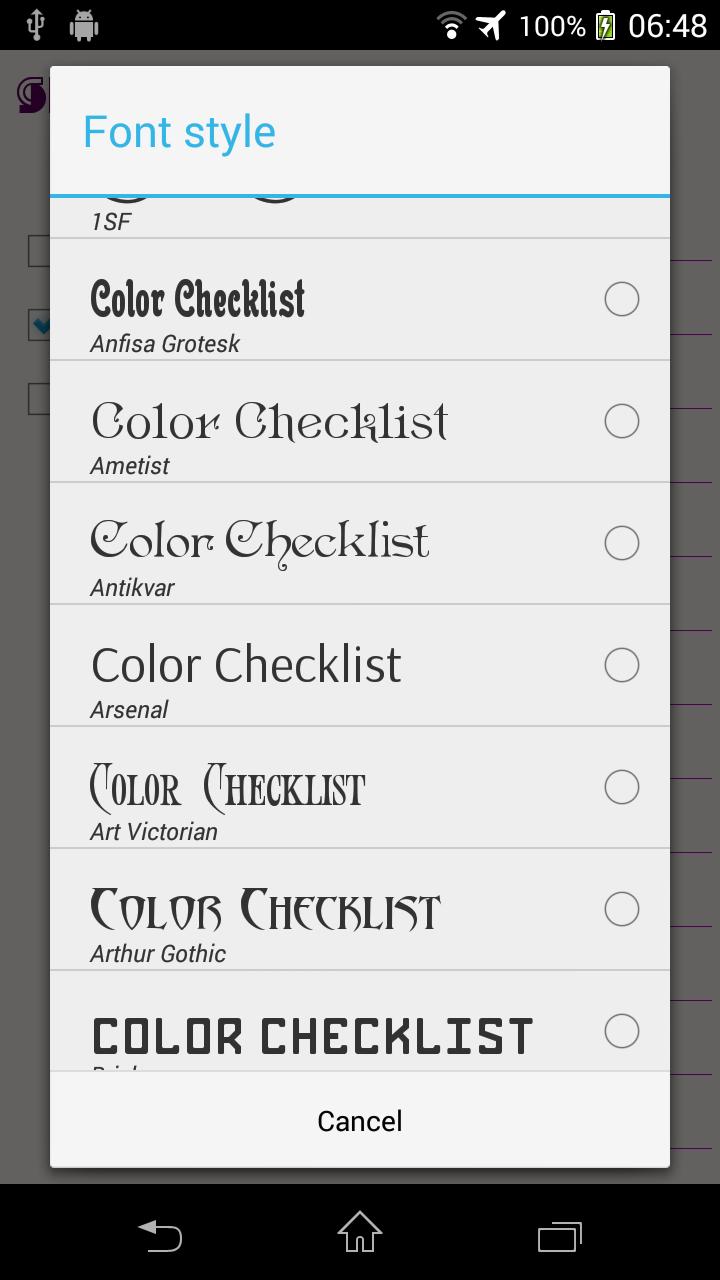
- Font size and style adjustment.

- Different sorting methods.

- No Internet or GPS permissions, so no third party that can upload your private notes.

- Global Search.

- Backup/Restore.

Use it if you lack simplicity in your everyday life. Check/Uncheck items, products from various lists.

FAQ:

Q: How do I put a checklist widget on the home screen (sticker)?

A: Under the home screen hold down your finger on an empty space once the new window arise choose widget. Find Color Checklist from the list and position it on your home screen.

Q: How do I rename my checklist, change color or font?

A: Open desired checklist. Under the top right corner of your screen find three vertical dots menu. Click on menu and find appropriate option from the list. Depending on your android version menu list may show up by pressing options button down on your screen or phone panel.

Q: How do I password protect my lists?

A: Open main app window where list of all notes is located. Long press on desired note and wait till new options menu show up. Select password protect.

Q: How do I enter master settings?

A: Open main app window where list of all notes is located. Under the top right corner of your screen find three vertical dots menu. Depending on your android version menu list may show up by pressing options button down on your screen or phone panel.

Q: How do I find backed up checklist notes?

A: All you backed up notes are stored in a single file. Which is usually located here:

"/data/KenzapChecklist"

or here:

"/Android/data/com.kenzap.checklist/files"
What's New in the Latest Version 2.0

Last updated on Oct 7, 2018 New: Javanese locale
Update: Notification improvements for latest android devices
Download(3.78MB)
Users also viewed
  • App Builder

    App Builder

    1.3 December 1, 2025
  • EMAS ID Demo

    EMAS ID Demo

    1.3.5 December 1, 2025
  • Rich Text Editor Demo

    Rich Text Editor Demo

    1.7.8 December 1, 2025
  • AR in SpeechRecognition.

    AR in SpeechRecognition.

    4.1.0 December 1, 2025
  • NativeScript Plugins

    NativeScript Plugins

    2.1.0 November 30, 2025
  • Smart Workforce

    Smart Workforce

    1.0.15 November 30, 2025
  • PinjamDuit

    PinjamDuit

    6.1.4 November 30, 2025
  • Talking Battery Meter

    Talking Battery Meter

    1.3 November 29, 2025
  • DT Manager

    DT Manager

    1.7 November 29, 2025
  • Fale o Que Quiser

    Fale o Que Quiser

    0.0.11 November 29, 2025
  • CoinDCX

    CoinDCX

    6.62.0009 November 28, 2025
  • Project Management Training

    Project Management Training

    4.2 November 26, 2025
  • Pro Tools Shortcuts

    Pro Tools Shortcuts

    0.0.1 November 26, 2025
  • WatchFace Widgets SmartWatch2

    WatchFace Widgets SmartWatch2

    1.48 November 25, 2025
  • iCallAmiga

    iCallAmiga

    1.1.3 November 24, 2025
About Privacy Policy Terms of Service Cooking Policy

© Copyright 2017-2025 downzk.com