

Enjoy millions of the latest Android apps, games, music, movies, TV, books, magazines & more. Anytime, anywhere, across your devices.
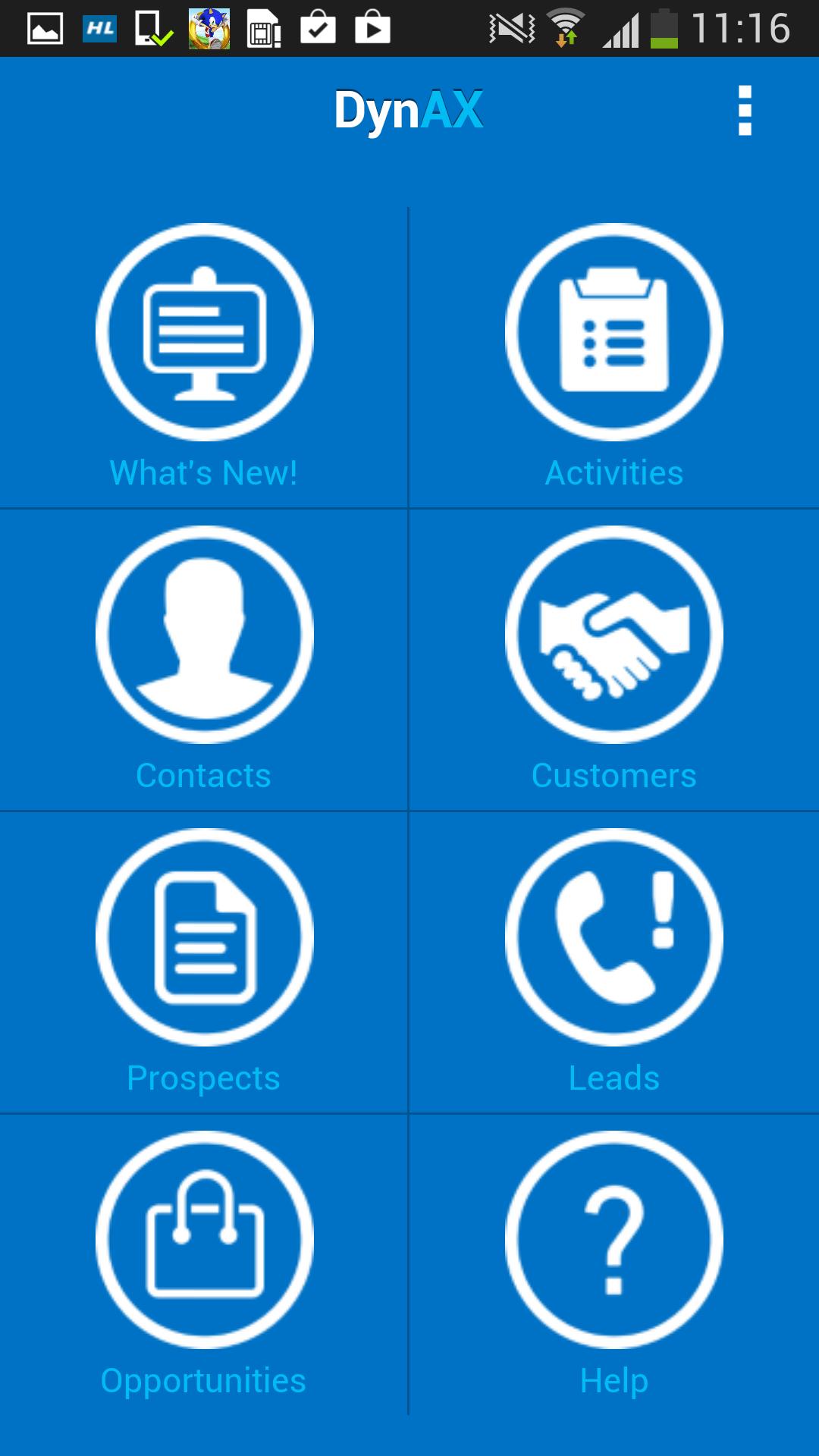
DynAX is a free enterprise mobile Dynamics AX CRM app for Android which completely covers the CRM features from Dynamics AX 2012 R2. It provides field sales and service professionals with secure access to their back-office Dynamics AX CRM data anytime, anywhere, on their Android smartphones. With on-the-go access to Dynamics AX CRM data, DynAX facilitates direct, person-to-person contact with customers. It also makes it easy for field sales and service professionals to follow up on marketing initiatives, sales leads and customer support queries.
Setting up DynAX with your Dynamics AX 2012 R2 server is super easy. We're utilizing a cloud based middle-ware to keep connectivity to Dynamics AX simple. We use standard AIF (Application Integration Framework) services to manage Dynamics AX data. So, you just need to provide the URLs of your Query and your Session Services and username.
Features:
- Super easy navigation and user experience.
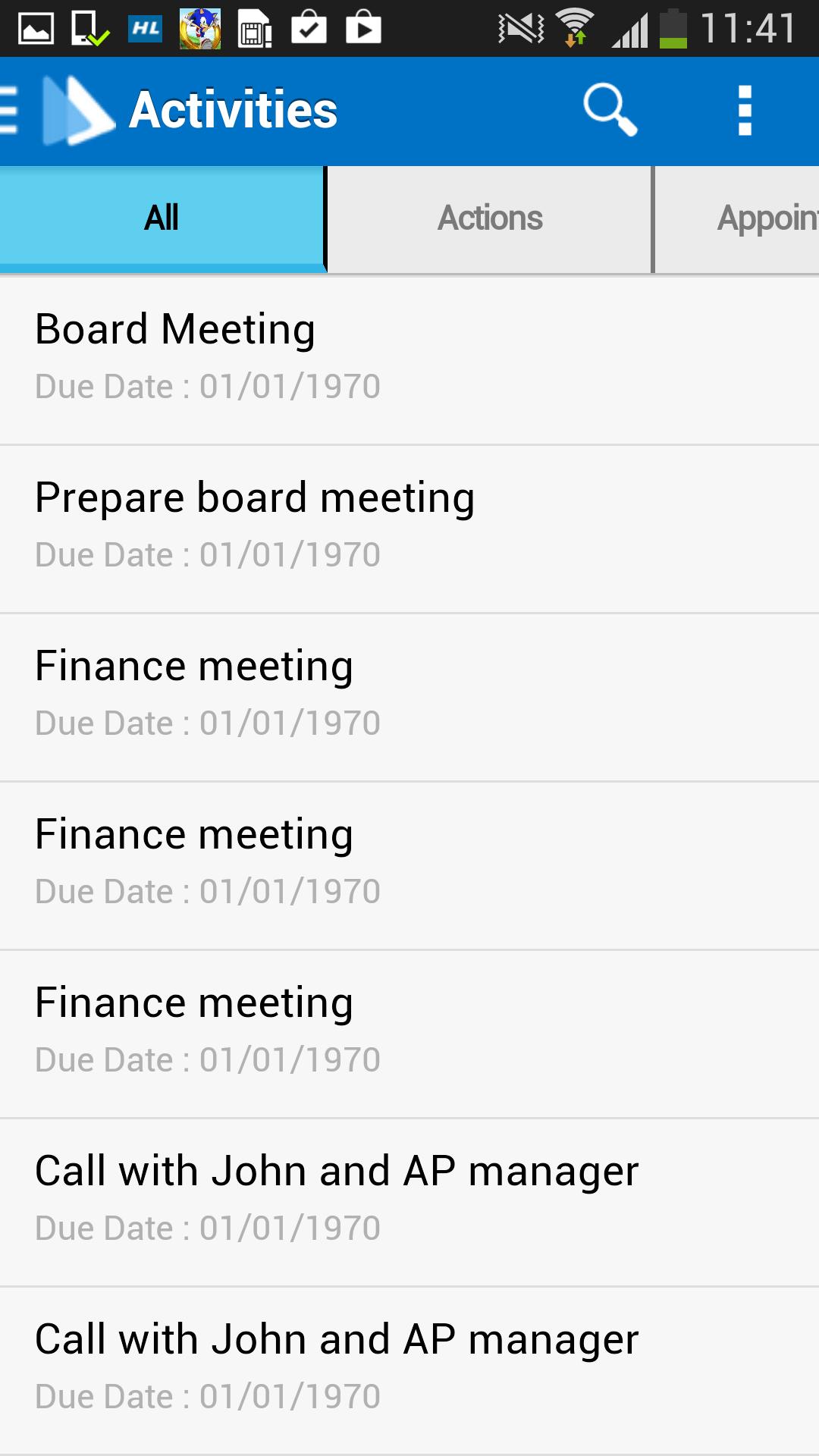
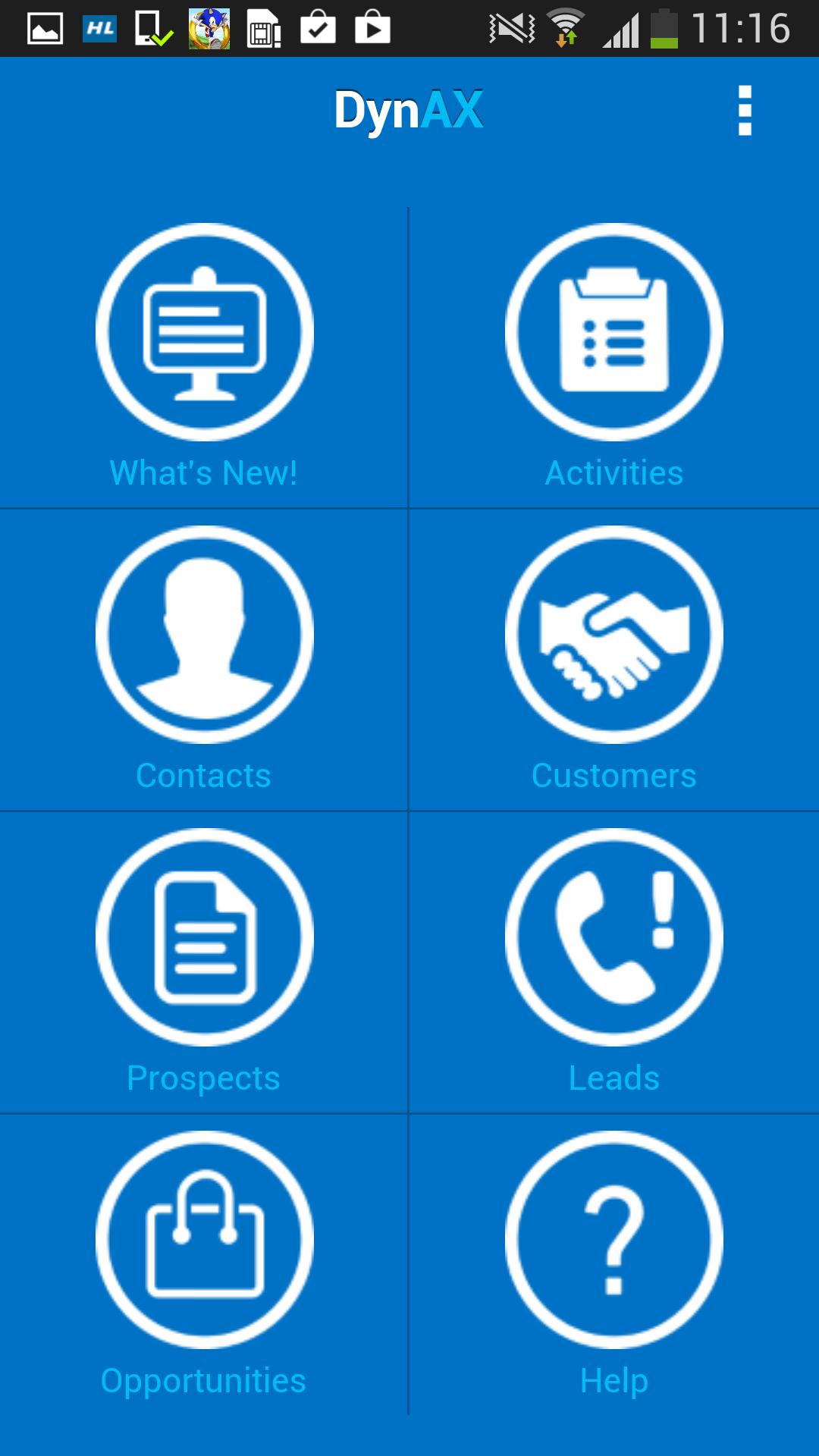
- See all the activities you need to perform including Actions, Appointments, Events and Tasks
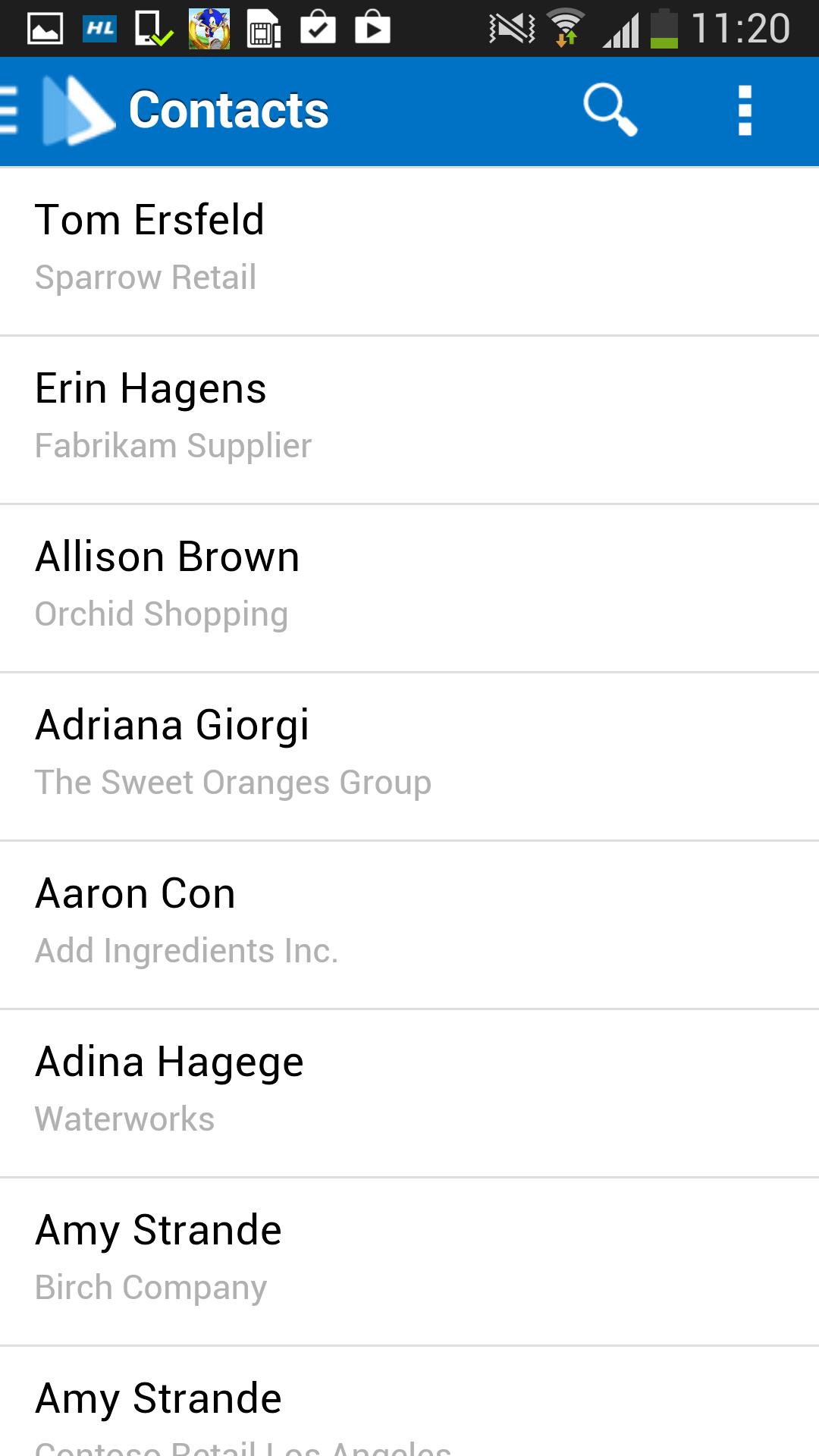
- Access Contacts, Leads, Prospects, Opportunities and Customers quickly with just few taps
- Access General Details, Addresses and Contact Info for all entities
- The What's New section gives you a quick peek at the latest updates since you last checked the app
- Real time search for filtering data in each list
- Easy connectivity with Dynamics AX 2012 R2.
**Data entry features to be available soon.**
Setup Instructions
1) Make sure your Query services and Session services are accessible from the location you're trying to use the DynAX app for Dynamics AX 2012 R2. See below for examples showing how these URLs look like
Query Service - net.tcp//:8201/DynamicsAx/Services/QueryService.
Session Service - net.tcp://:8201/DynamicsAx/Services/UserSessionService
2) Find a username (from your IT department or directly if you have access) that has the necessary privileges/permissions for accessing these services.
3) Enter this information in the 'Server Settings' screen of DynAX app
4) Log in with your Dynamics AX 2012 R2 account credentials.
For questions or queries please regarding the setup & usage of the DynAX app, please get in touch with us at [email protected].





 Download