

Official East Carolina Pirates Live Clock
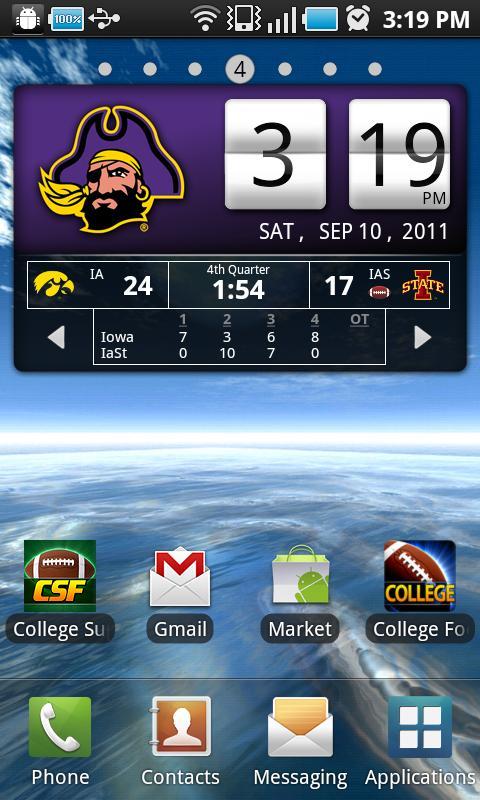
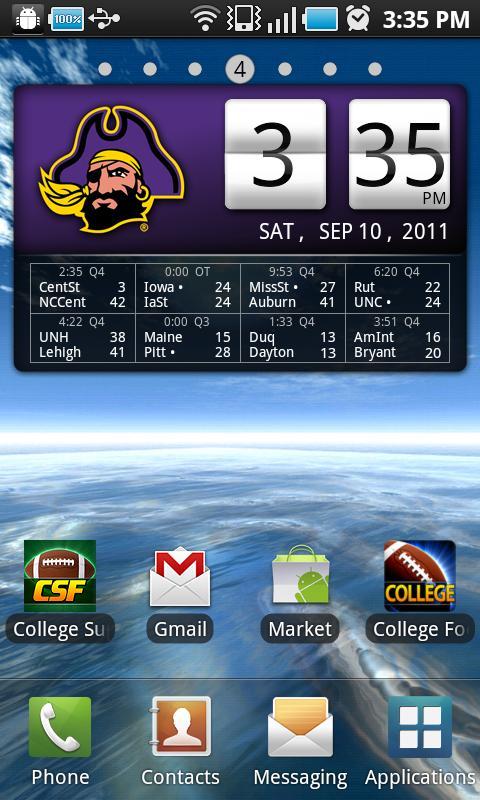
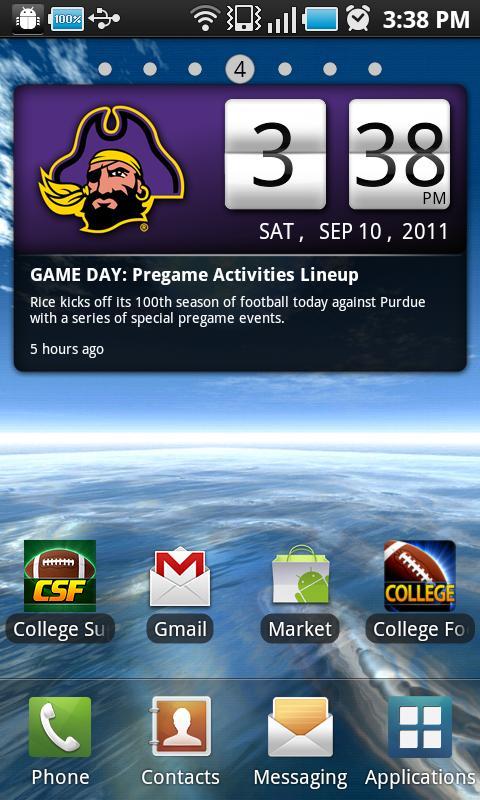
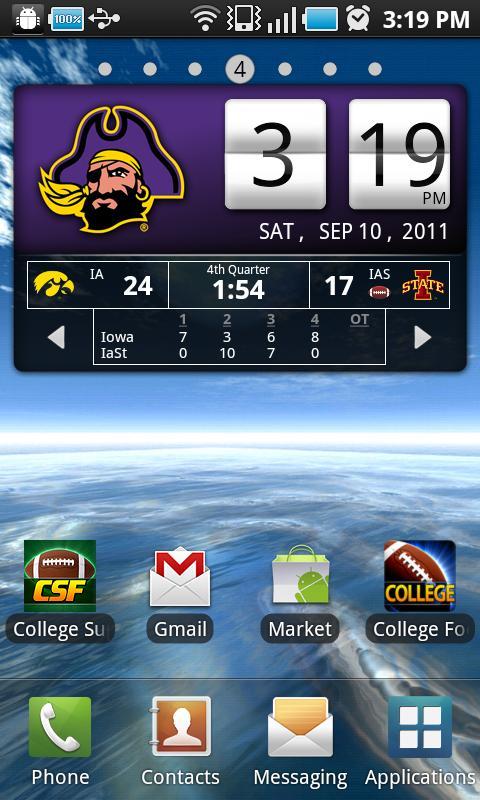
**7 Day Free Trial!** Official East Carolina Live Clock, with college football and basketball scores below the clock when games are in progress. This widget lets you replace the standard clock in your phone with a custom ECU clock, with instant access to scores, schedules and news (as well as other conferences). You don’t even need to open the app to see live scores—they appear automatically during live games. When no games are on, you’ll see the latest news headlines below the clock.
*Includes live scores for all regular season college football and basketball games, as well as Bowl Games, the NCAA College Football Playoff, conference tournaments and March Madness.
Subscription: This is an officially licensed product with royalties paid to East Carolina University. The $2.99 annual subscription is good for 12 months from date of purchase (after the free trial ends). If you don't like it, just cancel your subscription within 7 days and you won't be billed. To manage subscriptions, launch the Google Play Store app, then tap Menu > My Apps > Subscriptions.
*2014-2015 schedules and scores are in the clock. If you don't see them, please update your app!
- Includes 3 layouts: Flip Clock, Scoreboard & Analog. (Scoreboard does not appear on the clock face with Analog, but you can still tap for scores).
- Tap the widget to see detailed scoreboard, schedule and news by conference
- With the widget open, tap the conference name to view other conference schedules, or tap the week number to view schedules for different weeks.
- Scoreboard will appear below the clock when games are on. In landscape mode, scores appear beside the clock.
- We don’t have room to show every game below the clock. To see more games, just tap the clock and select the Scores tab.
- To see other apps & widgets for other teams, tap “More by Smartphones Technologies, Inc.”
INSTALLATION INSTRUCTIONS: This clock is a widget, not an app. To add the clock to your home screen, follow the installation instructions below:
OS 3.0 versions: After downloading: (1) go to Menu > Notifications to install; (2) tap and hold on your home screen and select Widgets to add it to your phone. Tap the widget to see the latest conference schedule, news or scores, or to change user options.
OS 4.0 and above: On your Home Screen, go to Apps > Widgets, then swipe over until you see your clock widget. Then tap and hold to drag it to the selected location on your home screen. If it doesn't work, make sure you have enough available space (you may need to move other icons). The space required is 4 wide x 2 high.
Time Zones: Schedule times are displayed based on the time zone set on your phone. When you change time zones, the scheduled times displayed in the widget will automatically adjust.
A Note on Live Scores: The scores on your clock will always be slightly behind the actual game time. Unfortunately, we can’t change the laws of physics. It takes a few seconds to enter the scores into the computer, go out to the server, come back to our server, and finally out to your phone. If you’re already watching the game live, just enjoy the game!
Warning: If you’re using a task killer, make sure you add the schedule widget to the exceptions list or it will kill the schedule updates.





 Download