

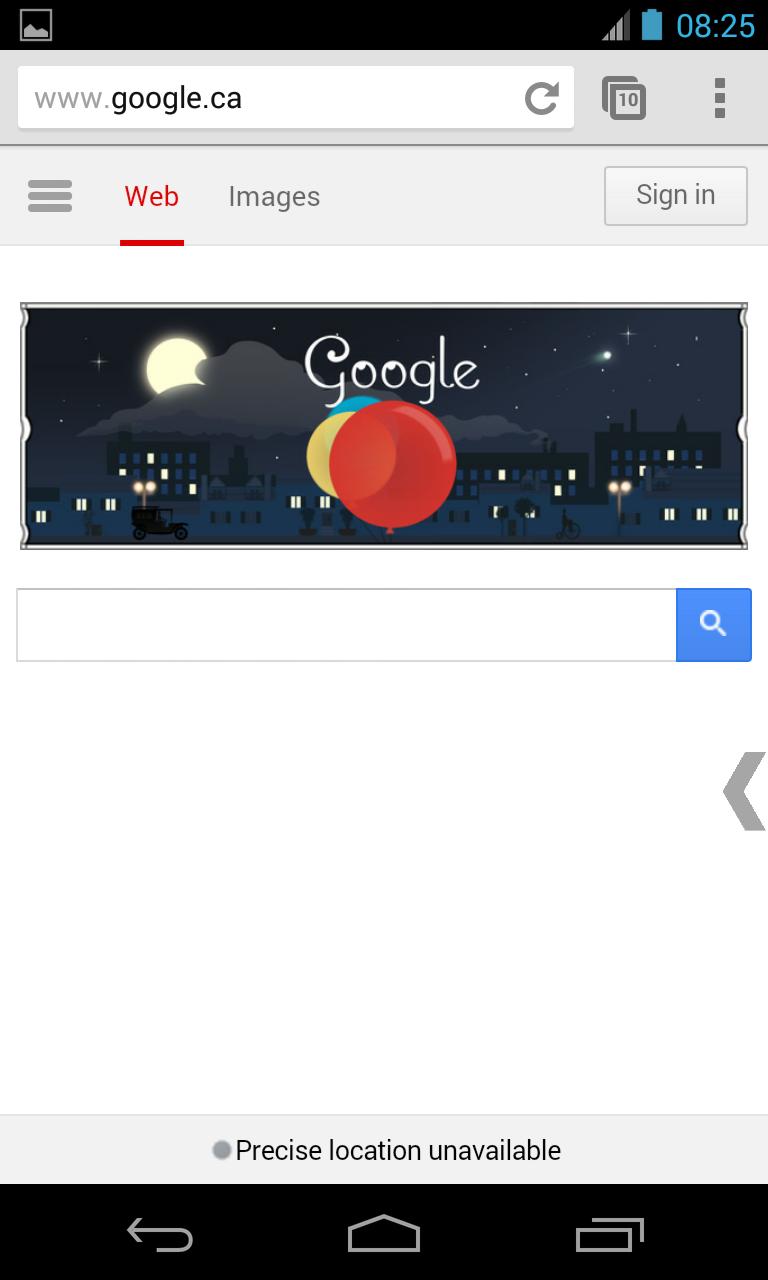
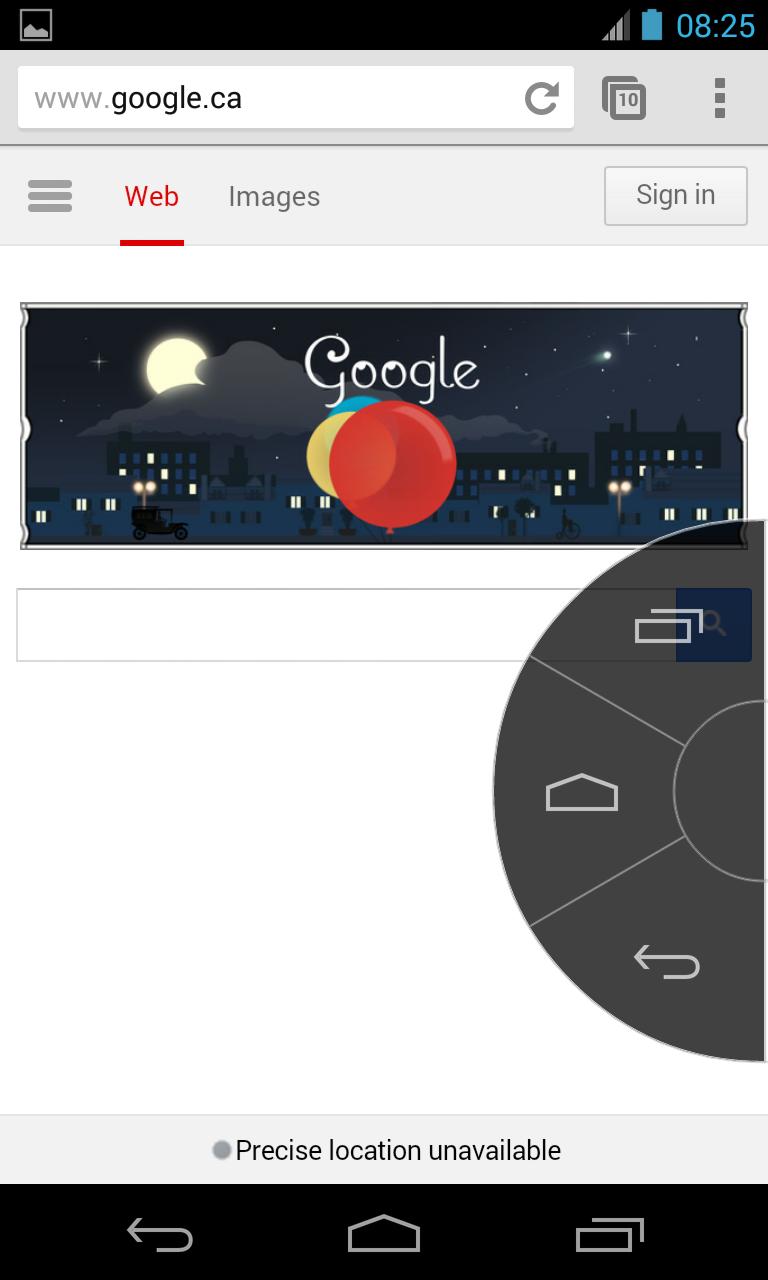
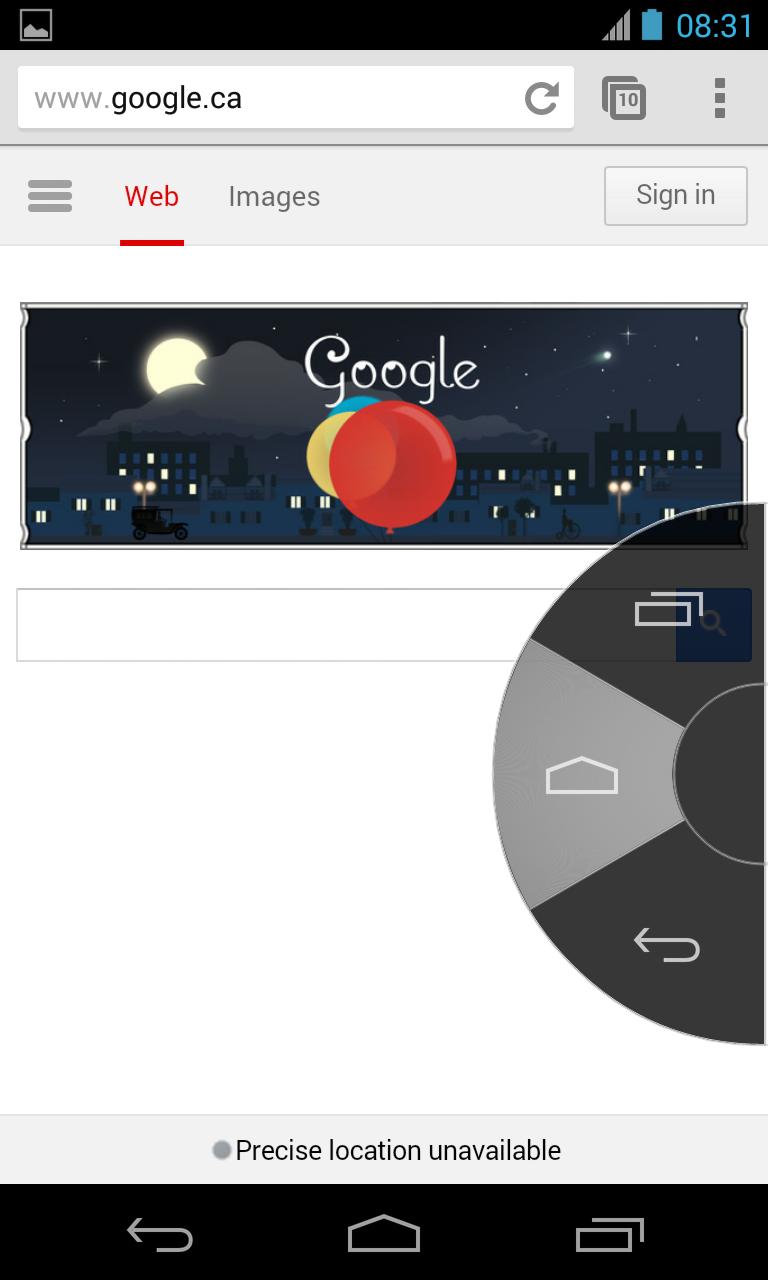
Highly-configurable soft keys simulating navigation buttons: Back, Home & Recent
This app provides Handy Soft Keys that simulate the three navigation buttons: Back, Home and Recent. It is easy to use and requires very low permission. It automatically starts when the device boots up and runs in the background.
The app consists of Trigger Spot and Pie Controls that shows up when Trigger Spot is pressed. Both of them are able to fade off automatically when you do not need it. It can be easily placed anywhere along the edges of the screen by drag and drop. The location of Trigger Spot can be set for landscape and portrait orientations respectively.
Configuration is available since version 2.0 where you are able to customize size, color and some behaviour to suit your needs.
This app uses Accessibility services.
Requirements:
- Android 4.1.2 or above.
How to use it:
1) Download and install the app.
2) Navigate to phone Settings, select Accessibility under SYSTEM section;
3) On the Accessibility setting page, select Handy Soft Keys under SERVICES section;
4) Switch the toggle to ON to enable the service for the app;
5) Start the app by App drawer icon or restart the device. The trigger spot will show up in the middle of the right edge on the screen; it will fade off in seconds. Tap on the screen or rotate the device and it will appear again;
6) Touch the Trigger Spot, and the Pie Controls will show up just around your finger. Slide your finger to one of the three navigation icons and release.
7) To change the location of the app, press and hold the Trigger Spot until the device vibrates and then move it wherever you want by drag and drop;
8) Double click the centre of Pie Controls to bring up the Settings interface that includes two groups of parameters for Trigger Spot and Pie Controls respectively. Some parameters are intuitive. Below list are some useful scenarios that can be achieved via Settings. Please remember to press the “Save” button if you want to keep the changes.
8.1) Change colors: click the sample color to bring up the Color Picker dialog where you can select your favorite color and then click OK button to confirm the selection. Then the sample color is changed to the color you selected. After selecting a color for Trigger Spot, it is easy to set the same color for Pie Controls by clicking link “Sync from Trigger Spot”, or vise versa.
8.2) Set transparency to 0% [invisible] to hide the Trigger Spot and it won’t show up unless its set location is touched, albeit it will show up when rotating your device.
8.3) Pie Controls disappears right after one of the three navigation buttons is released. But for the Back key, you may want to use it several times to go back a couple of pages when you surf a website. If so, check “Keep up as normal”.
8.4) Pie Controls can stay on the screen permanently when the screen is big enough so you don’t have to tough Trigger Spot first.
8.5) After finding a suitable location for the app on your screen, you can disable re-location function temporarily. Enable it when you want to move it again.
Limitations:
- The app does not include Menu/Option key.
How to uninstall the app:
This app can be easily removed from your device completely by following steps:
1) Go to Settings;
2) Click Apps;
3) Locate Handy Soft Keys in the DOWNLOADED list and click it;
4) On the App info page, click "Uninstall" button and then select "OK"










 Download