• Home
  • Game
    Action Simulation RPG Sports Casual Cards Music Puzzle Shooting Romance
  • Apps
    Business Social Lifestyle Shopping Tools Travel Finance Education News Health
  • Blogs

English 中文(简体) 中文(繁体) 한국어 日本語 Português Español Русский العربية Indonesia Deutsch Français ภาษาไทย
Home Apps Tools IC Weather Widget - Black
IC Weather Widget - Black

IC Weather Widget - Black

1
2
3
4
5
Download
  • Version 1.2
  • Category Tools
  • Package Name com.iczone.icsomething.widget.black
  • Update Time July 8, 2025
  • Size 1.77MB
About this app

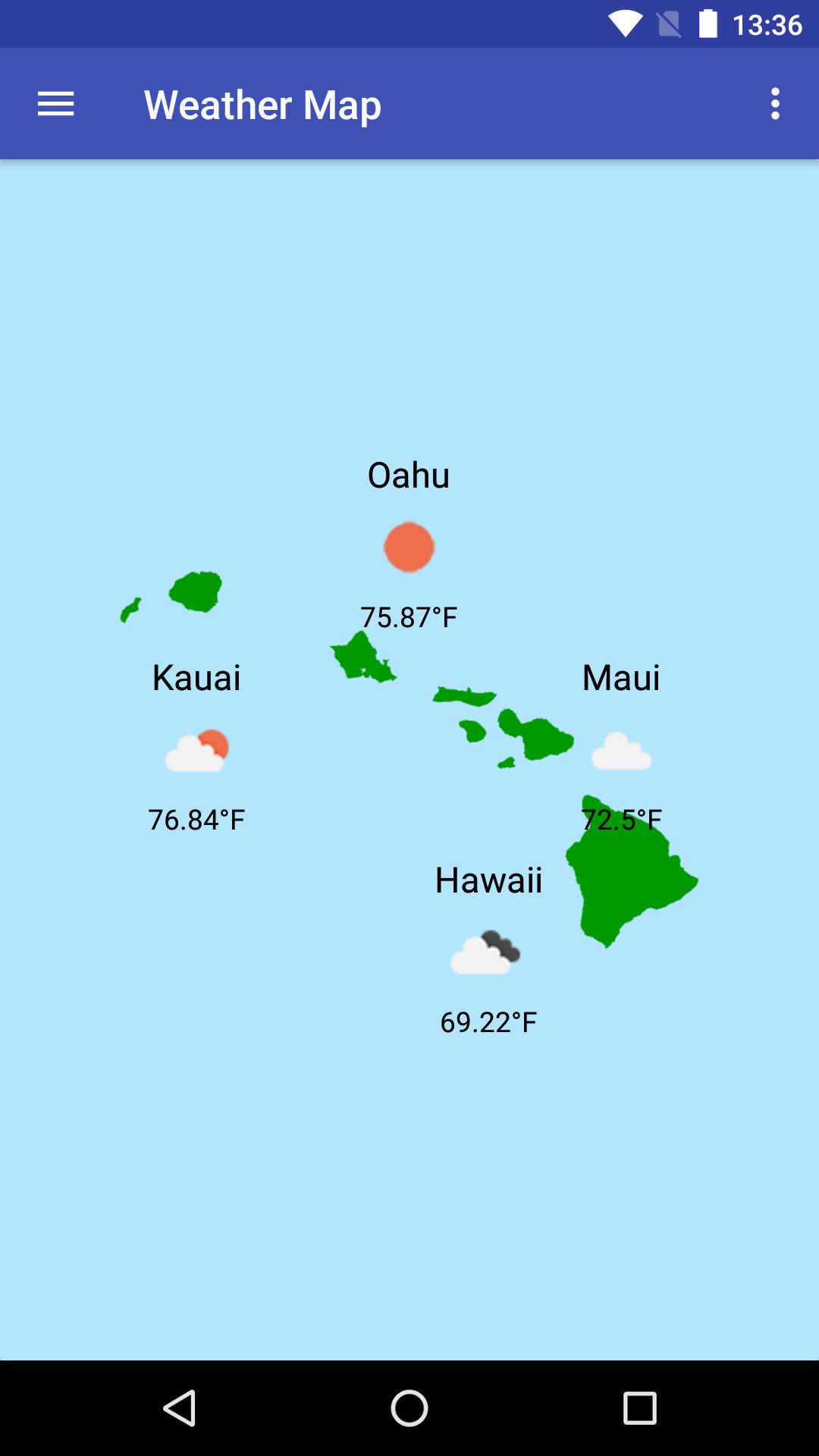
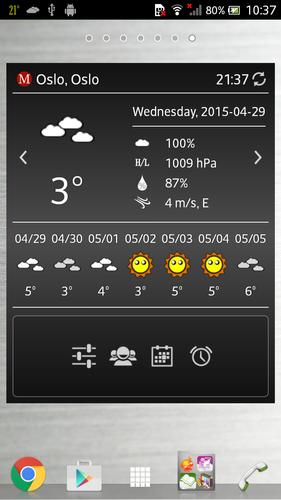
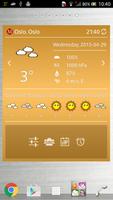
Resizable widget with highly customizable features. Customize your shortcuts now

This is IC Weather Pro widget plugin, you need to purchase IC Weather Pro before installing it.

*** NOTE:

Please install the main program before installing the plug-in. In the wrong order may cause the installation to fail.

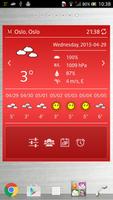
Resizable widget allows you to switch the size between 2X2, 4X2, 4X3 and 4X4. With this highly customizable widget, you can set the color and font size as you like and customize up to four shortcuts. Moreover, it is also permitted to use the world time or local time.

- Multilingual interface:

English, 繁中, 简中, 日本語, 한국어, Deutsch, Français, Italiano, Polski, Ελληνικά, Русский, العربية, Українська, Română, हिन्दी, Türkçe, Nederlands, Hrvatski, Español, Čeština, Suomi, Български, Português, Svenska, Tiếng Việt, Magyar, Slovenčina, Norsk, Dansk, Српски, Català, Lietuvių, Latviešu, Eesti, Indonesia, ภาษาไทย, Қазақша, Íslenska, اردو, Azərbaycanca, ქართული, עברית, Khmer, IsiZulu, Lao, Shqip, বাংলা

*** You need to install the latest version of IC Weather Pro (1.4 and above)

Free version is also available as below:

- IC Weather

- Widget plugin

How to add widgets to your Home Screen?

1. Install IC Weather Pro 1.4 and above

2. Install IC Weather Widget - Black

3. Long press on an empty space of any home screen

4. Select a widget you wish to add

5. Make sure this is added into the whitelist of memory cleaning app

6. Enable auto update

***Please note:

If you clear data from application manager, please remove widget from Home Screen and restart from step 3. (It lost basic settings and will cause unpredictable errors)

Visit our website:

- http://www.icsuntime.com

- More APP: Please search IC Weather in Google Play

- Requirements: Android 4.0 and above

Android is a trademark of Google Inc.

What's New in the Latest Version 1.2

Last updated on Sep 8, 2015 Bug fixes
Download(1.77MB)
Users also viewed
  • Green Glow GO Locker Theme

    Green Glow GO Locker Theme

    1.0 January 16, 2026
  • Photo Jesus Live Wallpaper

    Photo Jesus Live Wallpaper

    1.02 January 15, 2026
  • 4K Video Live Wallpapers

    4K Video Live Wallpapers

    1.1.9 January 15, 2026
  • SD card cleanup tool

    SD card cleanup tool

    3.0.3 January 14, 2026
  • Zen Garden -Fall- LW

    Zen Garden -Fall- LW

    2.4 January 14, 2026
  • Craft Your Landscape

    Craft Your Landscape

    1.2.6 January 13, 2026
  • dCrawl

    dCrawl

    1.0 January 13, 2026
  • Permission Master

    Permission Master

    1.114 January 13, 2026
  • Brightest Torch Light - Flash

    Brightest Torch Light - Flash

    1.6.6 January 13, 2026
  • Simple XML Viewer

    Simple XML Viewer

    1.0 January 13, 2026
  • Hagel App

    Hagel App

    2.3.14 January 12, 2026
  • WebView Developer Browser

    WebView Developer Browser

    1.2 January 11, 2026
  • [test]screen touch

    [test]screen touch

    1.0 January 11, 2026
  • MNW Weather

    MNW Weather

    2.0 January 11, 2026
  • App Installer Manager

    App Installer Manager

    1.1 January 11, 2026
About Privacy Policy Terms of Service Cooking Policy

© Copyright 2017-2026 downzk.com