

Pro Remote Desktop. Access & Control a Remote Computer from Your Android Device
Connect to any Windows, Mac, or Linux computer to provide efficient technical assistance from your Android device. Access your computers even behind a firewall and control the keyboard and mouse remotely. Or vice-versa, connect to a remote Android mobile device* to see its screen and have full control of it from your computer running on Windows, Mac or Linux.
Remote Support:
- Provide efficient technical assistance over the Internet.
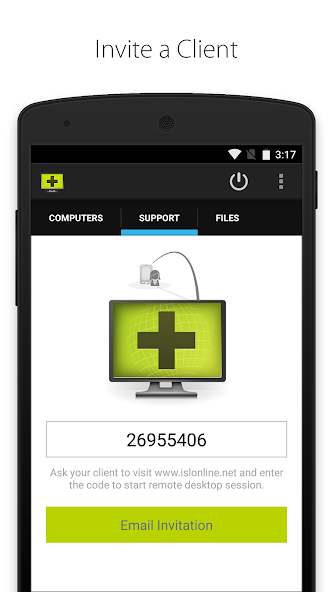
- Connect with your client by using a unique session code. To start a new session, you need a valid ISL Online account.
- Join an existing remote desktop session. You don't need an ISL Online account to do it.
- Chat with your client during the session.
- Email an invitation with a link for a fast remote session start.
- Connect to an Android-powered mobile device* from your computer to troubleshoot problems, setup the device or manage the data.
Remote Access:
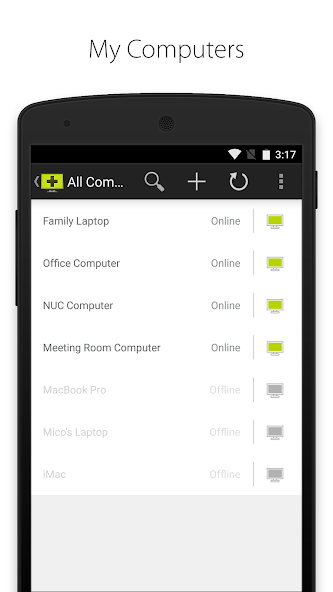
- Access remote computers even if unattended.
- Add access to your computer by installing the ISL AlwaysOn application and configuring remote access to that computer. In order to access your remote computers, you need a valid ISL Online account.
- Share files on your computer with ISL AlwaysOn and access them from your Android phone or tablet without accessing the remote desktop. No need to upload your files to the cloud!
- Tick the box “Remember the password” and get faster access to your remote computers.
Features (Remote Support & Access):
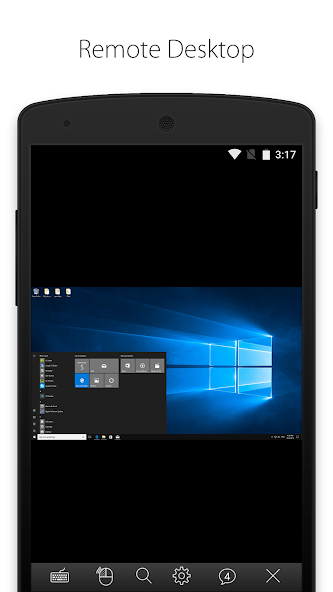
- Access remote desktop from Android device.
- Connect to a remote computer even behind a firewall. No need for configuration.
- View a remote screen.
- Support multiple monitors.
- Screen resolution adjusted automatically.
- Choose between high speed and best quality desktop sharing.
- Remotely control keyboard and mouse.
- Use special keys such as Ctrl, Alt, Windows and function keys.
- Send Ctrl+Alt+Del to a remote computer.
- Switch between the left and right mouse click.
- Reboot a remote computer and resume the session.
- ISSC Turbo Desktop Sharing.
- Secure remote desktop encrypted by symmetrical AES 256 Bit SSL.
*Mobile Remote Support:
- It is possible to view the screen of ANY Android mobile phone or tablet through automated real-time screenshot sharing.
- Live screen sharing is available for all Android devices running version 5.0 and up (using Android's MediaProjection API).
- Full remote control is available on Samsung devices running Android 4.2.2 or newer and all rooted Android devices.
Important notice for Samsung device users:
- “This app uses the Device Administrator permission.”
- Samsung KNOX needs to be enabled to allow a remote control of your Samsung mobile device. We will use administrative permission (BIND_DEVICE_ADMIN) to enable Samsung KNOX and it will be used during the remote support session only. You will be able to revoke the administrative permission once the remote support session ends.
- If you do not enable Samsung KNOX you will still be able to share your screen using Android's MediaProjection API but a remote user will not be able to control your mobile device during the support session.
- You can revoke administrative permission anytime in Android device settings (Settings->More->Security->Device Administrators).
- Make sure to revoke administrative permission before uninstalling this app.
Important notice for unattended access functionality:
Application uses USE_FULL_SCREEN_INTENT permission which is required to run the service which enables the users the use of the new core functionality - unattended access.
The permission is crucial for the intended functionality to operate and allow unattended remote access to the device.

 Download