

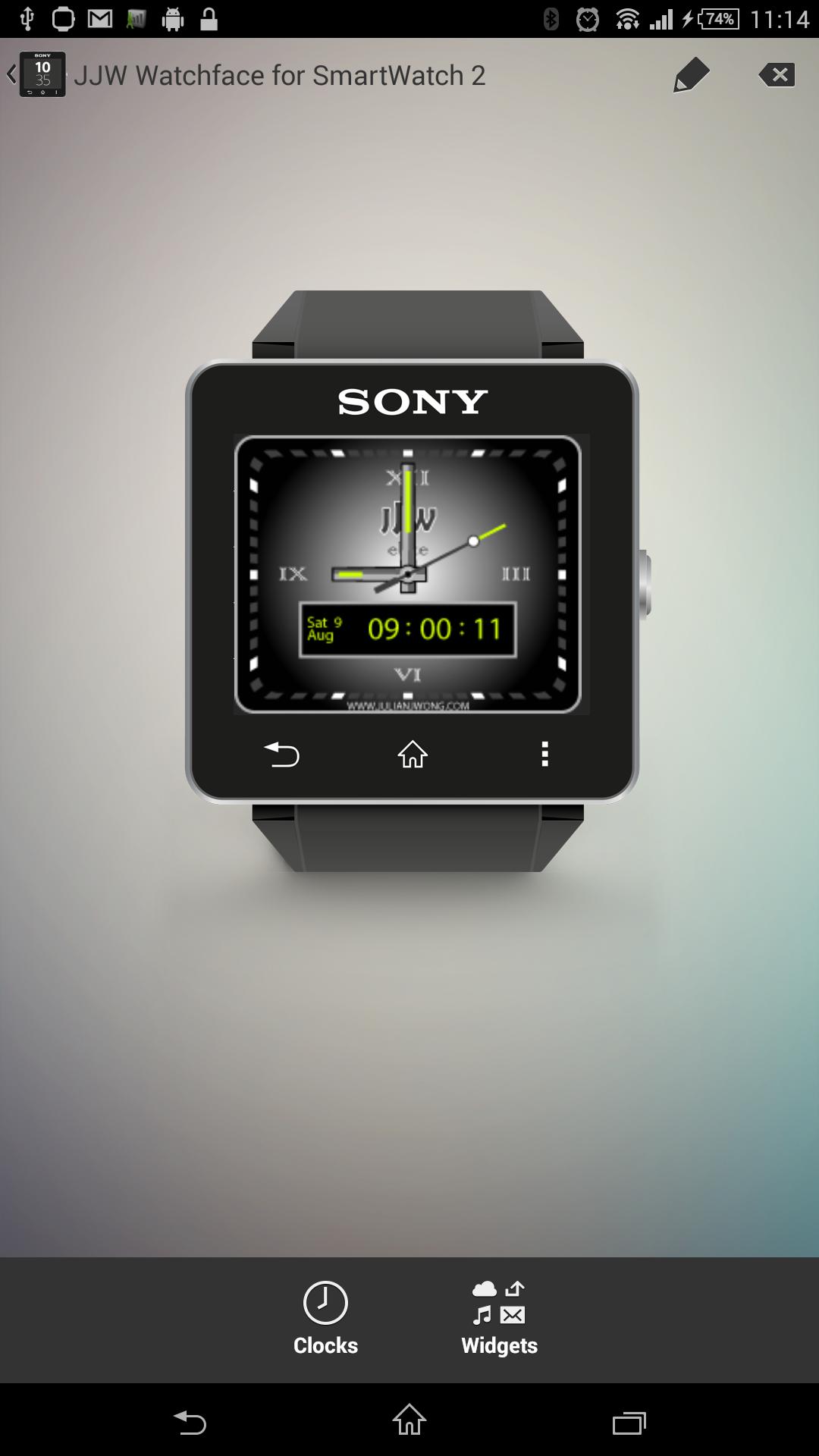
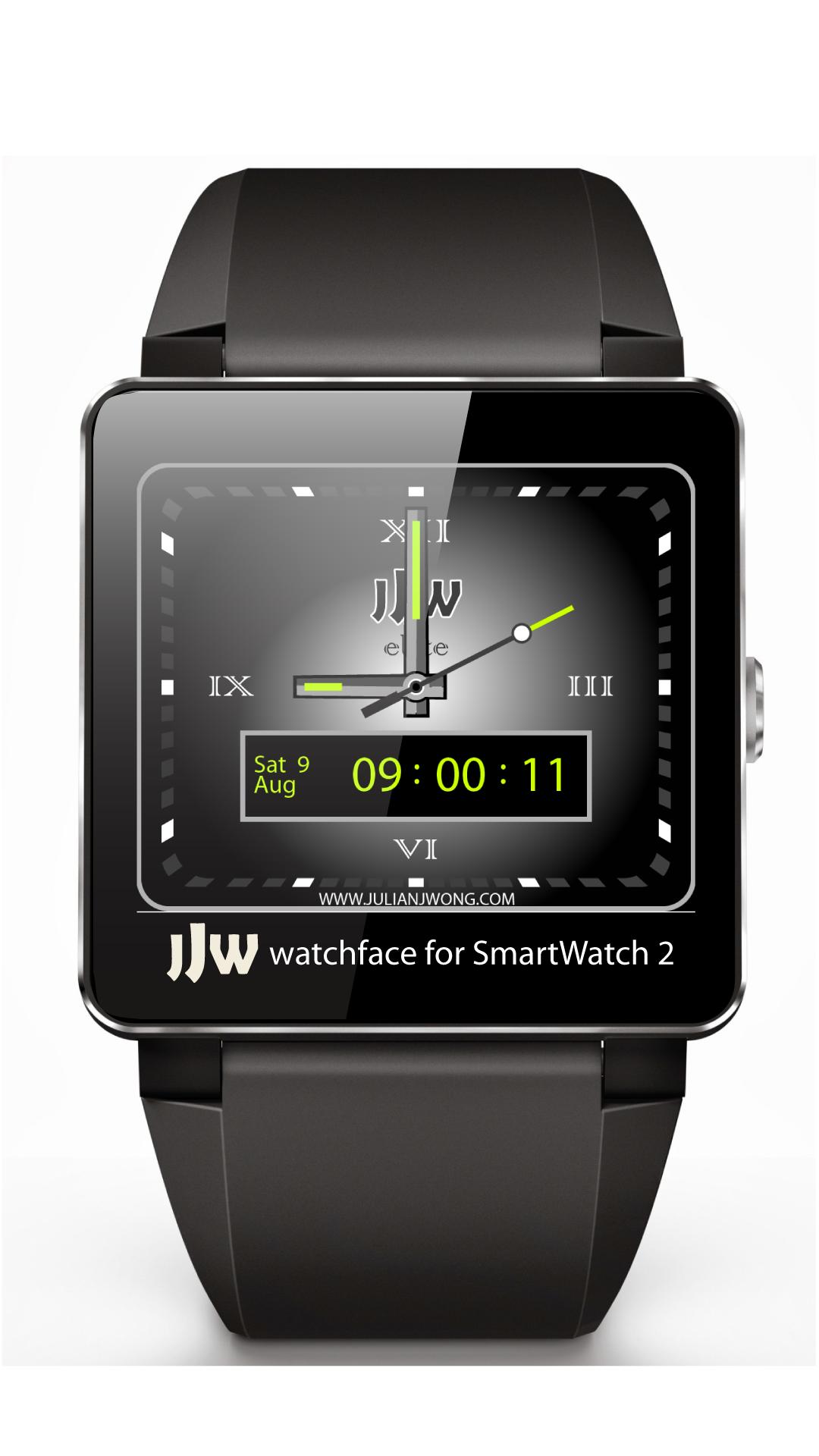
JJW Elite Black FREE Celebrating the best watchface for Sony(TM) SmartWatch 2
-- UPDATE! Sony have released a new SmartWatch 2 update on 14 January 2015 which FIXES the bugs introduced with the December update. The time and date should now display correctly on all JJW Watchfaces. Thanks for your patience and continued support! --
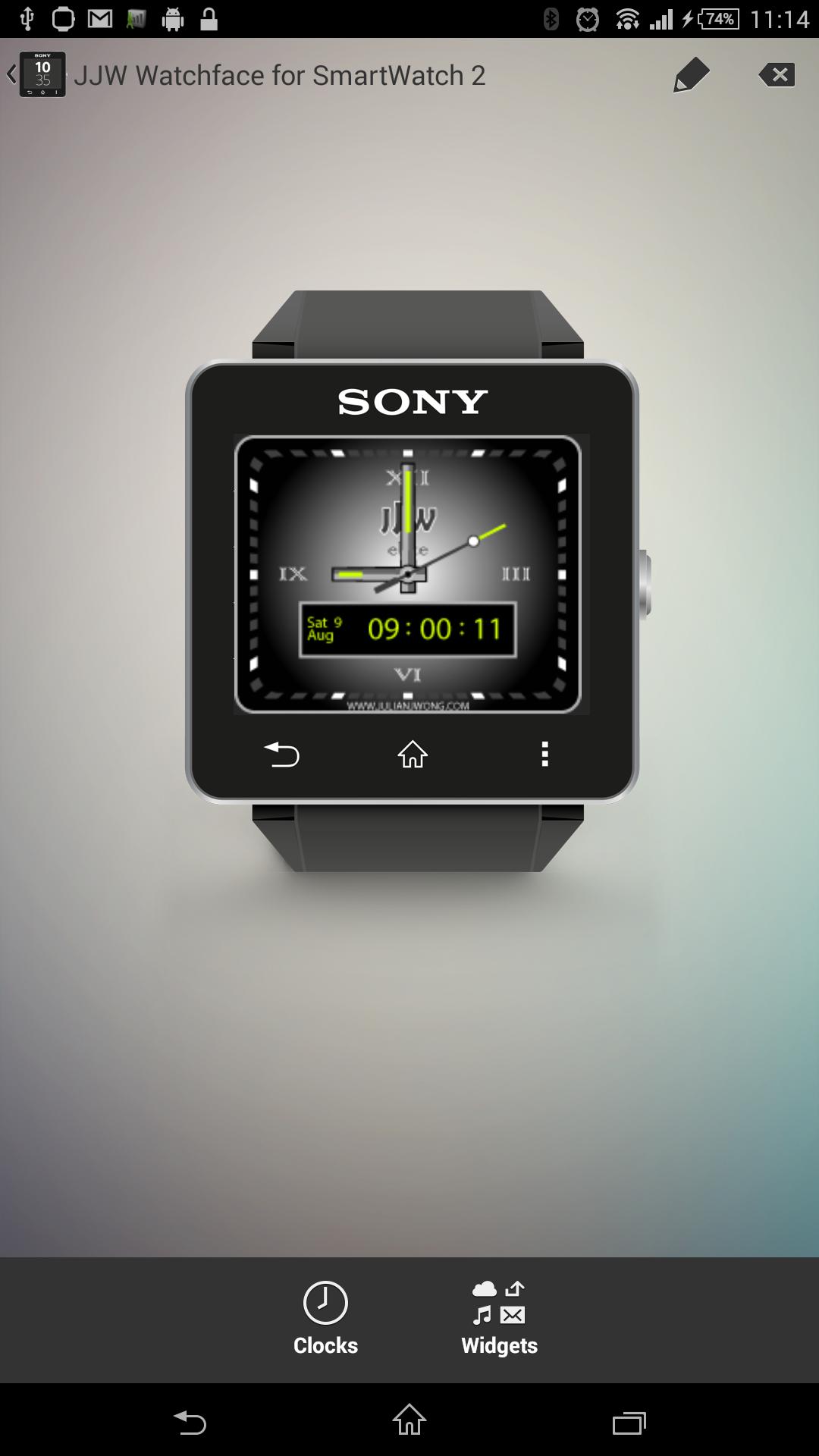
Thanks to everyone's votes, the JJW Elite Black has been voted as the favourite watchface for the Sony(TM) SmartWatch 2. To celebrate this event, I have released a FREE version of the JJW Elite Black Watchface - an original JJW watchface for the Sony(TM) SmartWatch 2. This watchface brings dual-format time and ELITE STATUS to your wrist! Features dual analogue and digital time displays with date, day of the week and month. The free version includes a small reference to my website www.julianjwong.com at the bottom of the watchface as a reminder where to find other awesome watchfaces if you're looking for a change.
Like Us on Facebook! https://www.facebook.com/JJWwatchfaces
Be sure to checkout my other watchface creations for the Sony(TM) SmartWatch 2 and if you like this watchface, please consider giving me a good rating as it inspires me to come up with even better designs!
Note: This is a native watchface/clock for the Sony(TM) SmartWatch 2 and works in active and low power mode to save your watch's battery. By using this watchface you should still continue to get the 3-5 day battery life from your watch unlike other 'pseudo-watchface apps' which chew through your battery.
Installation instructions:
1. Download app via Google Play
2. Click the 'SmartWatch 2' notification in the notifications bar to open the SmartWatch 2 configuration app
3. Click 'Edit watch faces' button
4. Create a new watchface or edit an existing one
5. Click 'Clocks'
6. Choose the new watchface from the list of watchfaces
7. Enjoy!
Further detailed instructions can be found on Sony's blog here: http://blogs.sonymobile.com/2014/04/22/smartwatch-2-400-apps-new-styles-and-new-features/
Please send me an email if you have troubles getting it to install and I'll do my best to help.
Troubleshooting (watchface doesn't display or show up in the list of clocks after installing it from Google Play):
1. Turn off your watch and turn it back on
2. Turn off your phone and turn it back on
3. Turn off bluetooth on your phone and turn it back on
4. Create a new watchface template and see if you can add the new watchface.
If this fails, you may need to take further steps. Continue to follow the steps below:
5. Uninstall the Sony(TM) Smart Connect app
6. Un-pair your SmartWatch with your phone
7. Reinstall the Sony(TM) Smart Connect app
8. Re-pair your SmartWatch with your phone
9. Follow steps 1-4 again.
Thanks goes to Naheel from XDA forums for providing the guide on how to make custom watchfaces.
Smart Connect extension for SmartWatch 2
Smart extension for SmartWatch 2 clocks
LiveWare extension for SmartWatch 2
Sony and the Sony logo are trademarks or registered trademarks of Sony Corporation.
This app is in no way associated with, endorsed by, or affiliated with, SONY or Sony Mobile.







 Download