• Home
  • Game
    Action Simulation RPG Sports Casual Cards Music Puzzle Shooting Romance
  • Apps
    Business Social Lifestyle Shopping Tools Travel Finance Education News Health
  • Blogs

English 中文(简体) 中文(繁体) 한국어 日本語 Português Español Русский العربية Indonesia Deutsch Français ภาษาไทย
Home Apps Tools KMLViewer
KMLViewer

KMLViewer

1
2
3
4
5
Download
  • Version 1.0.0
  • Category Tools
  • Package Name com.ohc.kmlviewer
  • Update Time November 12, 2025
  • Size 194.27KB
About this app

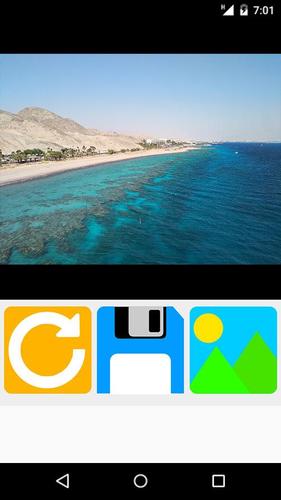
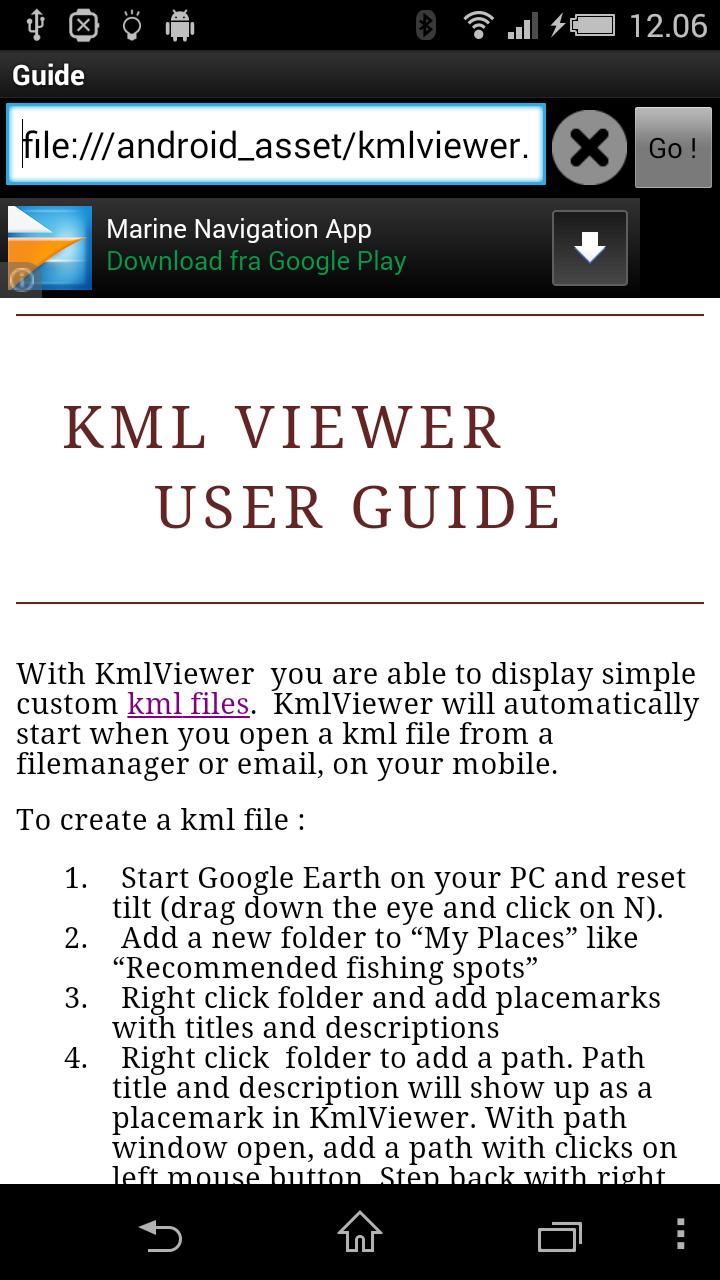
Watch a simple KML file generated by Google Earth

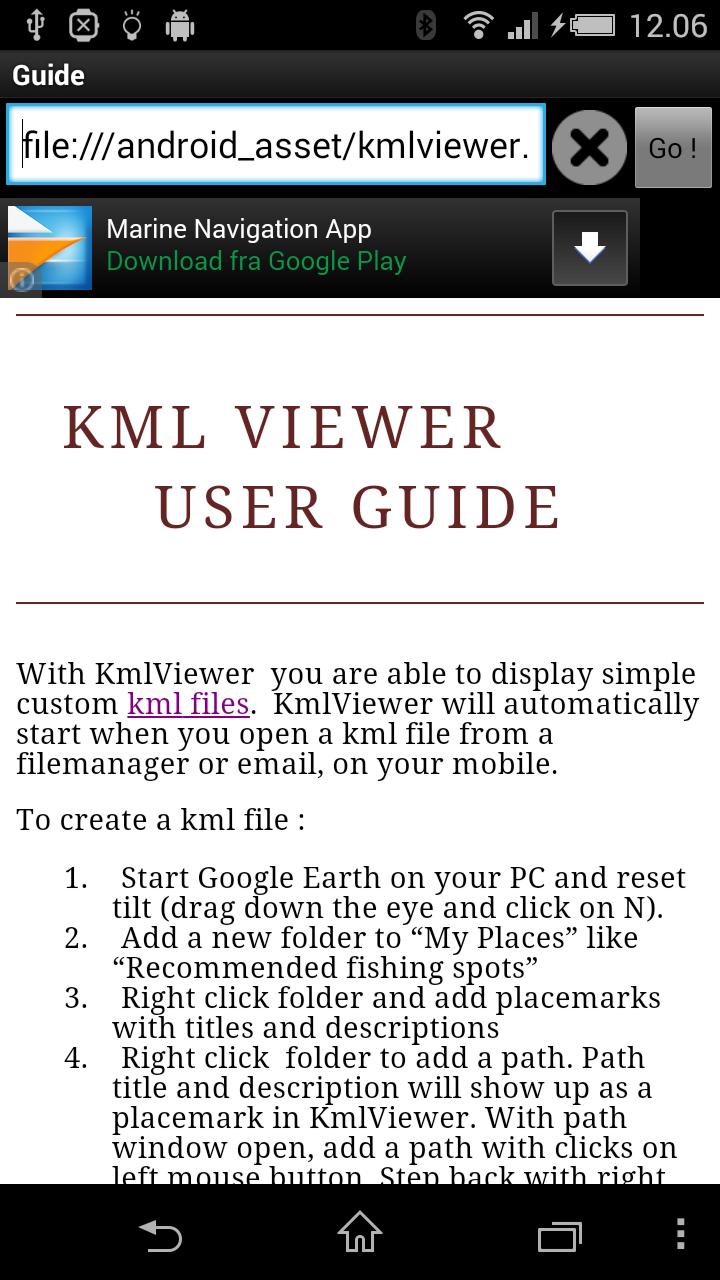
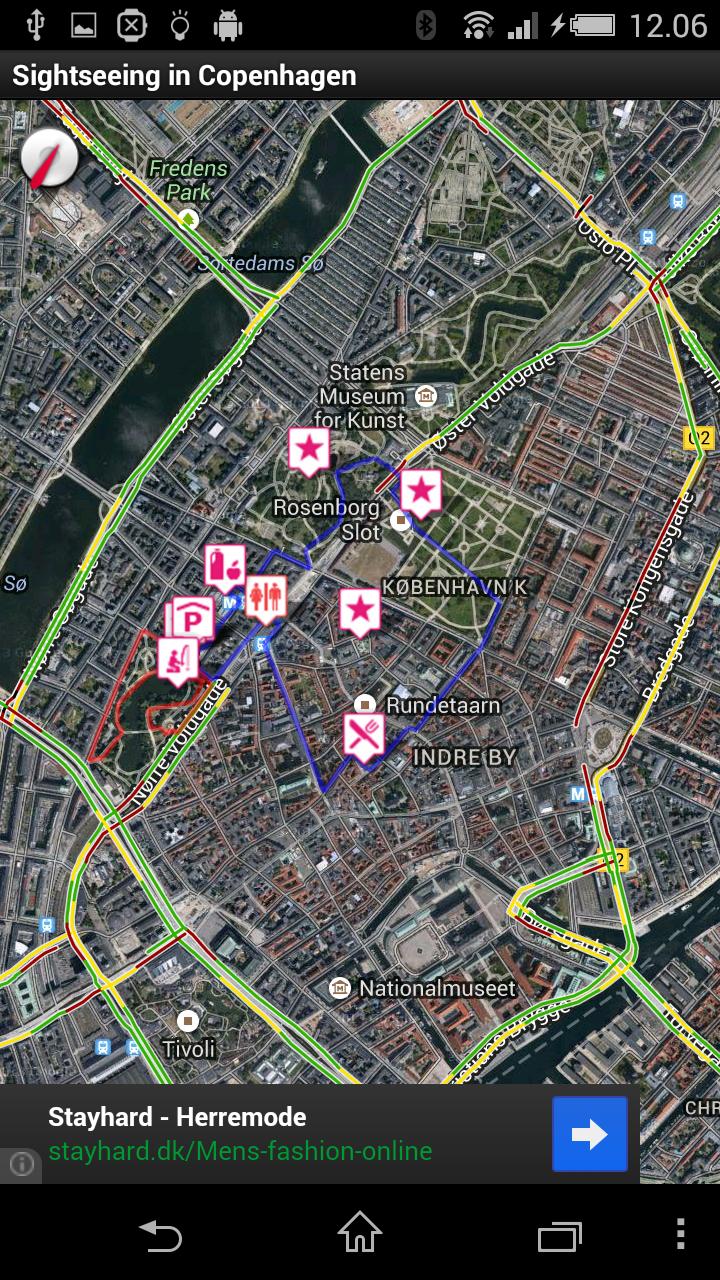
With KMLViewer for Android mobiles you are able to display simple custom kml files from file manager or sent in mails. Online files ending on ".kml" and opened in KMLViewer will be shown on Google maps.

To create a KML file :

1. Start Google Earth on your PC

Reset tilt by dragging down the "eye" and click on "N"

2. Add a new folder to “My Places” like “Recommended fishing spots”

3. Right click folder and add placemarks with titles and descriptions

4. Right click folder to add a path. Path title and description will show up as a placemark. With path window open, add a path with clicks on left mouse button. Step back with right mouse button. Navigate on map with arrow keys. When done click OK.

5. Right click folder and “Save as *.kml” (kmz is not supported)

6. Send this kml file in a mail to your friends or upload it to a server.

Use KMLViewer to view your file. Click on icons (poi’s) to read embedded text.

KMLViewer supports the following tags in descriptions :

"<title=?>" If included in description a title is given to the display header.

"<center>" This placemark is used as a center for the map

"<zoomlevel=xx>" zoomlevel for map (e.g. 15)

"<icon=icontype>" where icontype is one of following :

- parking

- restaurant

- fishing

- toilet

- grocery

- info (default )

Example (placemark adjusting center of map and zoomlevel, in addition to indicating a fishing spot) :

"<center><icon=fishing><zoomlevel=12>"This placemark indicates an excellent fishing spot !

For paths its possible to select color, for example :

"<color=red>"

All tags are removed from description before showing.
What's New in the Latest Version 1.0.0

Last updated on Oct 30, 2015 - Multiple paths with custom colors now supported
- Minor updates
Download(194.27KB)
Users also viewed
  • Ground Dragon Waterfall Trial

    Ground Dragon Waterfall Trial

    2.5.0 November 30, 2025
  • Free weather forecast app& widget .

    Free weather forecast app& widget .

    16.6.0.6270_50153 November 30, 2025
  • Kenny the Kleener

    Kenny the Kleener

    1.0.2 November 30, 2025
  • Living Room Ideas

    Living Room Ideas

    2.5.0 November 30, 2025
  • First Call VIN Scanner

    First Call VIN Scanner

    1.1 November 30, 2025
  • Wiz

    Wiz

    1.0.1 November 29, 2025
  • Mobile Sword

    Mobile Sword

    2.0 November 29, 2025
  • Next Sword 3D Live Wallpaper

    Next Sword 3D Live Wallpaper

    1.02 November 28, 2025
  • TSF CubeClock Widget

    TSF CubeClock Widget

    1.3 November 28, 2025
  • V-TAC Smart Home

    V-TAC Smart Home

    4.0.0 November 28, 2025
  • Desktop Weather Widget Clock

    Desktop Weather Widget Clock

    1.0.0 November 28, 2025
  • KX Weather

    KX Weather

    4.4.300 November 28, 2025
  • Pronet Mobil Panik Butonu

    Pronet Mobil Panik Butonu

    3.0.5 November 28, 2025
  • Weather Clock Widget & Day Night wallpaper

    Weather Clock Widget & Day Night wallpaper

    1.2 November 28, 2025
  • GO Keyboard Flat

    GO Keyboard Flat

    1.3 November 27, 2025
About Privacy Policy Terms of Service Cooking Policy

© Copyright 2017-2025 downzk.com