

Lazy Remote is the free app which lets you remotely control your Windows PC using your Android phone!
The goal of Lazy Remote is to make controlling your PC remotely as effortless as possible!
Ad-Free Version! A copy of Lazy Remote with no adverts is also available:
http://play.google.com/store/apps/details?id=com.jparker.android.mouseControlNoAds
Version 1.1 Changes:
Bug fixes for the 'Touch Pad' and 'Wand' applets.
FEATURES:
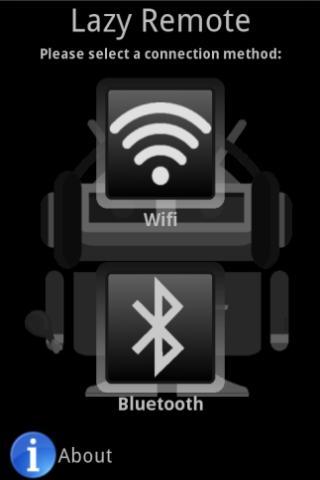
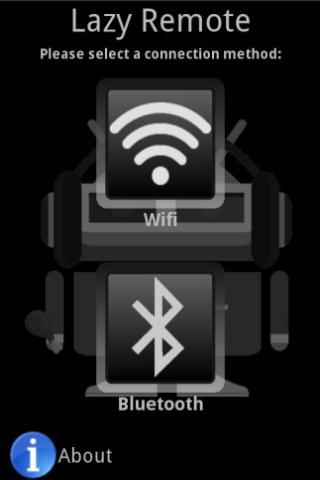
- Wifi and Bluetooth connectivity
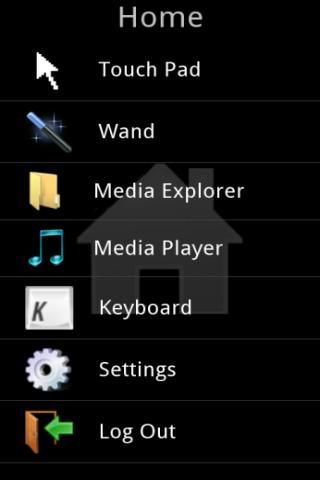
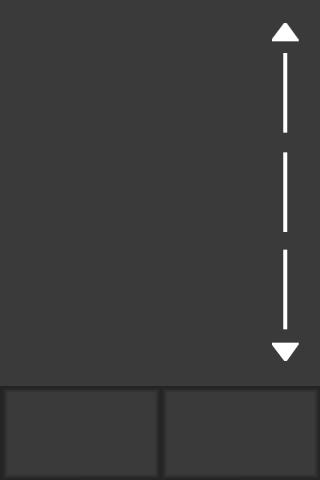
- Touch pad mouse control (with multi-touch support for click 'N' drag)
- Wand mouse control (control the mouse using by pointing your phone like a Wii remote!)
- Explore and open files on your PC from your phone using the Media Explorer
- Control your music or video on the PC using the Media Player, supports:
~ iTunes
~ Windows Media Player
- Stream and listen to mp3 audio files from your PC onto your phone!
- Control keyboard input from your phone
~ Includes Lazy Keyboard functionality, which auto opens the keyboard when you need it!
- Windows Magnifier functionality so you don't strain your eyes trying to read the screen from afar!
INSTALL GUIDE:
- Requires the Lazy Remote Server application for Windows to be installed.
~ Download from http://www.mediafire.com/file/igt23ckx9yb9bp7/lazy-server-setup.msi
~ Requires Windows 2000 or later
~ Requires Microsoft .NET Framework 4.0 to be installed. Download from http://www.microsoft.com/download/en/details.aspx?id=17851
- Make sure to select the folders you wish to eplore by selecting them under the Media Explorer tab in the server program
TIPS:
- Holding down the menu button will open the keyboard
- Waving the phone in a figure of eight calibrates the sensor and improves the accuracy of the wand
- Pressing the search button opens the magnifier
- Wifi connections are generally faster than Bluetooth
SUPPORT:
FOLLOW US:
- http://twitter.com/onitsoftware
Tags: remote, control, remote control, gmote, droid, PC, presentation, media




 Download