

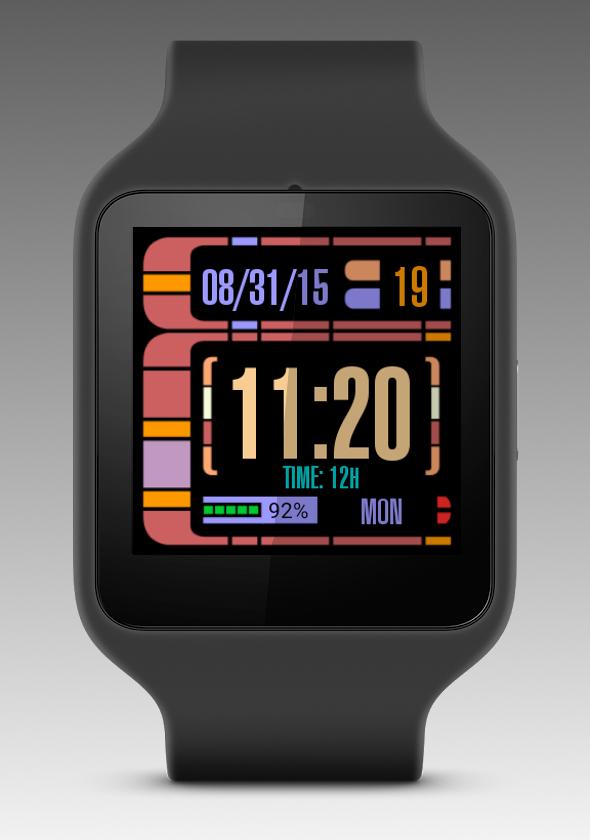
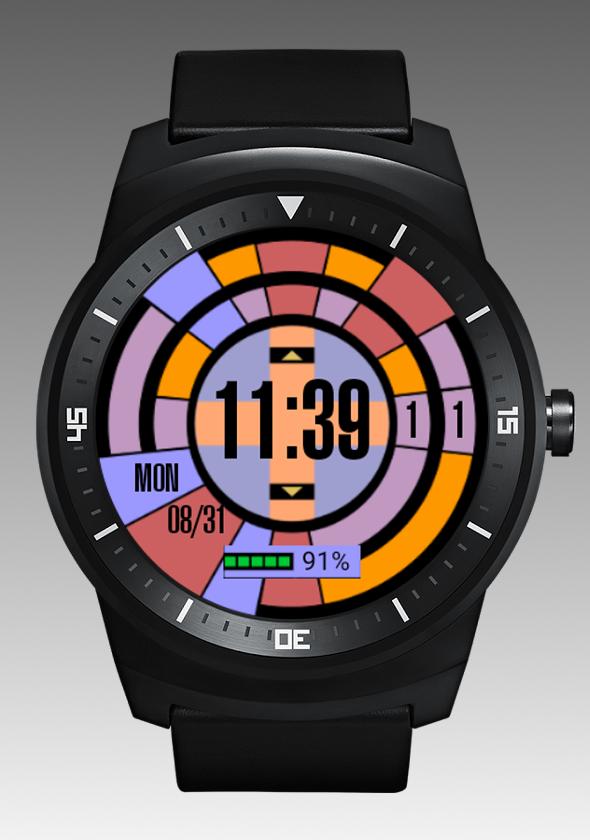
Star Trek LCARS OS inspired interactive watch face for Android Wear
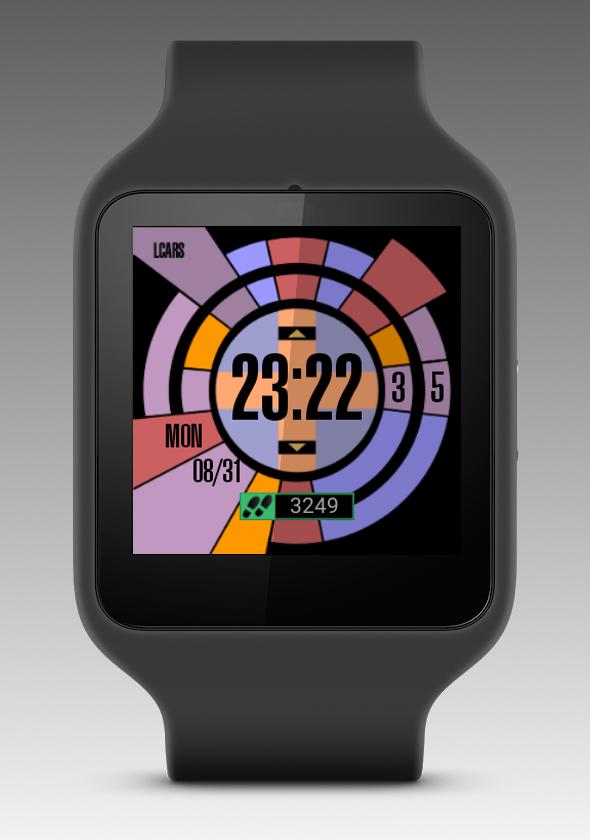
Interactive, digital Android Wear watch face for Star Trek fans. Does not do anything special, but looks pretty good. The application contains two layouts - square and circular. Since the full LCARS interface doesn't fit round screens in any way, the circular layout bases on its rounded keyboard. It's possible to force use of the circular layout on square screens (settings in the companion application). For mentioned reasons it does not work the other way.
ATTENTION SAMSUNG GEAR USERS!
Gear watches, except for Gear Live, run Tizen OS, not Android Wear. Please DO NOT INSTALL, DO NOT 1-STAR. Thank you.
RELEASE NOTE (1.1.4/1.1.5)
Some further features requested by users implemented in this version:
- steps counter added;
- date format, time format and currently active indicator switchable: touch to select.
Both above you can turn on/off in the companion app.
STEPS COUNTER
- bases on the internal sensor, not on the Fit data. In the period between fresh installation and the first midnight it will show steps taken since the last watch reset. Please be patient, and wait till the midnight before reporting a bug. :)
Please make sure whether you have Android Wear 1.3 / Android OS 5.1.1 installed on your watch. If you have not yet upgraded, touch events will not work.
This application utilizes The Android Open Source Project code, (C) 2014 The Android Open Source Project, licensed under the Apache License, Version 2.0. You may obtain a copy of the License at http://www.apache.org/licenses/LICENSE-2.0.
Steps counter code based on the HealthyMiamiWatchFace by brinkmwj (https://github.com/brinkmwj/HealthyMiamiWatchFace), released under the Apache License, Version 2.0.
Star Trek and LCARS are registered trademarks of their respective owners. This free, non-commercial application has no association with them, and was made on the fandom request.
Ideas, suggestions and bug reports please leave at http://dev.nwg.pl/lcars-android-wear. You'll find a linked button in the companion app on your phone.
Android Wear watch face








 Download