• Home
  • Game
    Action Simulation RPG Sports Casual Cards Music Puzzle Shooting Romance
  • Apps
    Business Social Lifestyle Shopping Tools Travel Finance Education News Health
  • Blogs

English 中文(简体) 中文(繁体) 한국어 日本語 Português Español Русский العربية Indonesia Deutsch Français ภาษาไทย
Home Apps Travel Map Point Augmented Reality
Map Point Augmented Reality

Map Point Augmented Reality

1
2
3
4
5
Download
  • Version 1.5
  • Category Travel
  • Package Name com.jm.mapoint
  • Update Time October 18, 2025
  • Size 4.49MB
About this app

Store & find POI with augmented reality

With Map Point we can save locations on the map and locate them using Augmented Reality in the Camera View.

You can assign an icon, and save your favorite way points getting the Latitude, Longitud and Elevation.

With the multiple icons you can save your favorite restaurants, landscapes, POis or anything you want and share all the stuff on your social networks (facebook,twitter, whatsapp and so on).

Map Point consists of the following views and functions:

- Map view

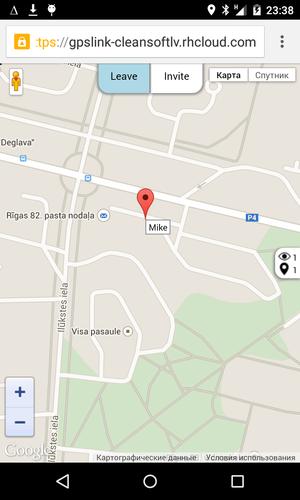
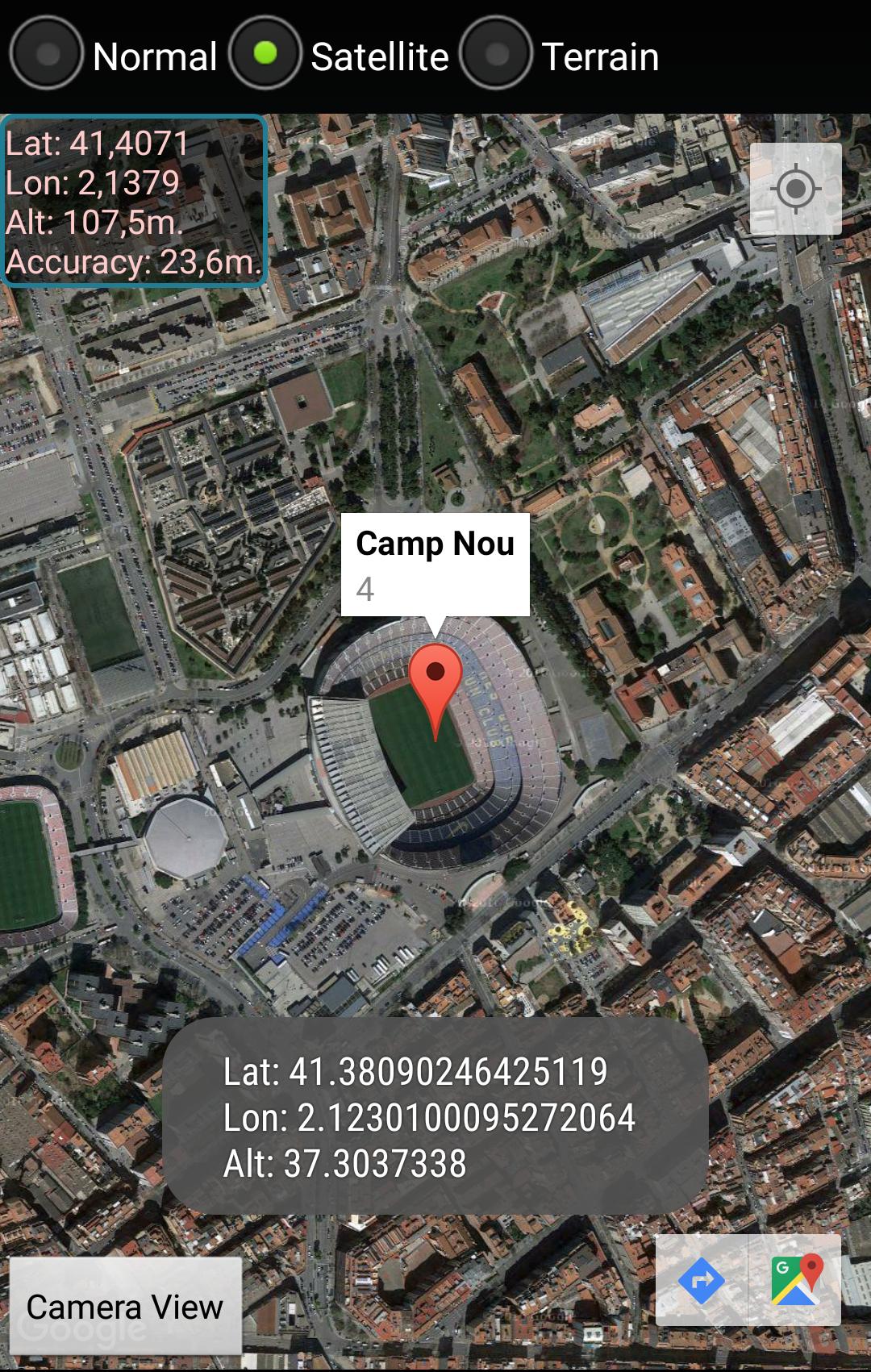
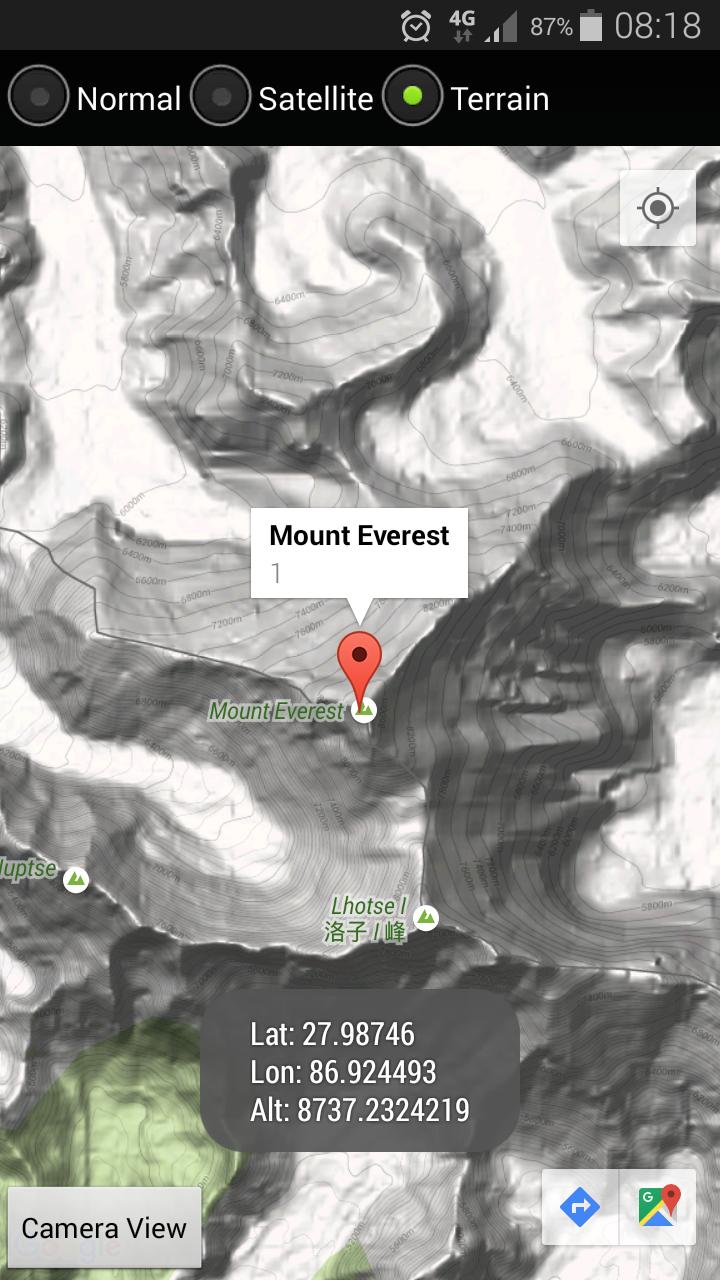
The map view allows us to create points with a selected Icon from the library and move them to the desired position, either map view or satellite view. For each of the points on the map you can obtain the following information: Name, Latitude, Longitude and Elevation.

- Camera view

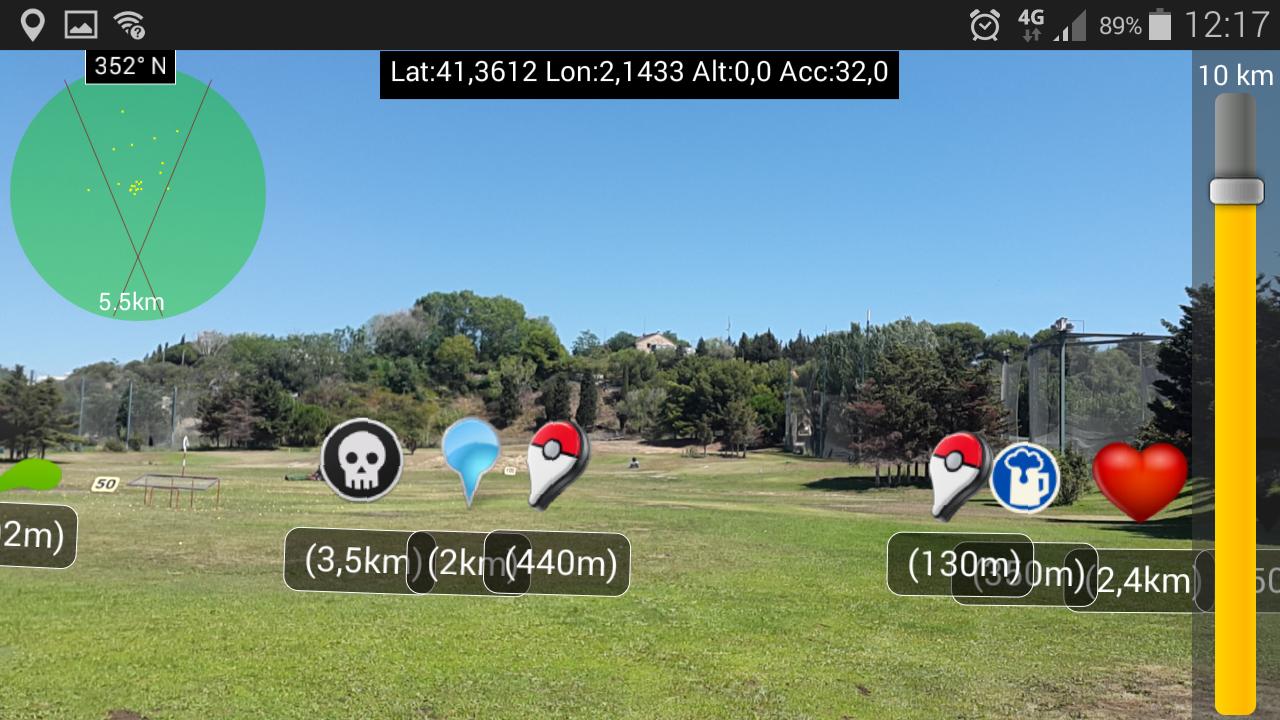
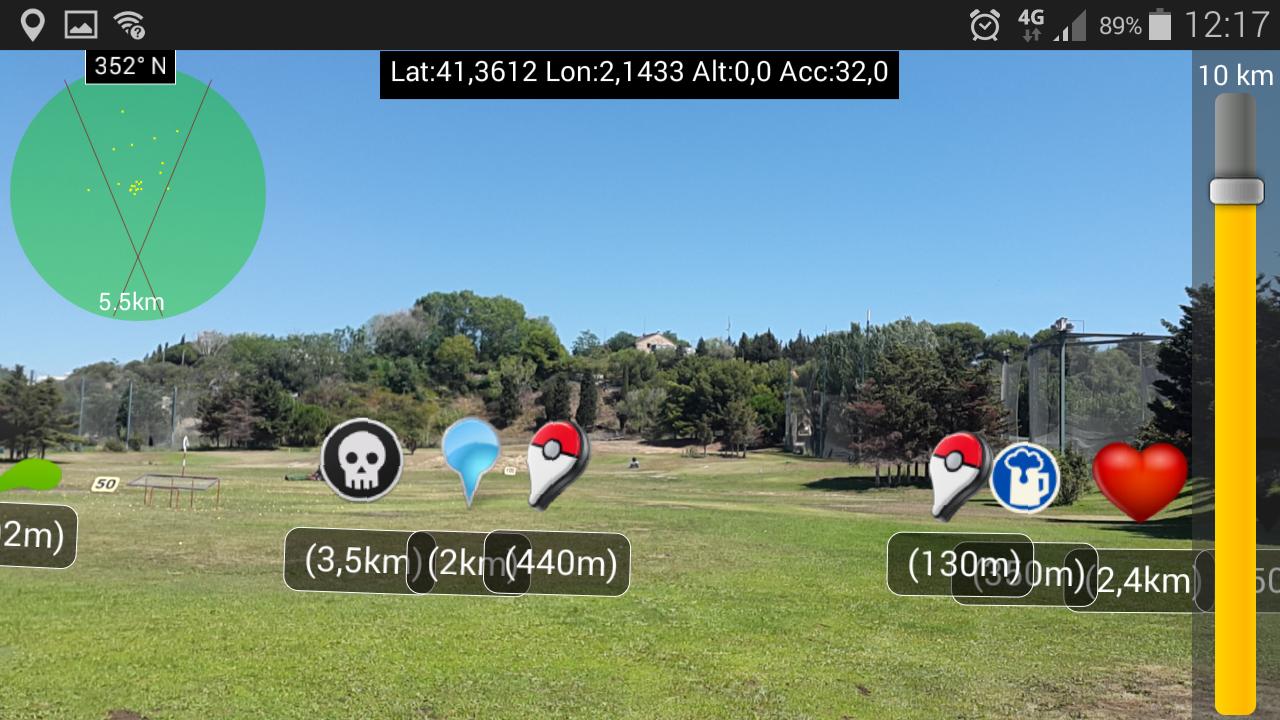
The camera view allows us to see the close points (up to 10km away) with respect to the current position by Augmented Reality. As we move the relative distance to the points is updated in real time.

The view displays at all times our position (latitude, longitude and elevation) and the accuracy of the data obtained by the mobile GPS sensor.

This view also have a bar to adjust the zoom depending on the distance we meet the points so as to adjust the camera view accuracy.

The view also has a radar that can see the points within the range set by the zoom bar.

Clicking on the icons displayed shows the detailed information of the marker.

- Map point markers

This functionality allows us to navigate to point markers just with a click and delete the obsolete ones.
What's New in the Latest Version 1.5

Last updated on Aug 10, 2016 Improved GPS and Map view performance
Bugs Fixed
Download(4.49MB)
Users also viewed
  • GTAXI Taxi Satelital 2744444

    GTAXI Taxi Satelital 2744444

    1 July 17, 2026
  • Yandex Pro (Taximeter)

    Yandex Pro (Taximeter)

    12.99 July 16, 2026
  • OBINAVI2

    OBINAVI2

    1.0.5 July 16, 2026
  • Street Parking Melbourne

    Street Parking Melbourne

    1.0 July 16, 2026
  • MOVCAR: Car & Fleet Manager

    MOVCAR: Car & Fleet Manager

    1.8.0 July 15, 2026
  • Your Travel Videos upload app

    Your Travel Videos upload app

    1.1 July 15, 2026
  • Pacific Coast Highway 1

    Pacific Coast Highway 1

    1.12 July 13, 2026
  • Trinidad and Tobago Map

    Trinidad and Tobago Map

    1.84 July 12, 2026
  • GO Transit Train - MonTransit

    GO Transit Train - MonTransit

    24.12.03r2716 July 12, 2026
  • VTA EventTIK

    VTA EventTIK

    2.07.00 July 11, 2026
  • HotSpot Parking Transit Taxis

    HotSpot Parking Transit Taxis

    15.2.0 July 11, 2026
  • Kyborg SmartTRANSPORT

    Kyborg SmartTRANSPORT

    5.0 July 10, 2026
  • Donde Anda GPS SMS dondeanda

    Donde Anda GPS SMS dondeanda

    1.04 July 10, 2026
  • Order GoJek Online

    Order GoJek Online

    1.0 July 9, 2026
  • Navigator: Navigation Shortcut

    Navigator: Navigation Shortcut

    1.0 July 9, 2026
About Privacy Policy Terms of Service Cooking Policy

© Copyright 2017-2026 downzk.com