• Home
  • Game
    Action Simulation RPG Sports Casual Cards Music Puzzle Shooting Romance
  • Apps
    Business Social Lifestyle Shopping Tools Travel Finance Education News Health
  • Blogs

English 中文(简体) 中文(繁体) 한국어 日本語 Português Español Русский العربية Indonesia Deutsch Français ภาษาไทย
Home Apps Tools MyTimeline for Pebble / Tasker
MyTimeline for Pebble / Tasker

MyTimeline for Pebble / Tasker

1
2
3
4
5
Download
  • Version 1.0.21
  • Category Tools
  • Package Name nl.phlux.pebbletimelineplugin
  • Update Time February 10, 2026
  • Size 2.62MB
About this app

Use Tasker to push pins to your Pebble Timeline

*NOTICE: Because of Pebble being bought out there will be no more updates for this app...

Send anything you want from Tasker right to the Timeline of your Pebble.

You can use Tasker variables or just static text.

Usage:

First start the app on your Pebble and on your phone (as any normal app on your phone).

On your Pebble you should see a token, enter this on your phone in MyTimeline.

You can test it from there by clicking the "Send a test pin" button (Be sure to press save first after entering your token).

If you see a pin on your Pebble then MyTimeline is configured correct!

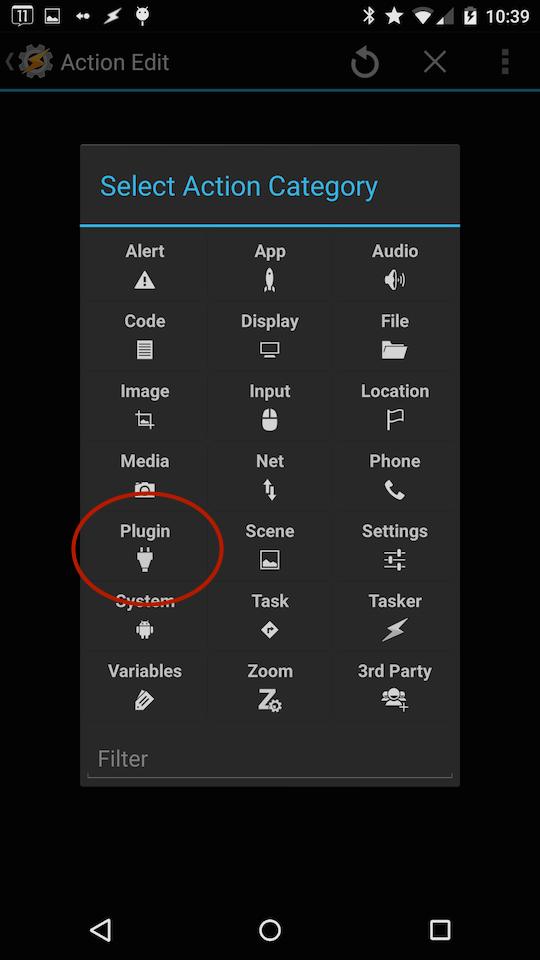
In tasker, create a task and add an action.

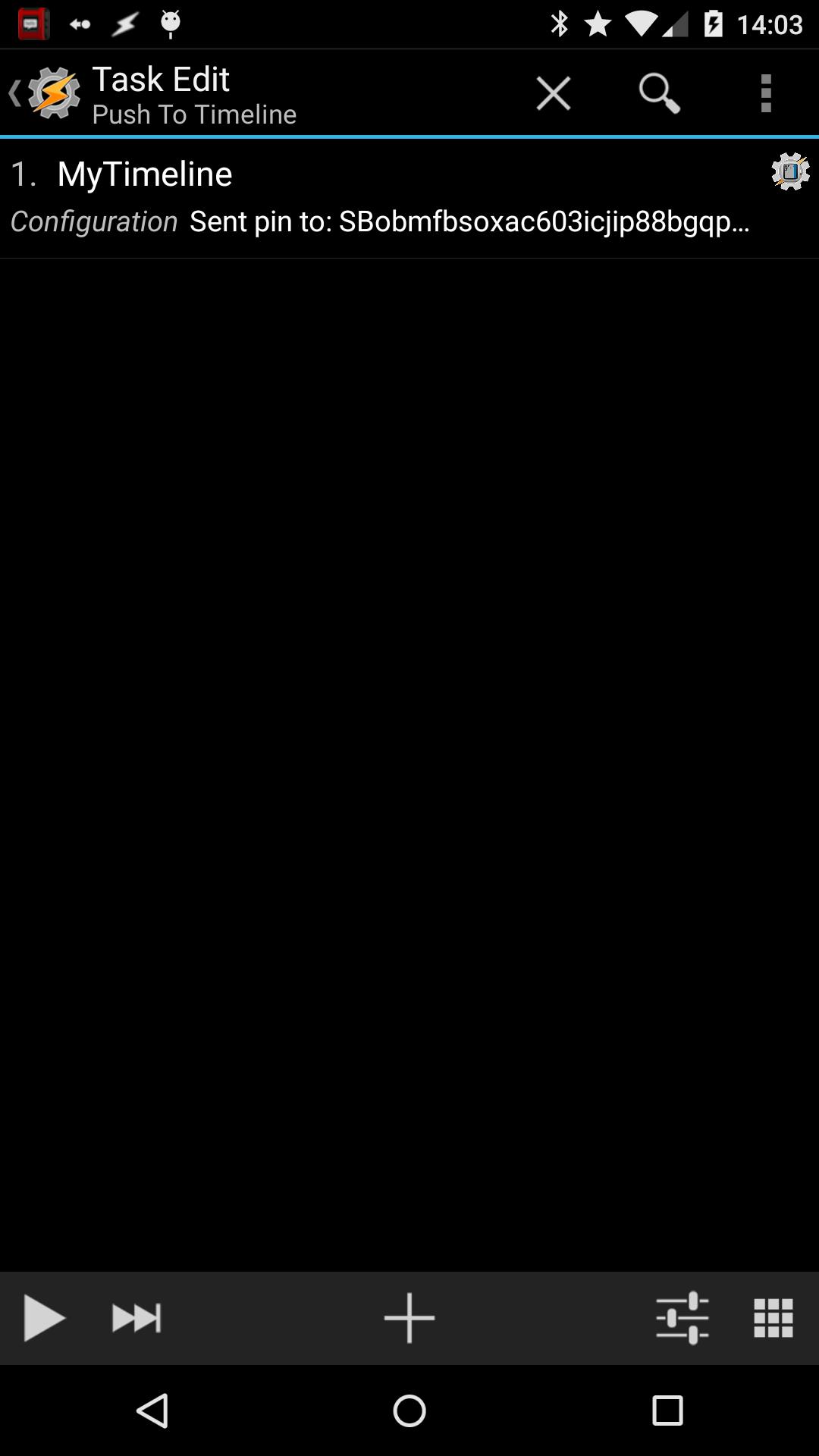
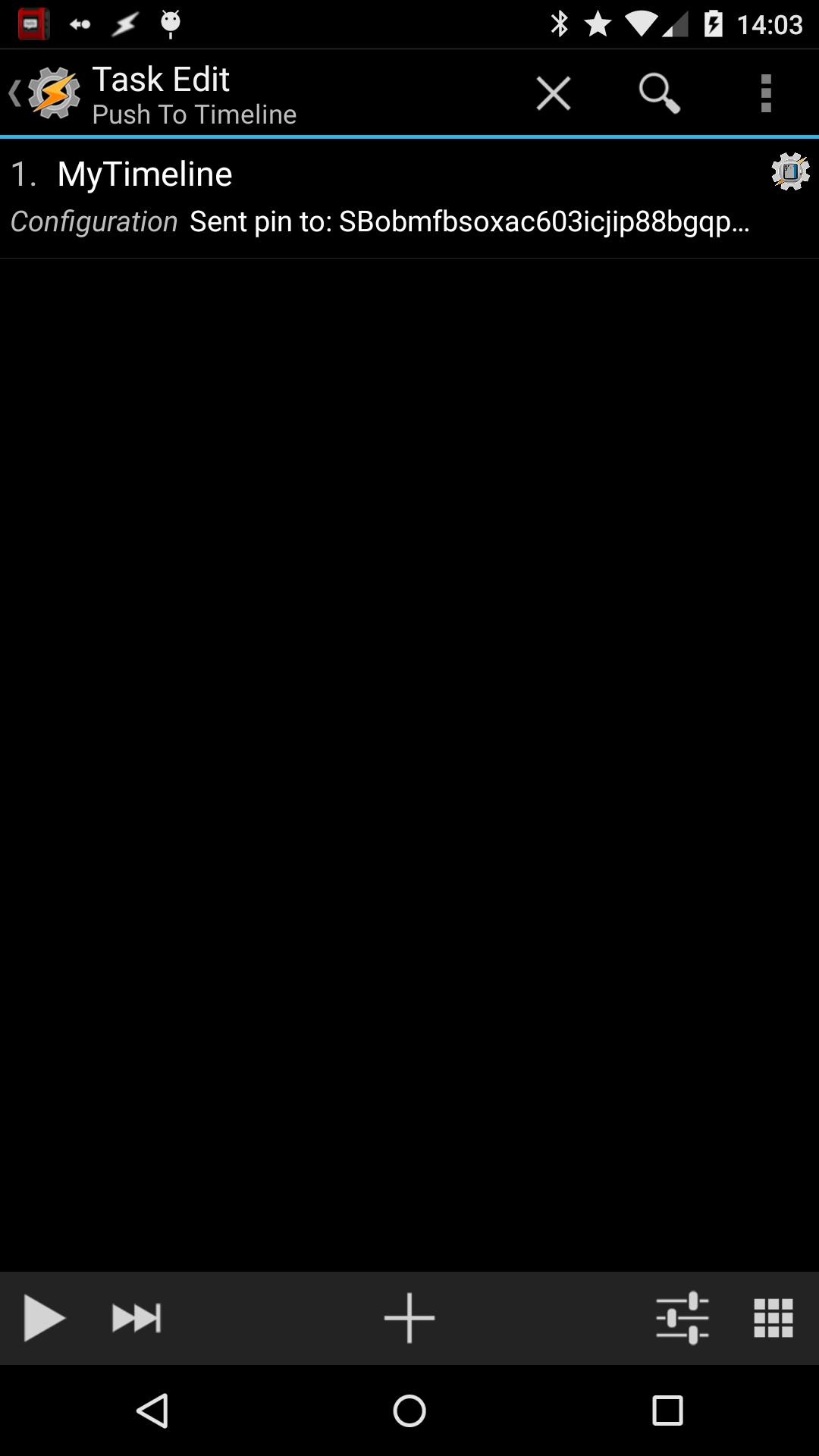
Select the category "Plugin" and then "MyTimeline Plugin", now click on the "edit" icon.

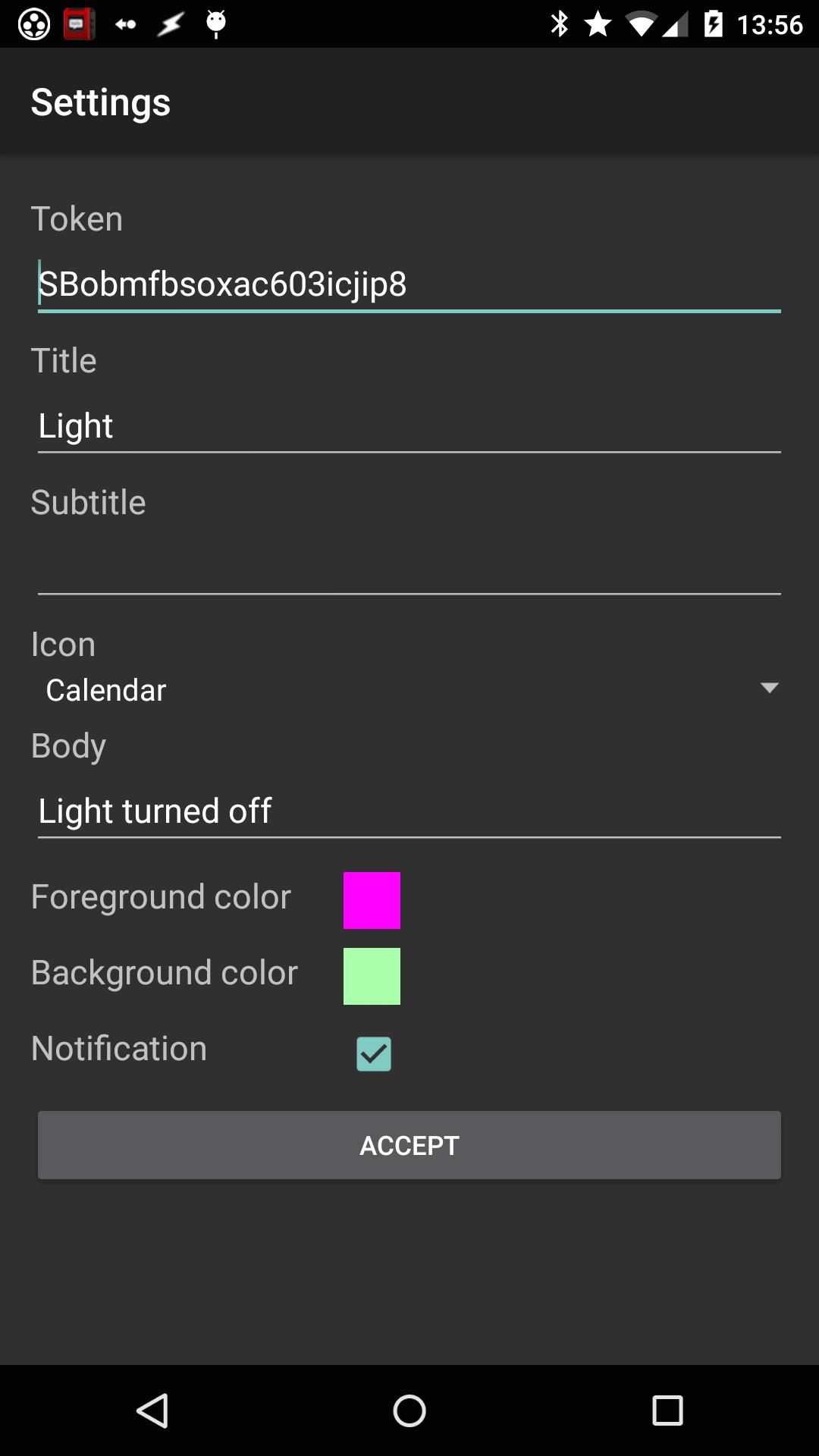
Your token should be auto-entered (you can change this if you want to sent a pin to another Pebble)

You can enter a title, subtitle, body and choose an icon.

Also you can choose to use custom colors for the background and foreground.

If you also want to have a notification, then check the box next to it. (this is fired immediately)

If you want a reminder, then check that box. (this is fired on the pin time, use the offset to show it earlier or later)

You can attach an action to your pin, choose any task you wan't to use and you will be able to execute that task directly from the timeline.

To use this you have to allow "External Access" in Tasker's settings UI.

It is also possible to use Tasker variables in your title/subtitle/body. (notation: %variablename)

Download the watchapp for your Pebble here:

https://apps.getpebble.com/applications/5530f60f36eb52099d0000d0

Found a bug? Please report it.

If you have any ideas for future additions, please let me know.
What's New in the Latest Version 1.0.21

Last updated on Aug 23, 2015 Fixed UTF-8 support.
Download(2.62MB)
Users also viewed
  • Your Camera

    Your Camera

    3.0 February 11, 2026
  • Cherry Blossom Launcher Theme

    Cherry Blossom Launcher Theme

    1.0 February 10, 2026
  • Wink Camera

    Wink Camera

    3.5 February 10, 2026
  • GifWidget

    GifWidget

    1.4-1 February 9, 2026
  • Oceans Theme for Locker

    Oceans Theme for Locker

    1.282.13.91 February 9, 2026
  • Wifi Enabler / Disabler Free

    Wifi Enabler / Disabler Free

    1.01 February 9, 2026
  • Plate Theme 4 GO Launcher EX

    Plate Theme 4 GO Launcher EX

    2.0 February 8, 2026
  • Book of Shadows Theme

    Book of Shadows Theme

    1.1 February 8, 2026
  • MoTat GPRS

    MoTat GPRS

    1.0 February 8, 2026
  • ncam

    ncam

    0.3.5 February 7, 2026
  • Consultar Nome Sujo Gratis

    Consultar Nome Sujo Gratis

    5.0 February 7, 2026
  • Reactor Live Wallpaper Trial

    Reactor Live Wallpaper Trial

    2.12 February 7, 2026
  • Yemen Weather

    Yemen Weather

    1.6.9 February 7, 2026
  • UV-INDEKS

    UV-INDEKS

    3.3.1 February 7, 2026
  • MakeupPlus

    MakeupPlus

    6.3.45 February 6, 2026
About Privacy Policy Terms of Service Cooking Policy

© Copyright 2017-2026 downzk.com