

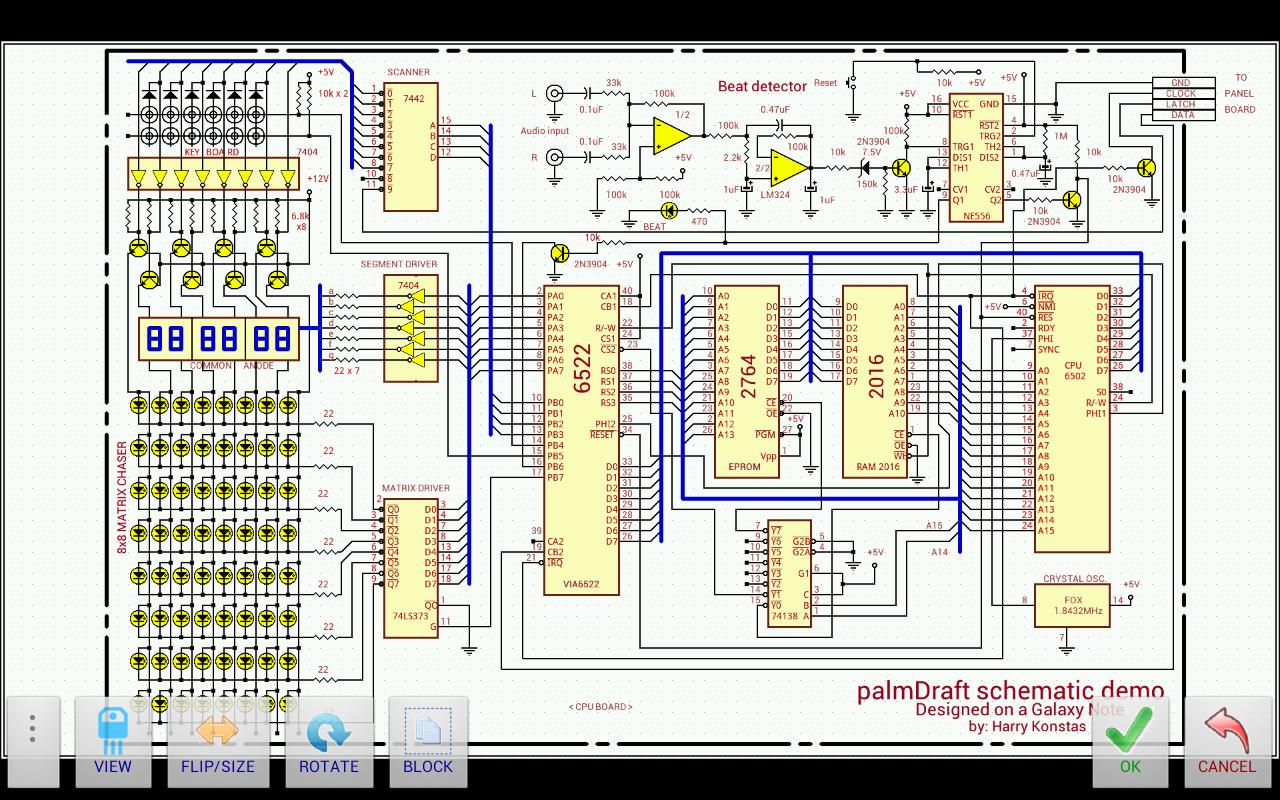
palmDraft(lite) Electronics circuit design (schematics)
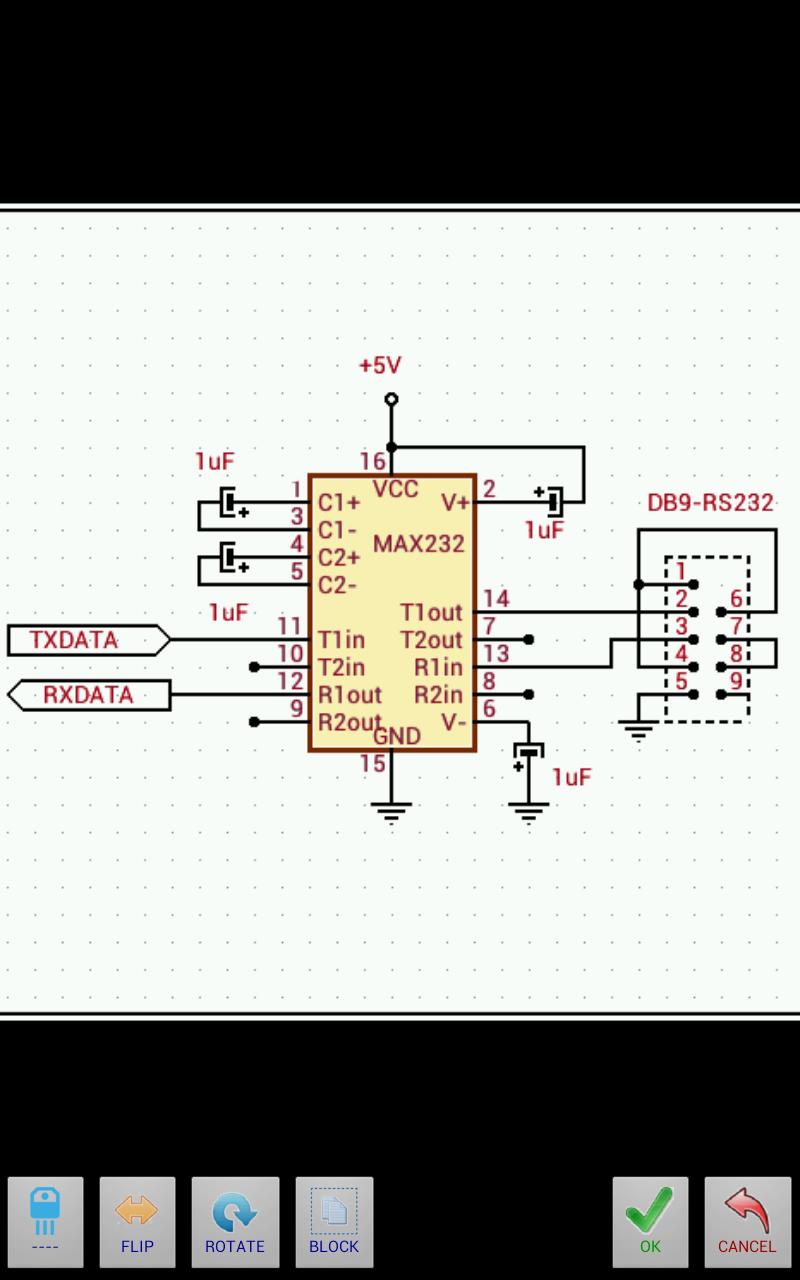
Simple electronic schematic drawing application for Android.
* Please note this is the lite version of palmDraft. If you like it and would like to support further development you can purchase the full version from the Google Play Market.
The full version has these additional features:
* Work with larger schematics (1080 x 720 and 1920 x 1080).
* Export blocks.
* Use of custom symbols.
* Export schematics to camera roll.
* Share schematics (gmail, etc.)
* More library symbols.
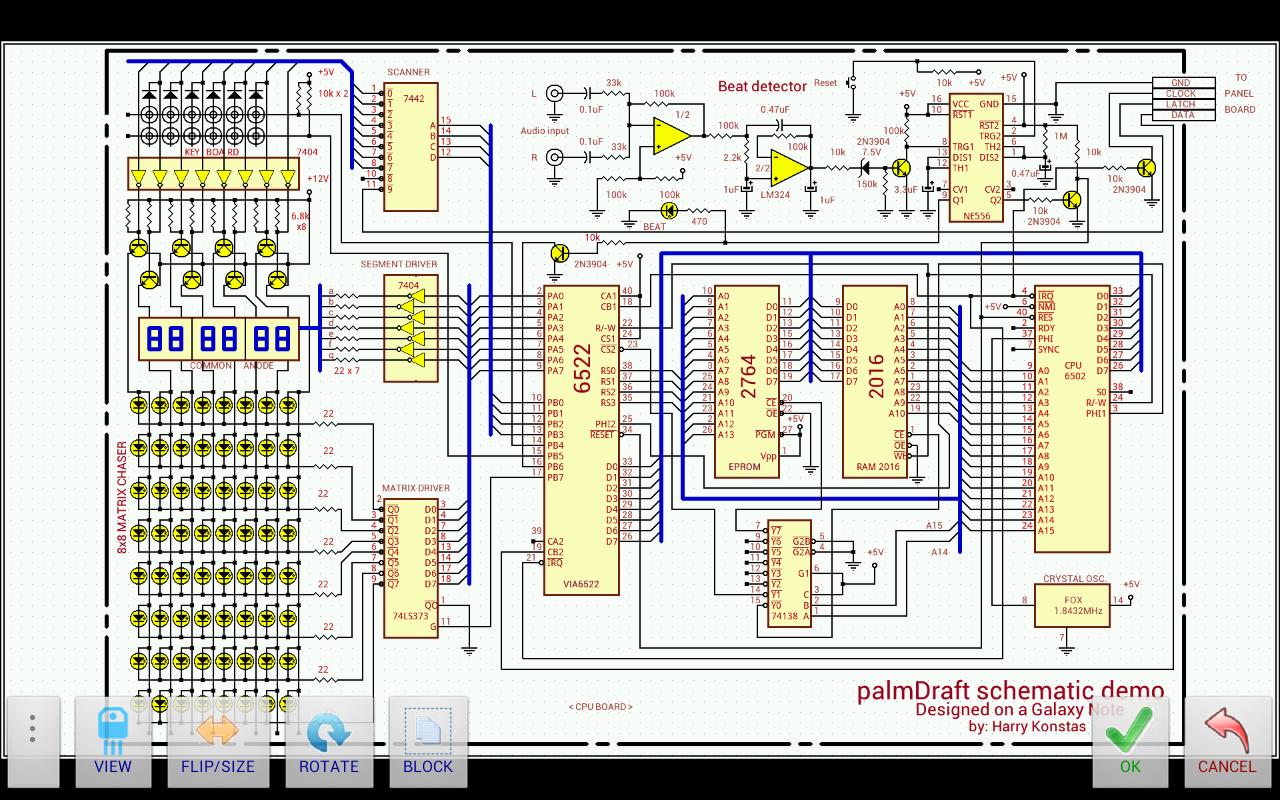
Originally designed for palm(tm) OS PDAs back in 2002, palmDraft is now available for the Android platform so you can easily design your own professional-looking electronic schematic diagrams on your Android tablet or phone.
This is a simple bitmap-based drawing application, featuring a high definition, flick-panning, pinch-zoom-able working canvas, optimized for finger and pen drawing. It's as easy to manipulate as a sheet of paper. The schematics file format is standard .PNG bitmap file format which can be easily exported and shared for printing.
HARDWARE REQUIREMENTS:
Designed for high-density screen devices, tablet or large screen device recommended for best experience.
* For older devices with low screen densities (which have lower heap size), if you get low-memory warnings, please disable dark-background in prefs screen and work with SMALL or MEDIUM sized schematics (minimum 32MB of Heap memory.)
Basic Features:
* Schematics in SMALL:720x480, MEDIUM:1080x720 and LARGE:1920x1080 sizes
(Lite version saves only in 720x480)
* Free pinch-zooming and panning of the canvas on all editing modes.
* Grid snapping for easy and accurate finger operation.
* Schematics are saved and edited in standard .PNG format.
* Copy, delete, move, flip and rotate blocks, text and objects.
* Block Export and Import (full version only).
* Built-in basic electronic, electric, network, analog and digital symbols.
* Import custom made symbols and I.C.s (Full version only).
* Landscape and portrait modes.
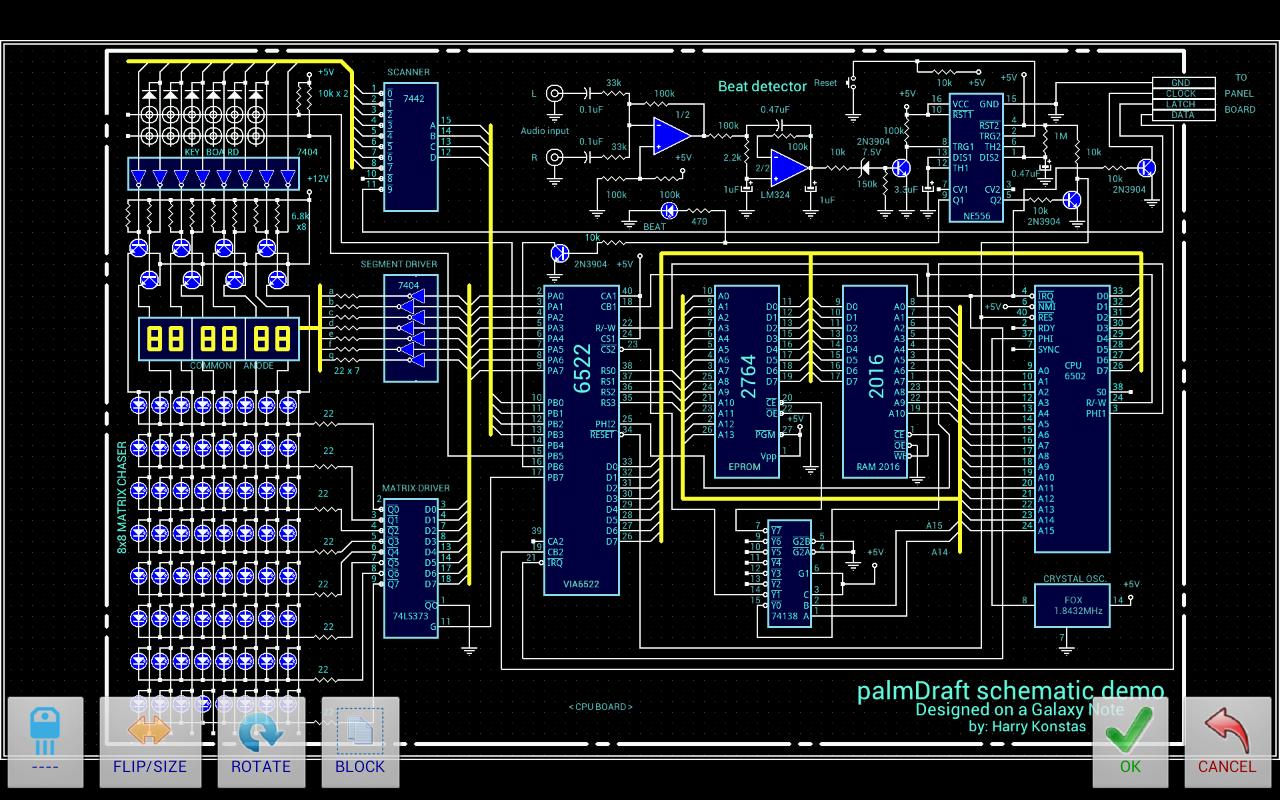
* Working canvas available in dark or light theme (Prefs).
If you experience problems with the application please make sure that the "Don't keep activities" setting in the "Settings-Developer options" of your phone settings is unchecked (disabled).
Please contact me by email for support, cannot help through GooglePlay reviews!
V.1.26 November 10th, 2014:
NEW: As requested, added on-screen Menu button.
FIXED: Cancel button now resets text size.
FIXED: Updated Demo schematic for new installations.
NEW: Text rotation.
NEW: Text size (using the flip/size button).
CHANGED: Preferences screen does not automatically shut down palmDraft.
Updated the sample schematics (Please use MENU-MORE-RECREATE-SAMPLES).
Bug fixes.


 Download