

The fastest way to share text and photos between your phone and computer!
THE FASTEST WAY TO SHARE TEXT AND PHOTOS BETWEEN YOUR PHONE AND COMPUTER!
Pasteasy (read: “Paste easy”) is a productivity app that simplifies and speeds up your daily workflow, saving you valuable time. It enables you to privately share the clipboard between your devices so you can simply copy and paste to move text, or privately share photos.
Use it to copy text snippets and links, or share photos, screenshots and files (coming soon). For example:
- Compose a text message on your computer and paste it to your Android to send.
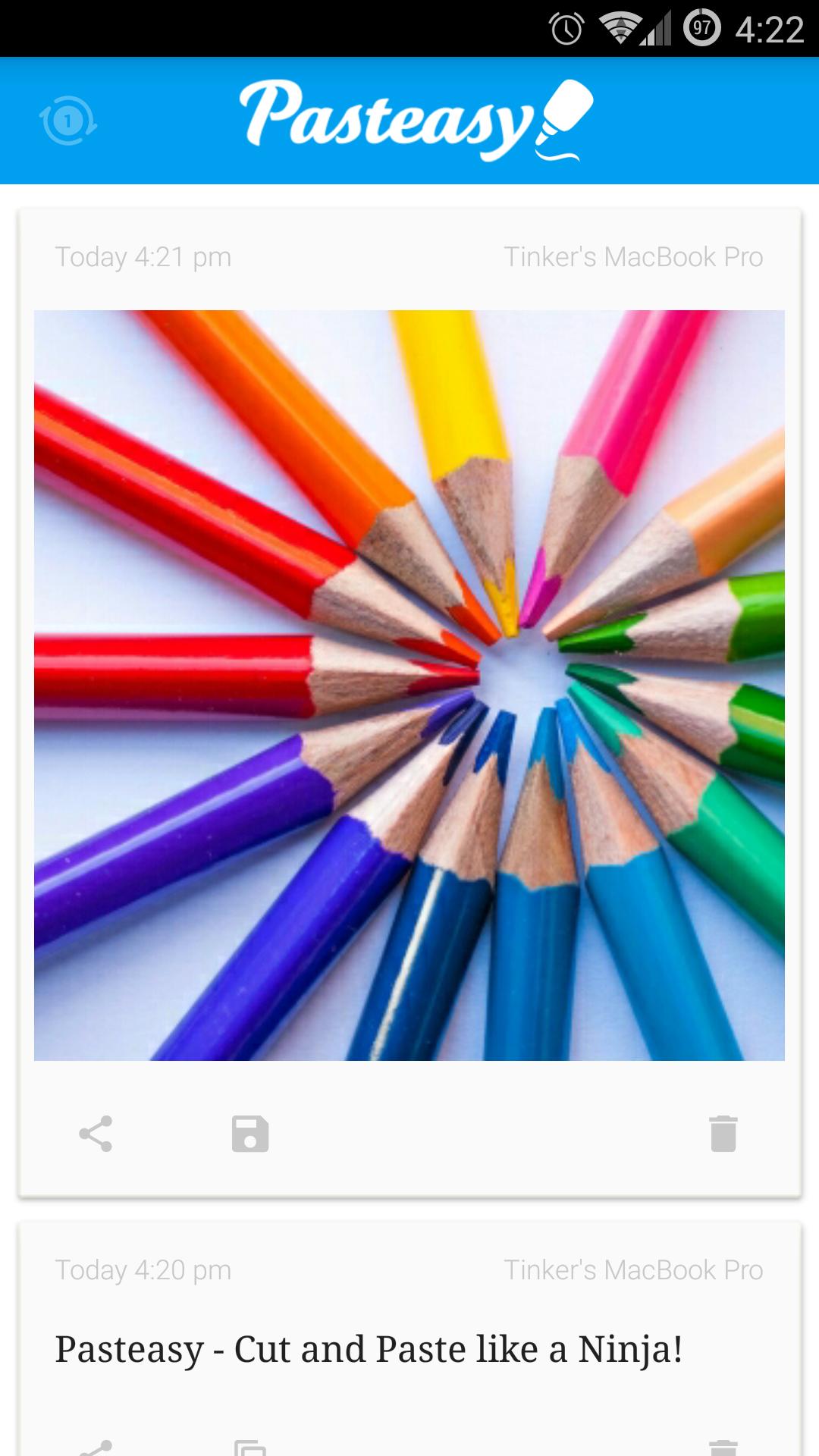
- Easily share photos from the Android gallery to your computer. Transfer multiple photos in one shot.
- Take screenshots on your computer or Android and watch them automagically appear on the other device.
- Copy a URL on your Android and Pasteasy can automatically open and load the webpage on your computer.
The possibilities are endless!
Whether you are a texting enthusiast, photo lover, graphic designer, mobile developer, student, housewife, businessman, writer, life hacker, or anyone who works with more than one device, you will find Pasteasy indispensable for daily use.
FEATURES:
SIMPLE COPY AND PASTE
Use native copy and paste actions for sharing text. Pasteasy syncs the clipboard instantaneously. Or share photos via Pasteasy. No extra taps — you don’t need to interact with Pasteasy other than for connecting the devices. Save valuable time.
FAST, SECURE AND PRIVATE
Encrypted over local WiFi for speed. No more waiting. It even works without WiFi, over portable hotspot.
FLEXIBLE SHARING
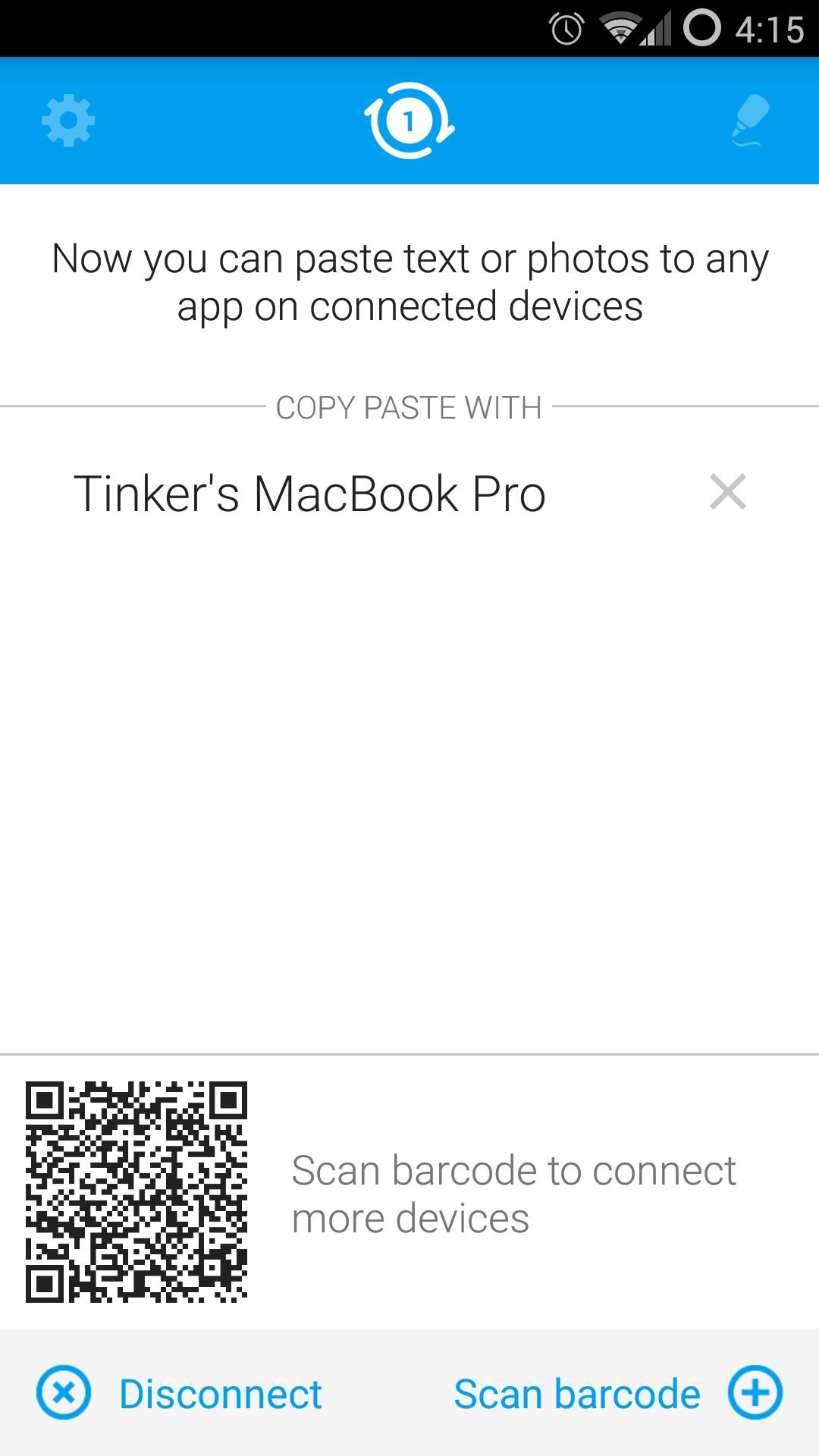
Scan barcode to connect to any device, yours or friend’s. You don’t need an email address, a phone number, a shared link, a friend request or anything to share photos with them.
CLIPBOARD HISTORY
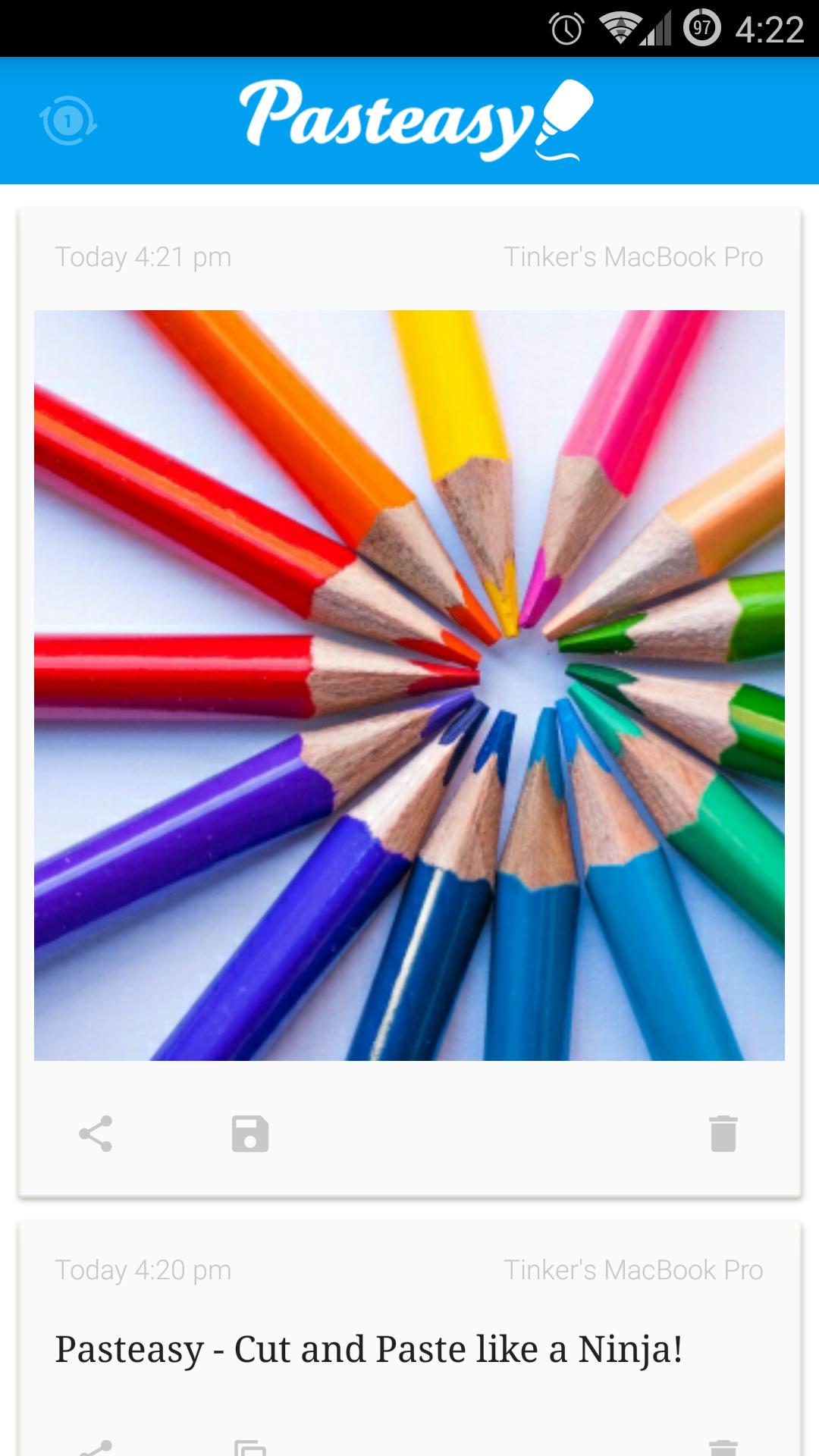
Save copied items in one place. You can browse, re-copy, preview, share or delete them.
CROSS PLATFORM
Copy across iOS, Mac & Windows.
Pasteasy is free for Windows and Mac. Download from http://www.Pasteasy.com





 Download