

Switches off the phone automatically, when it is put into the pocket.
Pocket Locket is a lightweight service which can automatically turn off and lock the screen of your phone, when you put it in your pocket and turn the phone back on if you pull it out again. The good thing is, that you will never have to touch the power button again to turn the screen off and that your phone will be locked while covered. This not only warrants that your phone won't be out of order too soon, but also makes using it more efficient in general. The times, when the battery of your phone was drained by accident, are over!
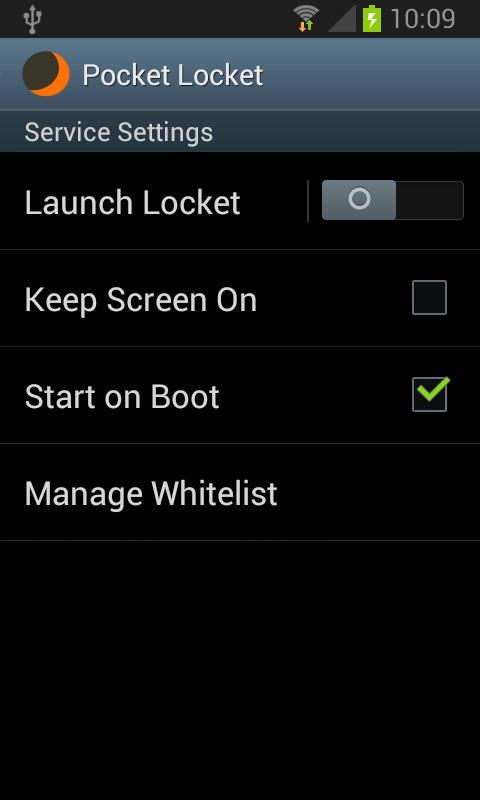
Since there are many different habits of using a phone and when (in which position) to turn the screen off and lock it, etc. this app just has an "keep screen on" option that can easily be enabled via the service settings when you want to read the news, for instance.
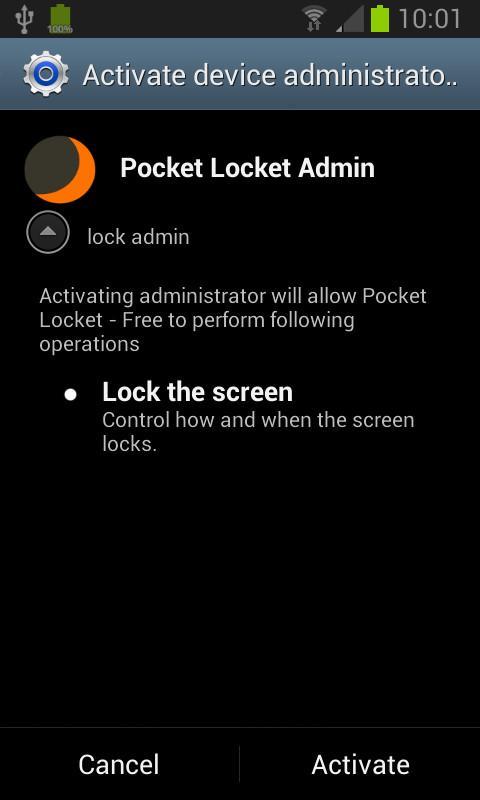
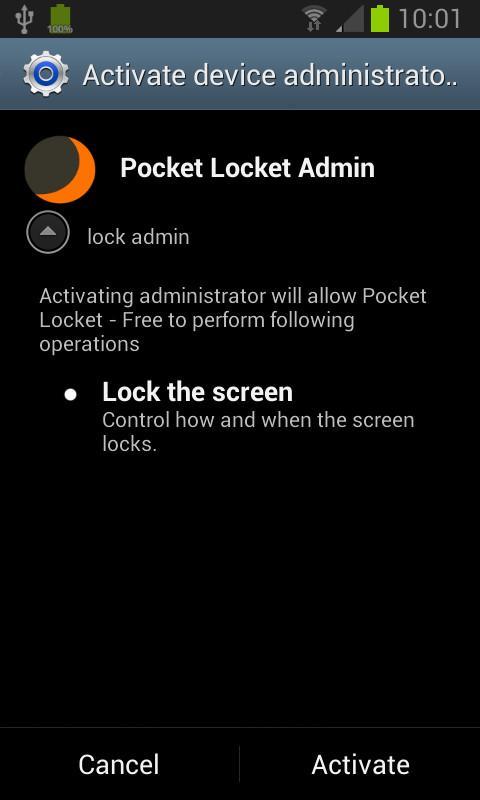
The phone should turn off and lock immediately when the proximity sensor is covered. Nevertheless on some devices, the screen off delay is quite high (5-10sec.).Therefore, the Pocket Locket Admin has to be turned on when starting the service, ensuring that no apps will be started or phone calls being initiated accidentally, when the phone should rather be locked.
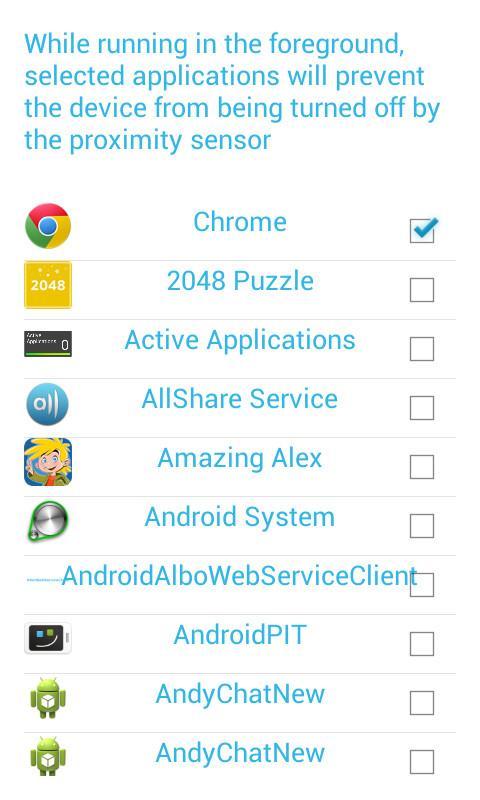
It is also possible to add certain apps to a whitelist which will prevent the screen from beeing turned off and locked while one of these apps is running in the foreground, to prevent the screen from turning off / lock when playing a game, for instance.
FEATURES
- "screen off and lock" when the phone is covered
- "screen on" when the phone is not covered
- swipe over the proximity sensor to turn the screen on when the phone is lying on the table
- prevents the device from accidentally turning on while in your pocket
- while the phone is in use, you may choose to always keep the screen on at current brightness level
- drains almost no battery
- easy and feasible use (no needless settings)
- add apps to a whitelist, preventing the proximity sensor to turn the screen off and lock the phone
- activate autostart on boot
- change service settings via notification bar
IMPORTANT NOTES
If the screen won't turn off and lock as expected, most likely the Pocket Locket Admin is not running. Please proceed as follows to solve the problem.
OPEN SERVICE SETTINGS -> STOP SERVICE -> WAIT FOR 5 SECONDS -> START SERVICE -> CLICK ON ACTIVATE
If Pocket Locket cannot be uninstalled. Remove it from the administrators via "Security" -> "Administrators" and try uninstalling again.
Hint: If your phone is turned off and lying on the table, just swipe over the proximity sensor to turn the screen on.
There is also Pocket Locket + out now, with the additional feature to browse, open or dismiss notifications directly from the lock screen.







 Download