


Simple, Easy Calendar Events!
Description:
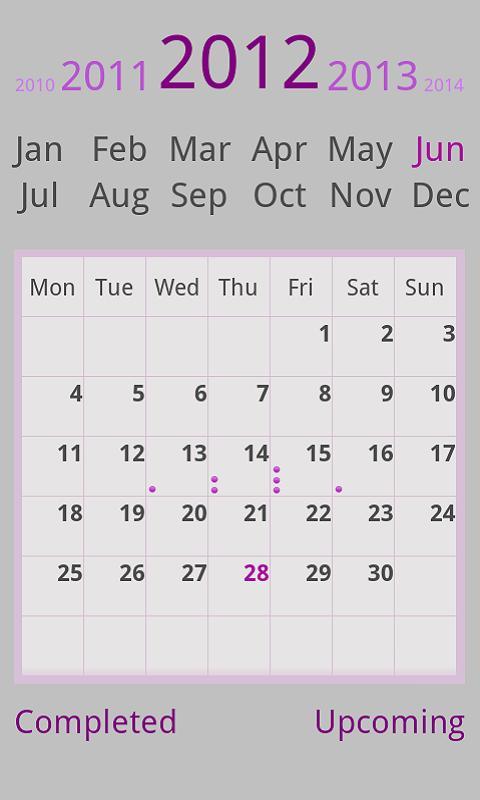
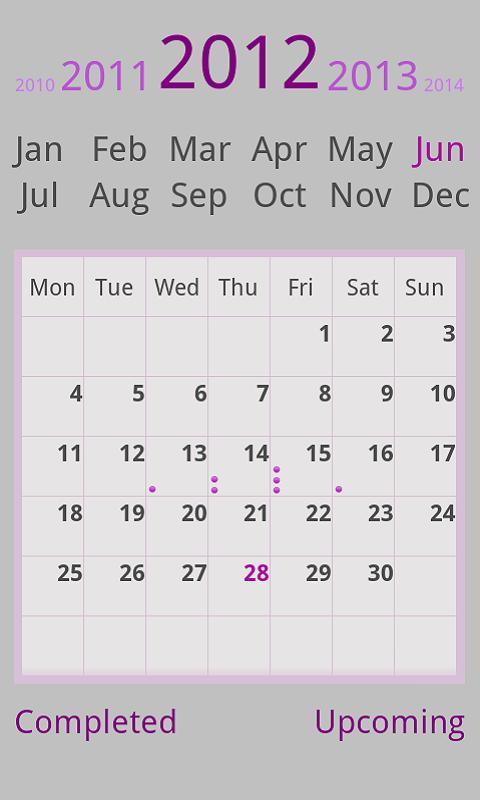
The simplest & cleanest Calendar App to make multiple/single Reminders for a single Event quickly.Add an event in just two quick taps, See how full your week or day is at a glance on the main grid, View Upcoming events in a glimpse (while your busy) in an easy to understand Progress Bar View where the progress bar progress shows time to event in its respective category.All events are shown under their Categories.
It auto sync's with Android calendar and Google Calendar and pulls events from these calendars(Check "Auto Sync" in your Phone, Settings->Accounts & Syncs -> Auto Sync). Its fast,lightweight(480KB) & has a soothing indigo theme. Gives prompt reminder windows for upcoming event's, hard to miss heads-up with a pleasant tone.
Saves Upcoming events & their heads-ups & puts them in Completed events after the event has passed to be kept as reminders of events.
Works Well on Android Phones(Small,Normal,Large) & Tablets.
Totally Free of any kinds of Adds!, Free Download Just Install & Enjoy!
Any Kind of feedback is most welcomed at the developer's Email.
How To Use Details:
___________________
Making an event:
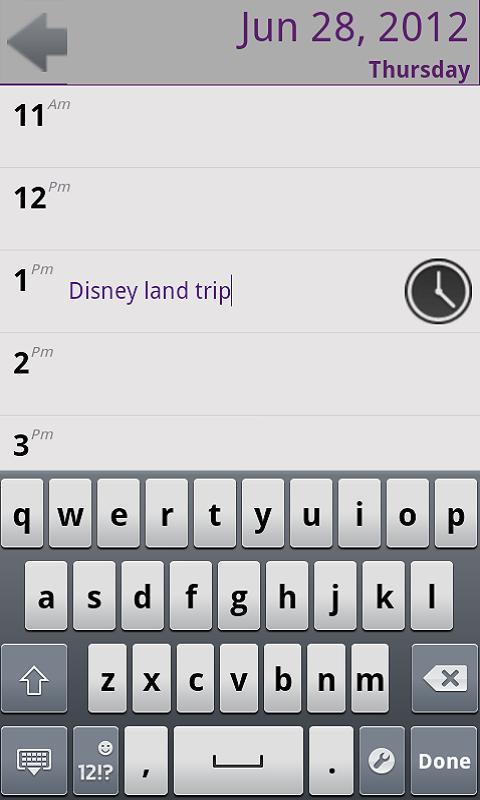
Simply tap on the month to select the month, to change the year swipe(left-to right & vice versa) on the year(or previous/incoming year) to change it, now tap the selected day you want to make a reminder for, the days hour-list will be opened, now tap the hour for which you want to make an event for, type the event's name and press "Done" on your key pad(or click on another hour) & your event will be saved, to set extra reminders for the same event click on the clock infront, and select the heads up reminders 5min,15 min,1day etc Now click on the clock again to close the clock & save the heads ups.
Editing an event:
Follow the same steps from "Making an event", and click on the event and edit it and press Done,the event will be edited,open the clock and edit the heads up reminders and close the clock to save the edit.
Delete an event:
Event can be deleted in two ways, either go to the "Up Coming/Completed" events page and click on the event & a pop up will ask you to delete the event,or go to the event from the "Making an event" procedure and edit an event and clear it all out till the clock disappears & then press Done.





 Download