

Enjoy millions of the latest Android apps, games, music, movies, TV, books, magazines & more. Anytime, anywhere, across your devices.
About Tell'endar
Tell'endar adds voice compatible integration with the existing stock android calendar manager, and several third party calendar apps.
Using your voice, dictate calendar entries with the same precision of a personal secretary. This app includes powerful features that interprets event beginning, ending, and even multiple events with a single voice command!
Examples, "dentist appointment on may fifth two o'clock for an hour hopefully", "pre-school play the tenth from noon to one thirty", "call John at eight a m tomorrow", etc...
This is a FULL FREE version.
✮ There are NO ADS either!
Specify entries by day of the week
"Monday"
"next Wednesday"
✎ "third Thursday in January", etc.
By date
"Thirteenth"
✎ “four eleven”
"March twenty-third"
“eleven July”, etc.
By month
"January"
"February", etc.
By year
"two-thousand fifteen", and similar
✮ By time
"six a m"
"eight forty-five p m"
"noon" and "midnight"
"three hours and thirty-three minutes"
✎ "four o'clock"
✎ “three and a half hours”
✎ "all day" will create "all day" event(s)
✎"busy" or "unavailable" will mark the event as "busy/unavailable"
✮ Available user defined default end time
✮ Automatic removal of dates & times from calendar titles
✮ Voice Input Preview & Editing!
Manually Edit input
Append Voice input
✎ Set Idle Edit Timeout and Action!
✎ Syncs with Gmail
✎ Works with downloaded voice packs
✮ Share events via SMS or email as you create them, or in event checks
✎ Share multiple events with a single command to individual or multiple recipients
Weekly Updates
Positive feedback motivates development ;-)
Advanced Event Recognition Logic
✎ It is possible to specify multiple calendar entries by stacking dates or days, i.e.
"Monday, Wednesday, and next Friday..." or "on the thirteenth, twentieth, and twenty-seventh"
✎ For example, if the date is May 5th and the voice input included "the nineteenth, twenty-sixth, and second..." would create events for May 19th, May 26th, and June 2nd.
✎ For example, it is December and the voice input included "January", without specifying a year would create event(s) for January next year.
✮ Event start and end times are not required. The application can determine user desired start or end time based on single reference. For example, “ ten am to two” is recognized as 2 pm.
✎ This app also features a voice activated availability checker, and an event list viewer. See the 'help' section of the settings menu.
Comments & Feedback
All feedback greatly appreciated!
I gladly respond to all questions, comments, and suggestions as promptly as I can. I would greatly appreciate the opportunity to resolve any problems you experience prior to leaving low feedback. Please contact me below.
FAQ – Usage
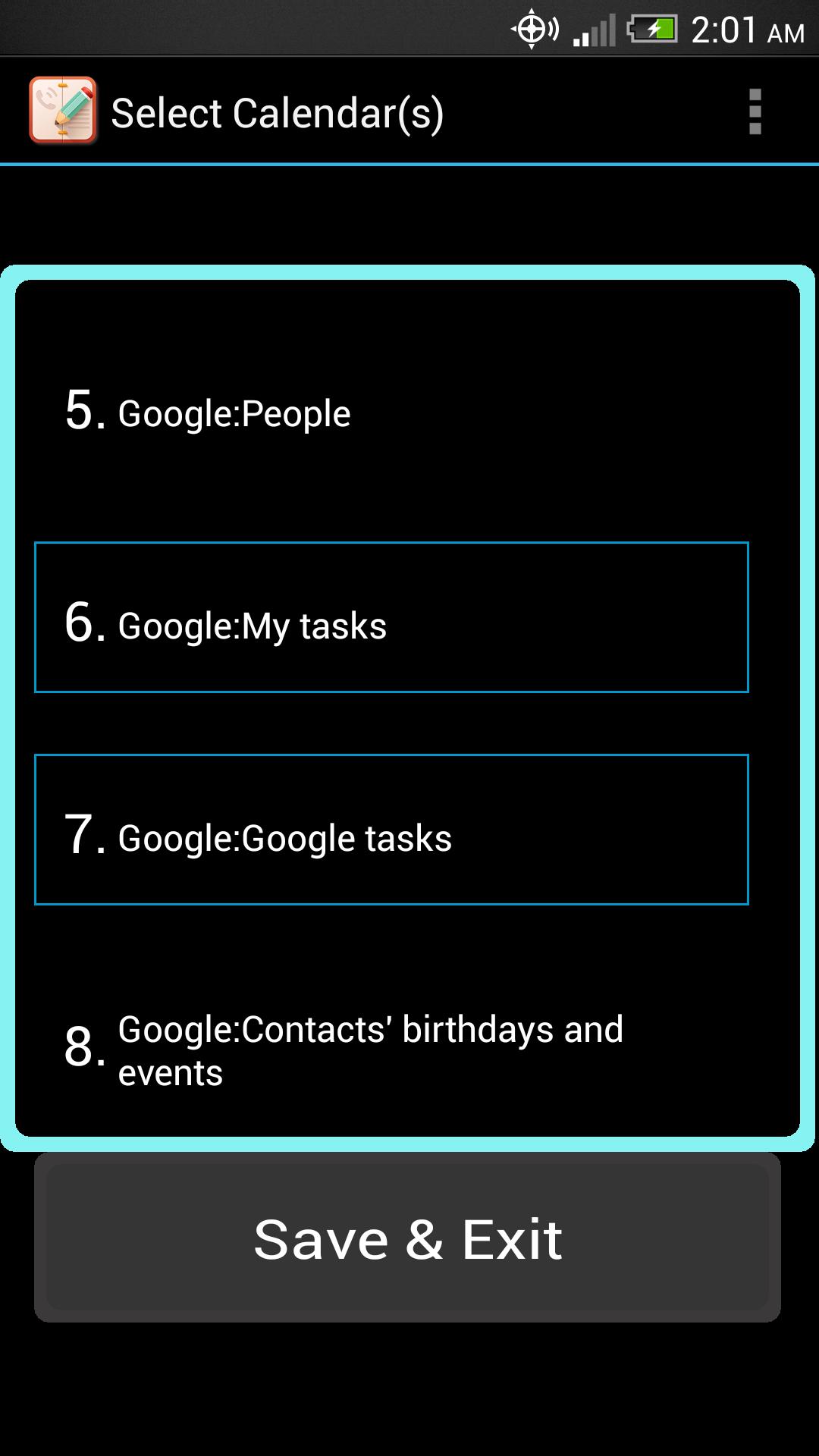
✎ The app will prompt the user to specify detectable calendar(s) for input. Multiple calendars for a device can be selected.
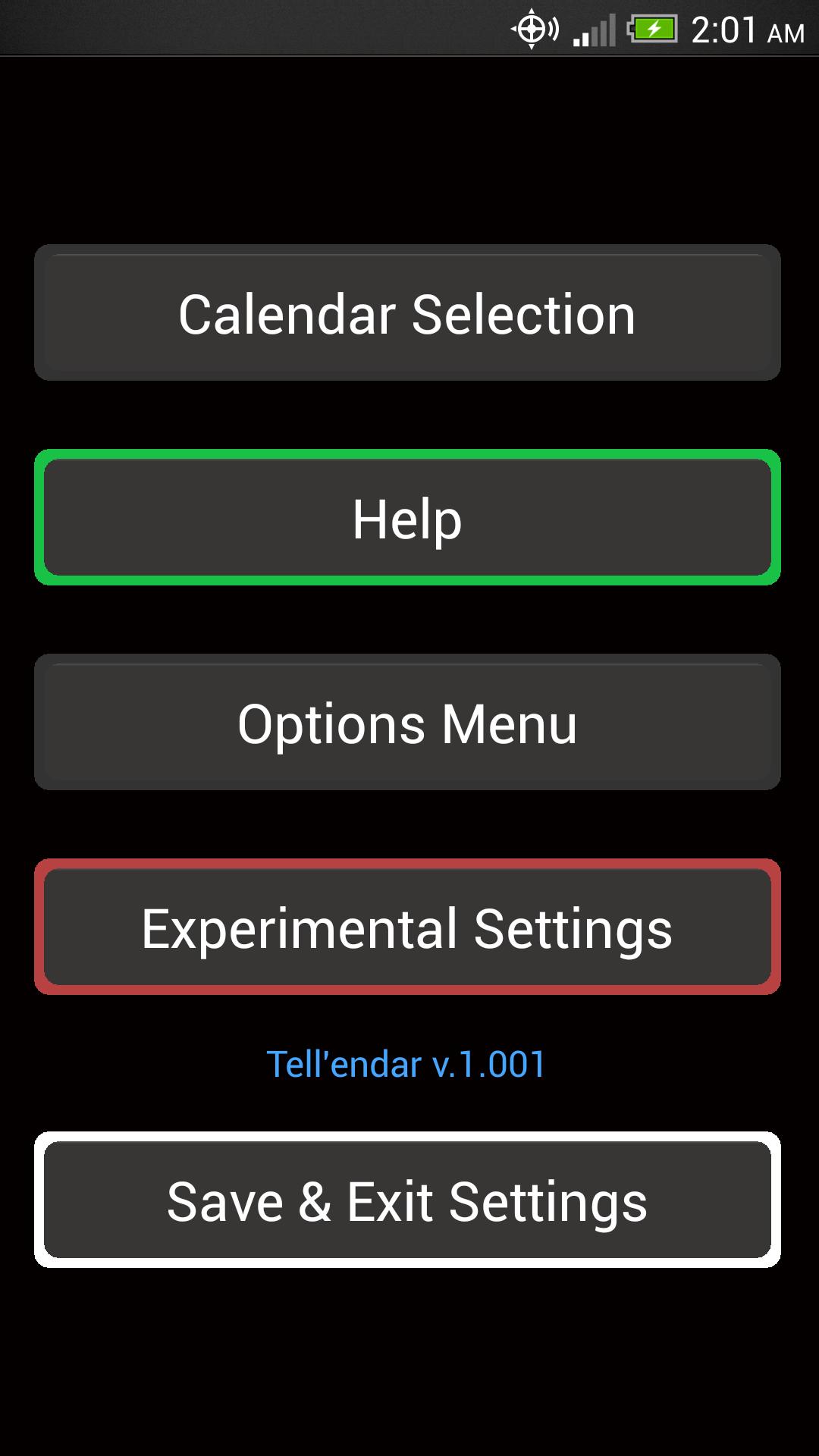
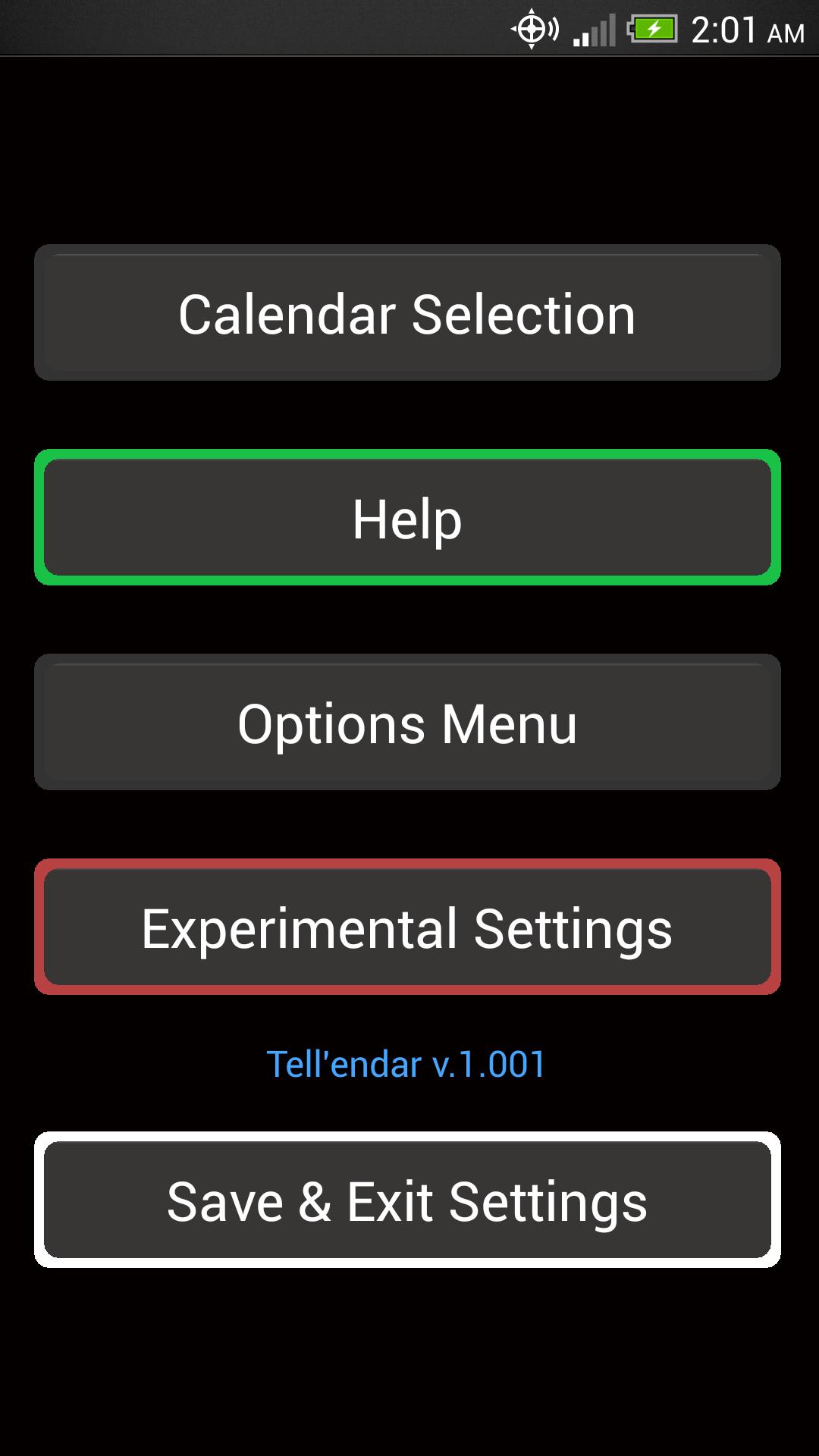
To access app settings, say "settings" at the voice command prompt
To access help information, say "help" at the voice command prompt
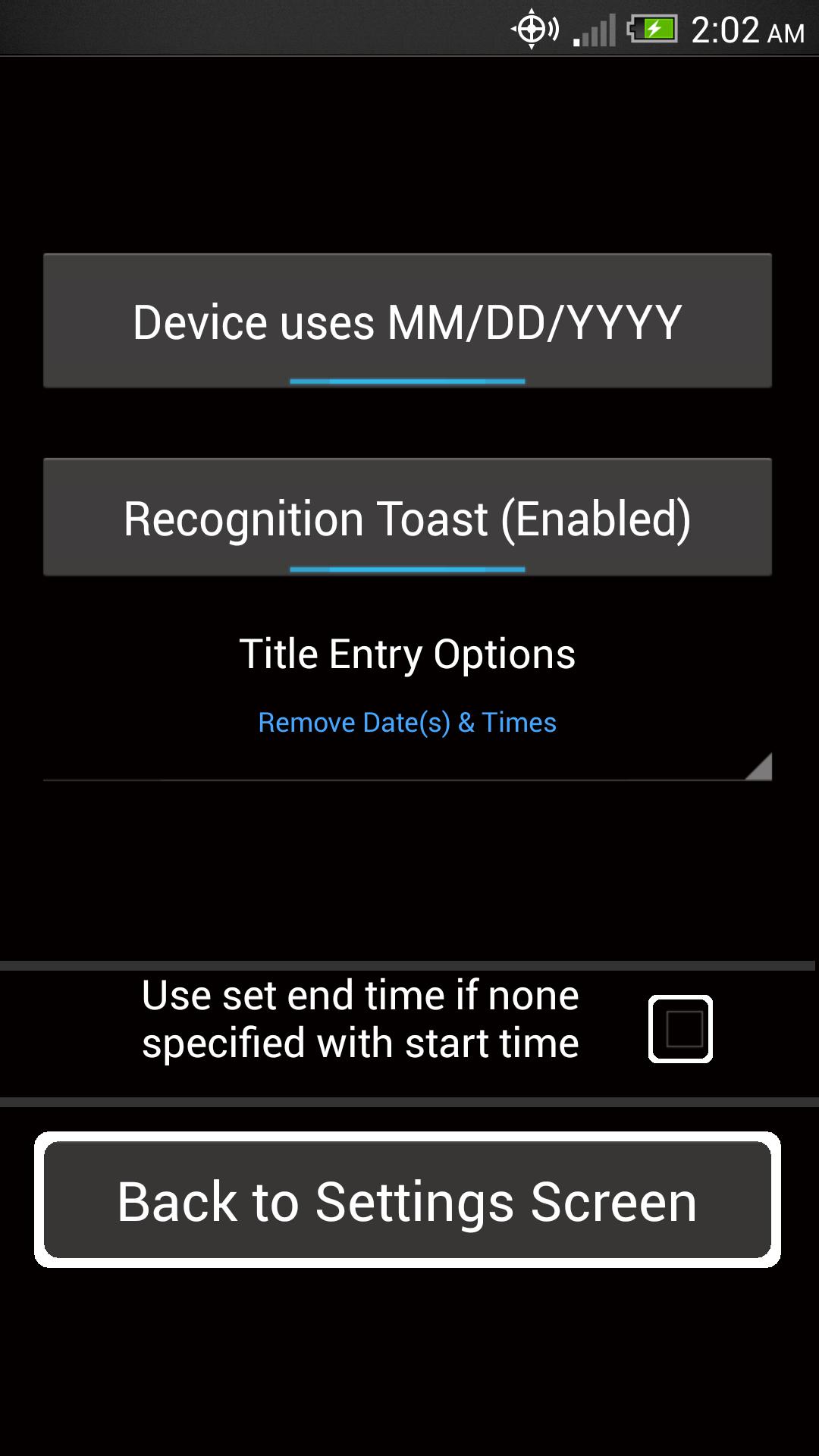
First time users: after selecting a calendar access the settings menu. If your device uses DD/MM/YYYY recognition please set this first in the options menu
NOTE:
This app may not function properly when run from the SD card.
Permissions Required and Reasons for Use
http://brandon-horwath.wikidot.com/voice-calendar-permissions/




 Download