

Toggle your device security lock setting with a single click.
This app is designed to enable you to toggle your phone security from enabled to disabled and back again without having to go through the device settings menus. This is very useful if you do not like having to enter your security PIN, Pattern or Password when you are at home, but then want to easily enable security with a single click when you leave home so that your device is safe when you are out.
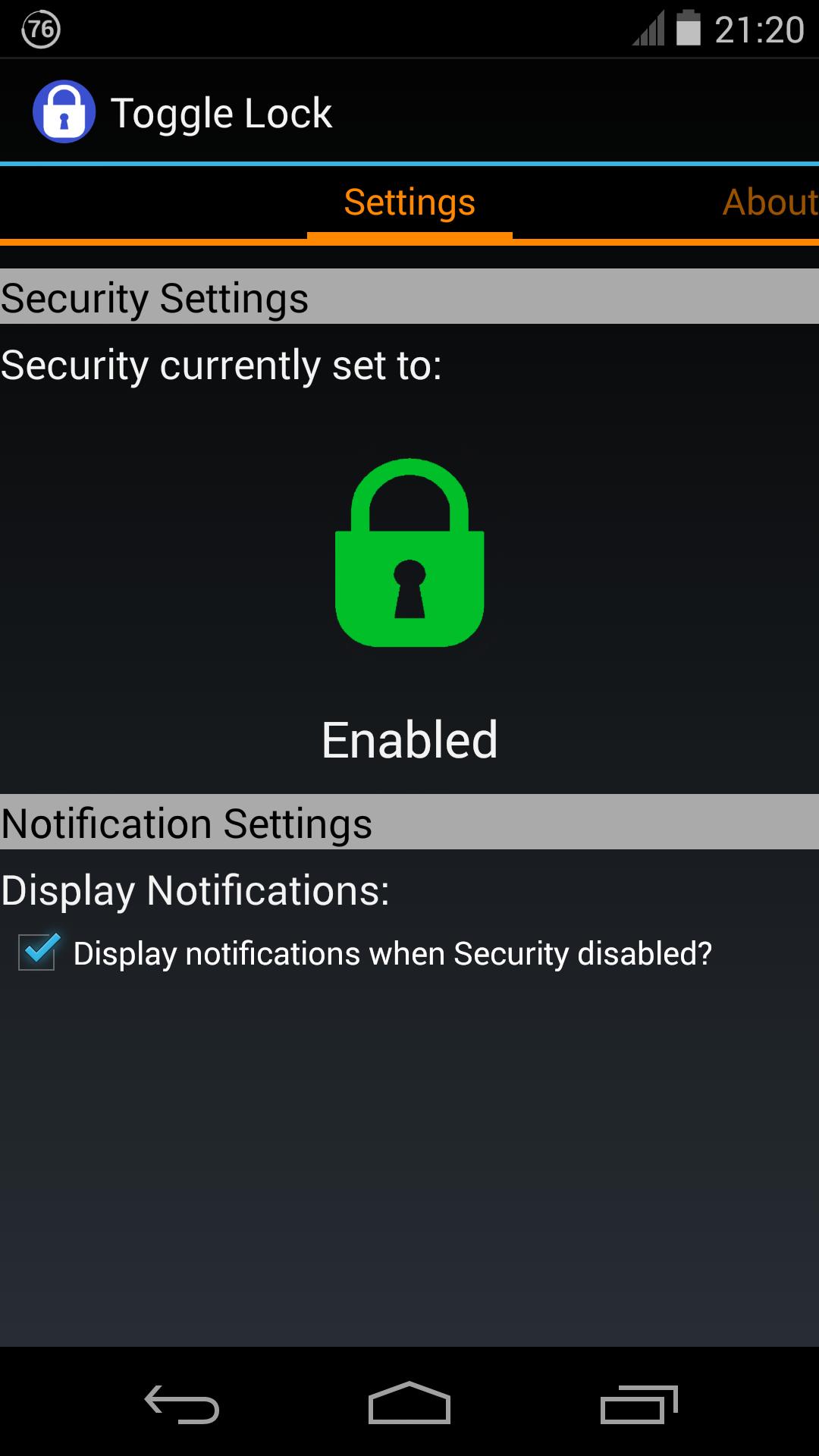
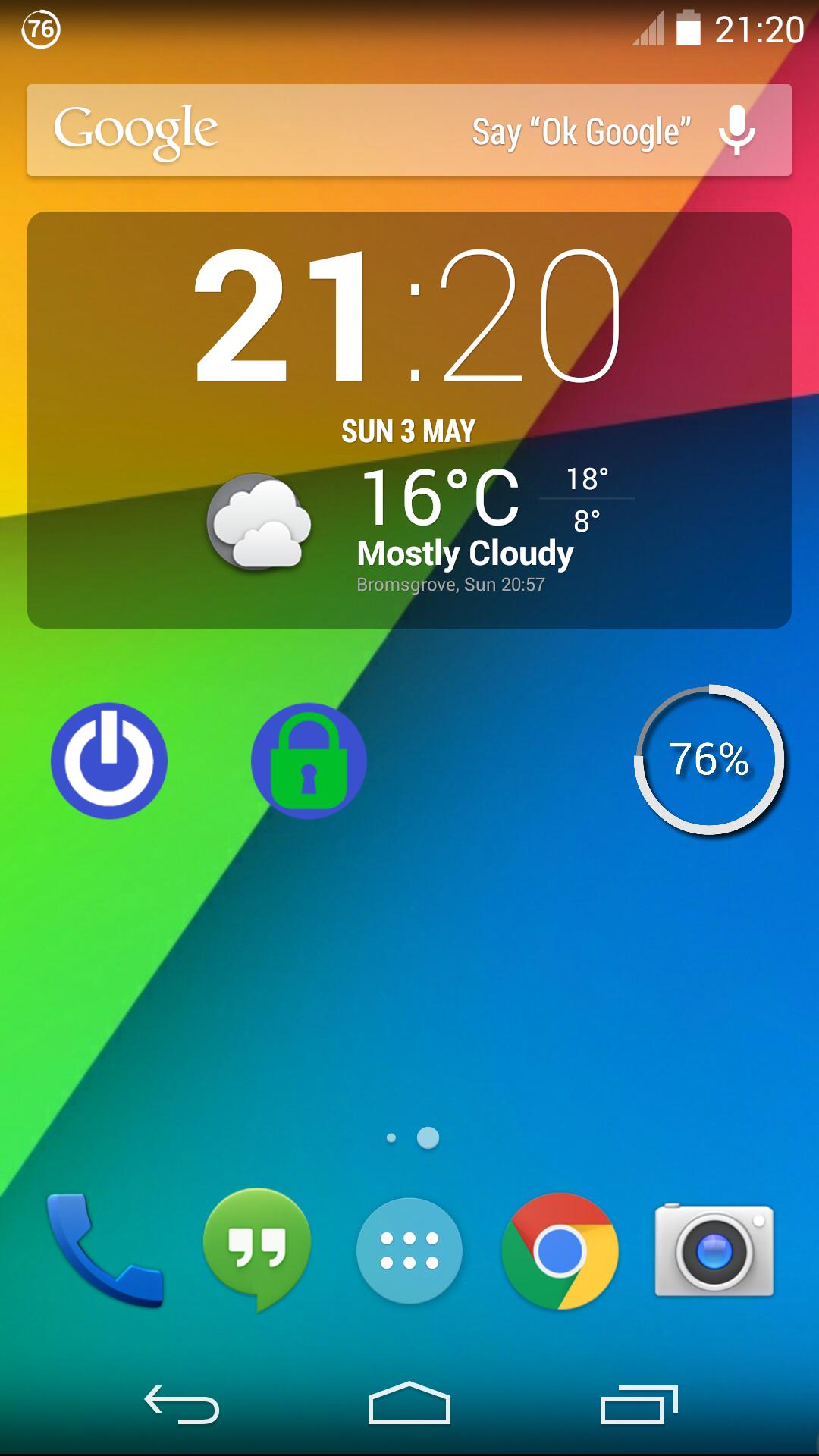
The app includes a setup screen and a re-sizable 1x1 toggle widget.
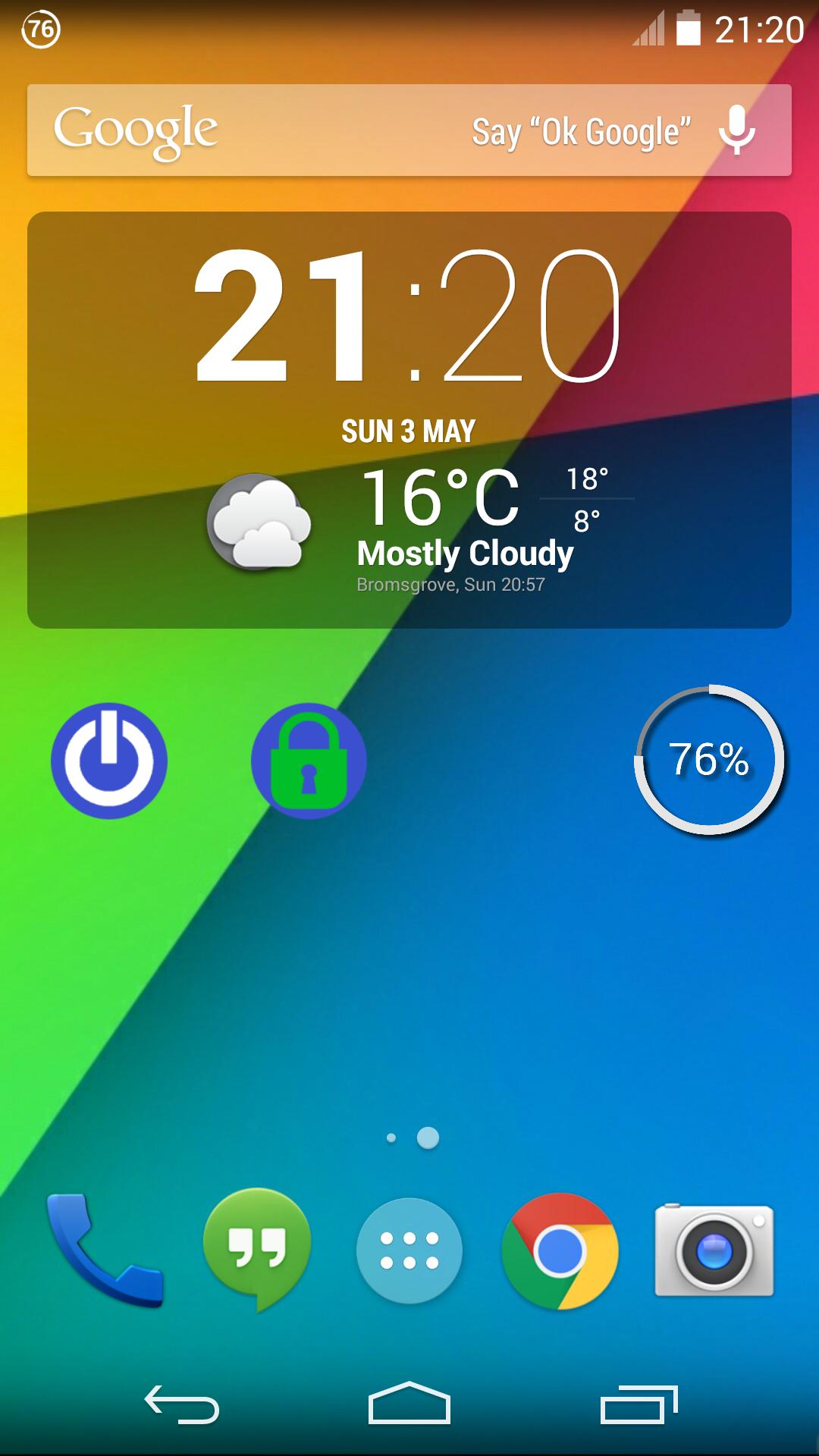
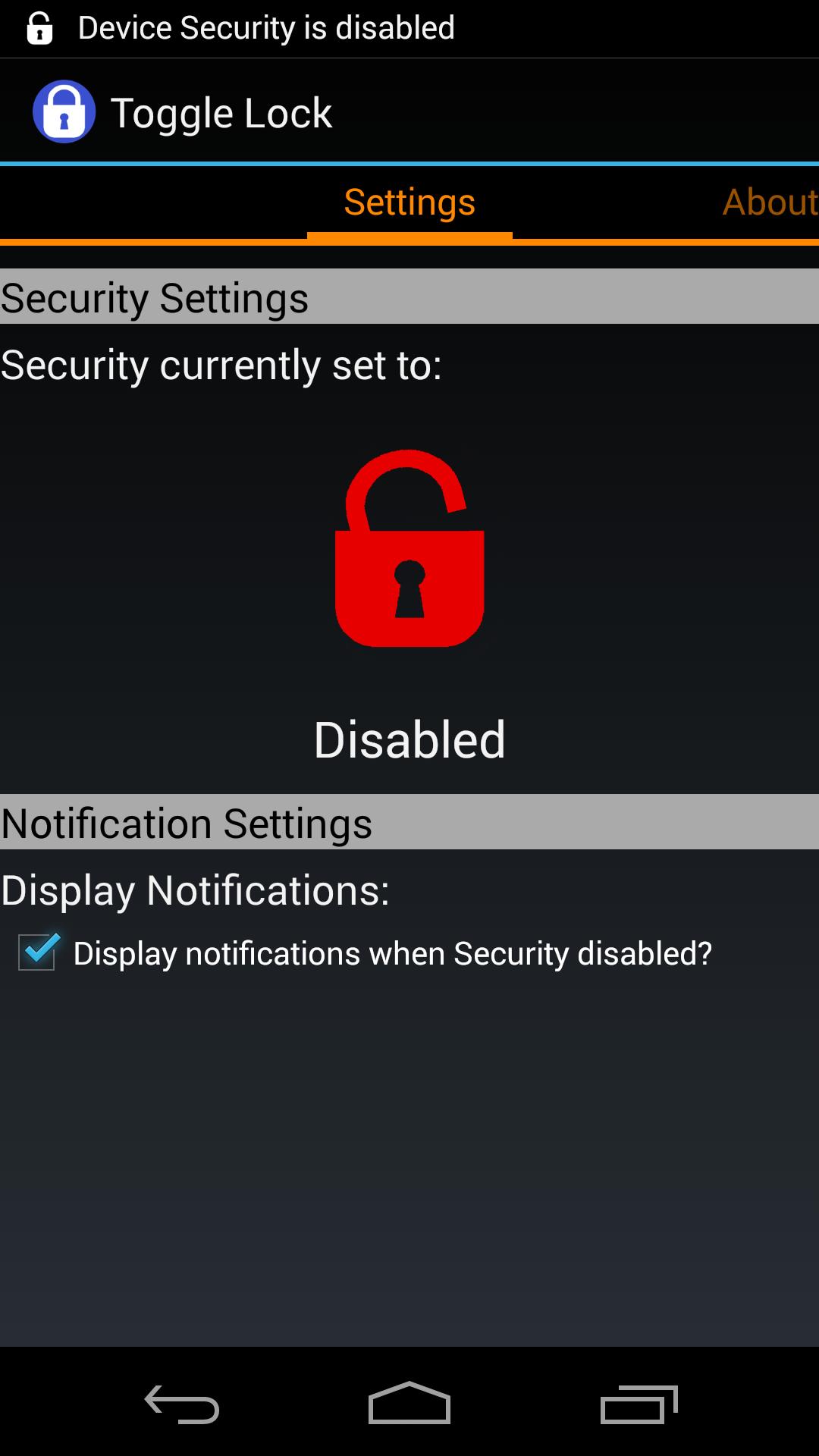
The widget can be used to quickly toggle the security setting between enabled and disabled. The widget shows green when security is enabled, and red when security is disabled.
Display notifications can be set on or off to show when security has been disabled. If notifications are set to on, a warning icon is displayed in the notification bar when security is disabled (note, not when security is enabled). The notification can then be selected to quickly re-enable security.
Note that when you re-start your device, even if you had previously disabled security, you will be required to enter your PIN, Pattern or Password. After you have keyed the code in the first time after re-start, the security will then be automatically disabled again if that was the setting before you switched your device off.
IMPORTANT NOTES:
★ When designing this app, it was not possible to leave a slide or swipe only screen in place when security is disabled, as the security programming settings within Android only allow me to turn off security completely, rather than change the type of security that is currently set. Some people have fed back that it would be useful to leave the slide or swipe security screen in place, but I'm afraid that this is just not possible with the programming settings available within Android.
★ Samsung seem to have de-activated some of the security programming settings within some of their versions of Android, which means that whilst my app works on some versions of Samsung's Android software, and many other manufacturer's phones, the app does not appear to work on many Samsung versions of Android. I'm afraid this is down to Samsung, not my app, and unfortunately there is nothing that I can do to make my app work in these instances.
★ In Android version 4.0.n (ICS), when device security is disabled, selecting a notification will display the lock screen. This is a known bug in this version of Android. Once you have re-entered your pattern, PIN or password, device security will be disabled again without having to toggle security settings manually.
Keywords:
Enable Disable Security Keyguard On Off Pattern PIN Password Lock Unlock











 Download