

The App for Cattle Farmers in Switzerland
Ask the animal stories of beef's animals registered in Switzerland.
Requirements for the use of the TVD app
To use the TVD app, you need an AGATE number and an AGATE password. Both must be stored in the TVD app under user information. In addition, the role must be assigned to you in the animal traffic database.
If you do not yet have an AGATE number, you can self-esteem at www.agate.ch.
To assign the role of guest, log in to www.agate.ch with your AGATE number and your Agate Password and click on animal traffic under "My Agate". This is how you get to the animal traffic database. In the animal traffic database, select the menu item "Manage personal data" under "Person" and, under "Roles", assign the available role "Guest" by selecting and clicking "Assign".
Query animal stories
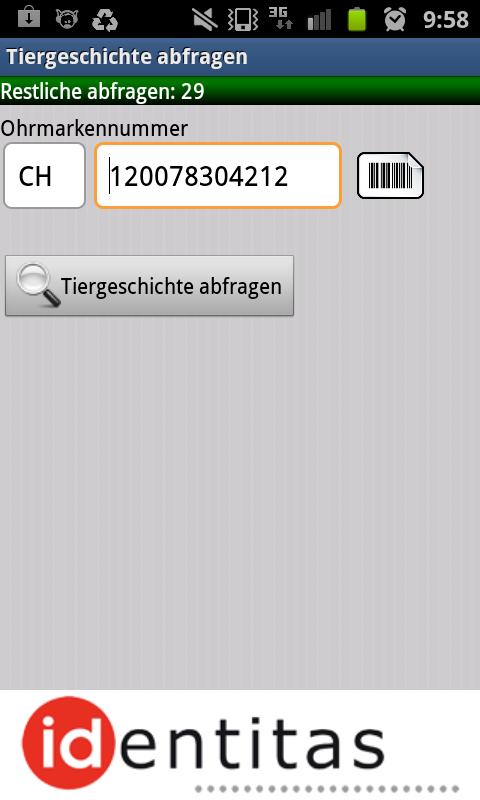
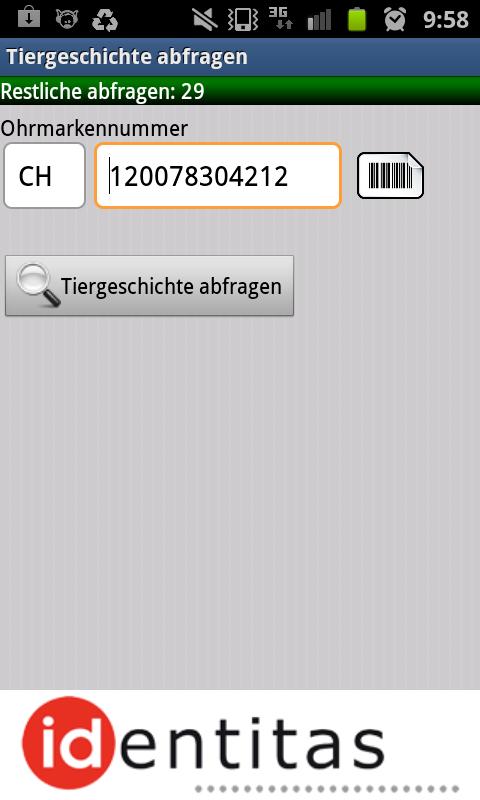
To query animal stories, you must enter the 12 -digit ear brand number under "Query animal history". If necessary (foreign animals registered in Switzerland), you must change the country code accordingly.
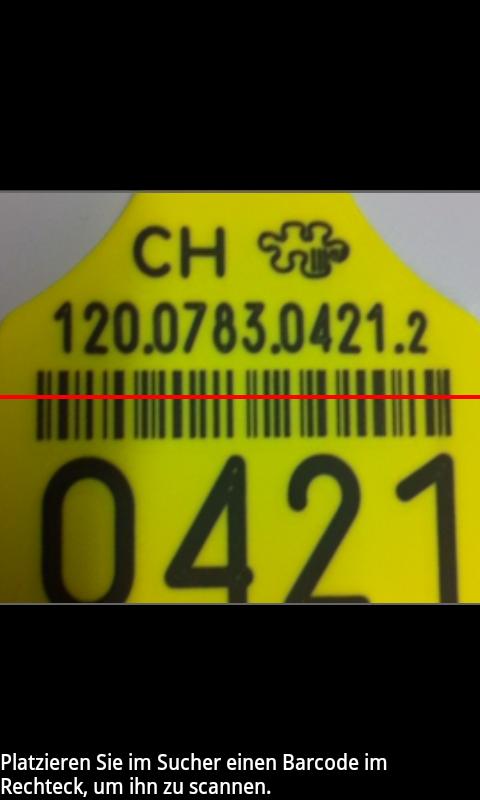
You can also scan the ear brand number and the country code with the built -in camera from a barcode and automatically transfer it into the input fields. To do this, click on the button with the barcode and make sure that the red line displayed in the picture records the entire barcode. Attention: keep barcode and cell phone as calm as possible.
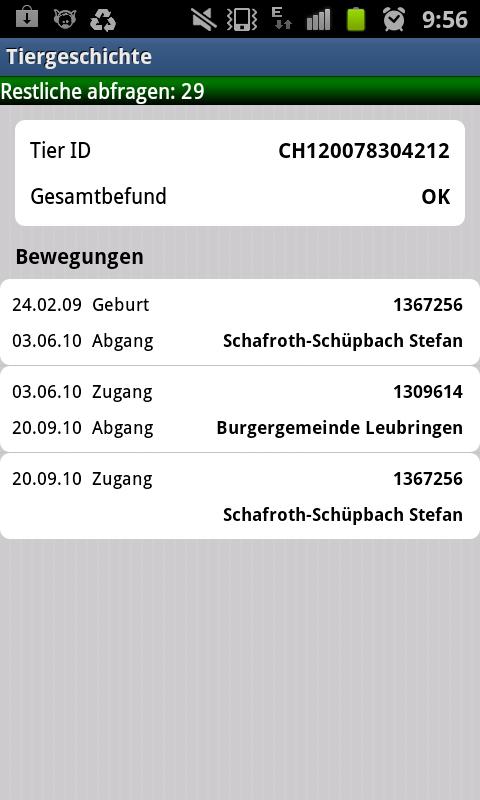
To transmit the data to the central database and to access the corresponding animal history, press the "Query animal history" button
Further information
Please note that connection costs may arise for the transfer of the data if you are not connected to the Internet via your own WLAN.
You can query a maximum of 30 animal stories a day. This limit exists regardless of which system you use the query.








 Download