

Enjoy Millions of the Latest Android Apps, Games, Music, Movies, TV, Books, Magazines & More. Anytime, AnyWhere, Across Your Devices.
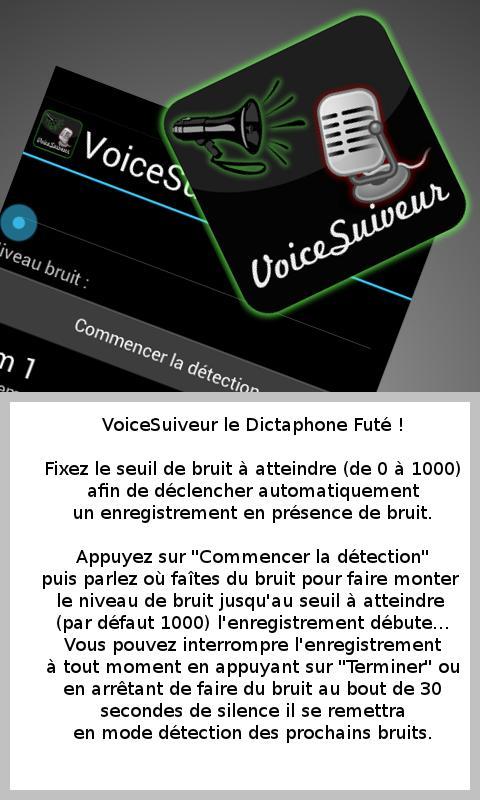
Voicesuirter is a somewhat special autonomous dictaphone.
Voiceuir detects noise and begins a sound recording in 3GP format in the presence of noise.
First fix the noise threshold (by default it is at 1000) (if you fix it at 0 Voicesur passes in registration mode without detection and if you fix it to the maximum which is 10000 you must speak stronger to reach this threshold in order to start audio recording)
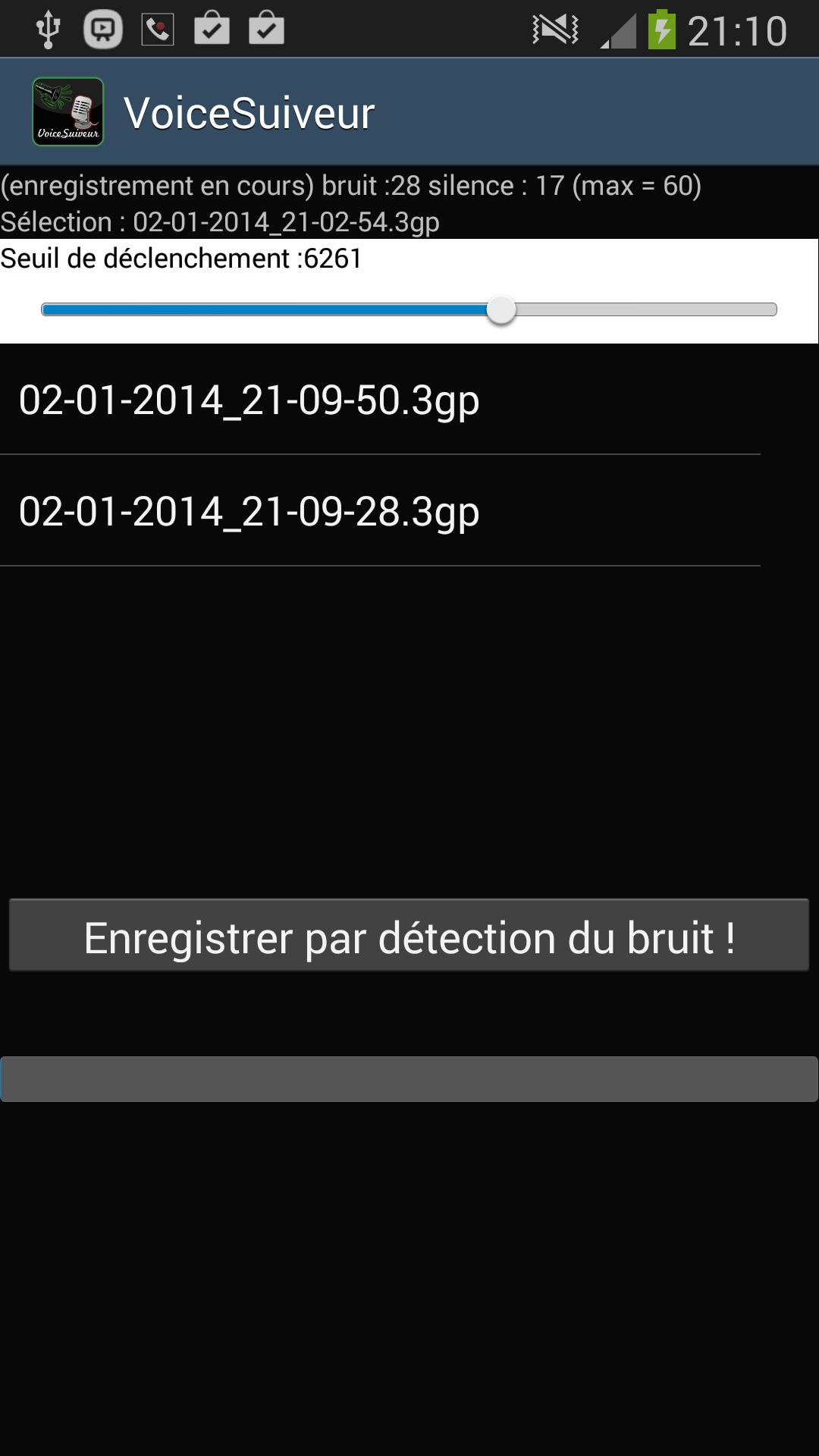
Touch the "Start detection" button The detector assesses the noise and displays the amplitude of this noise, as soon as it reaches the trigger threshold you have fixed (and which will remain saved when you leave the app)
It will then start a new recording by creating a file in 3GP format named VoicesiVer with the date of the day and the time of the start of the recording.
During Voice Voiceuver is put in silence detector mode, if it detects a silence greater than 15 seconds it ends the recording and automatically recovers in noise detection mode to generate a new recording dated as soon as a new noise reaching the threshold. (Increment of the silence points at 60 during the 30 seconds of silence and reset of the silence meter if a noise occurs during this time).
Note that to trigger a recording you must produce a noise higher than the trigger threshold that you have fixed and to stop a recording you must decrease your noise for 30 seconds below this same threshold.
Once the records are completed, the new files in 3GP format will be accessible in a directory called Voices Voices placed in your internal or external storage memory, you can also see the list above the "Start detection" button and by selecting a line in the listview you can act on the sound recording you have selected, a button appears at the bottom to erase and another button to listen to the recording chosen.
At the bottom of your screen is visible the noise gauge that progresses depending on the noise you generate.










 Download