

Secrets are best kept to yourself
Winner of the Yubico Monthly Developer competition March 2013: http://forum.yubico.com/viewtopic.php?f=25&t=1023
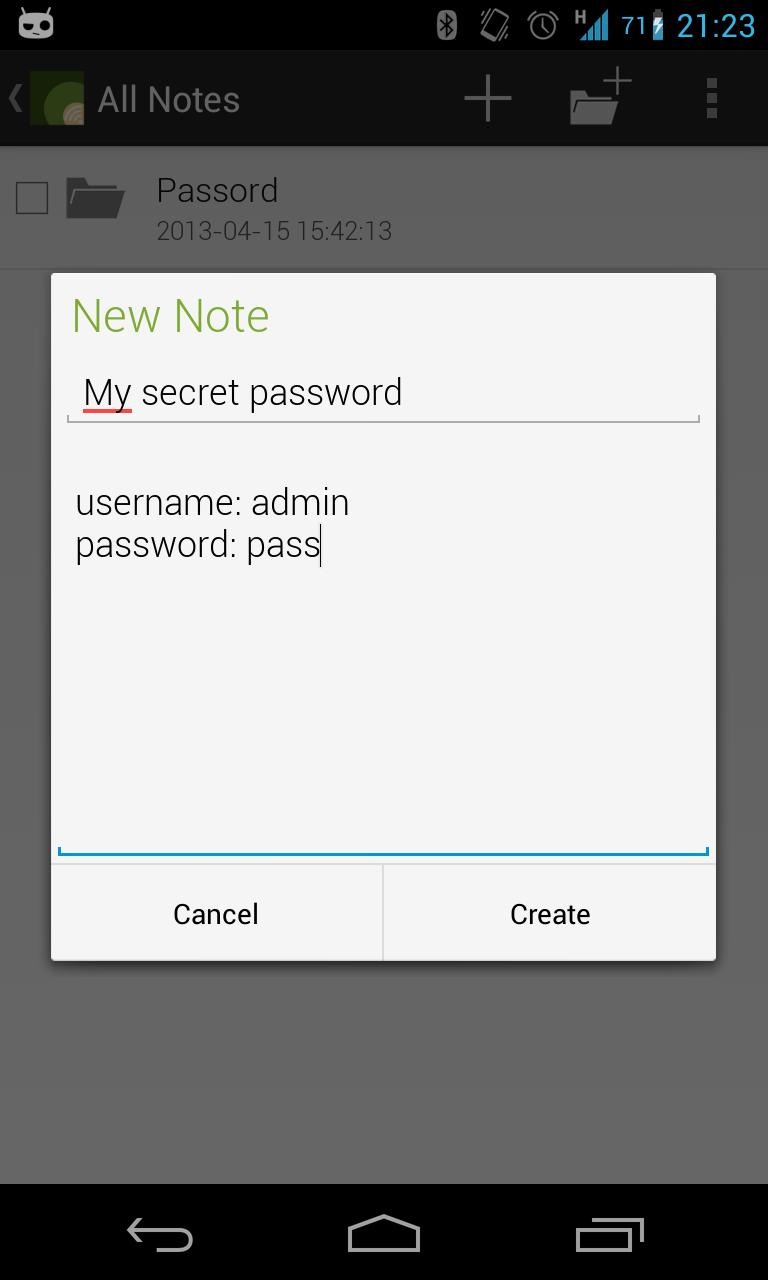
Want to store your notes fully encrypted? Don't feel like sharing the notes with the entire internet? Look no further!
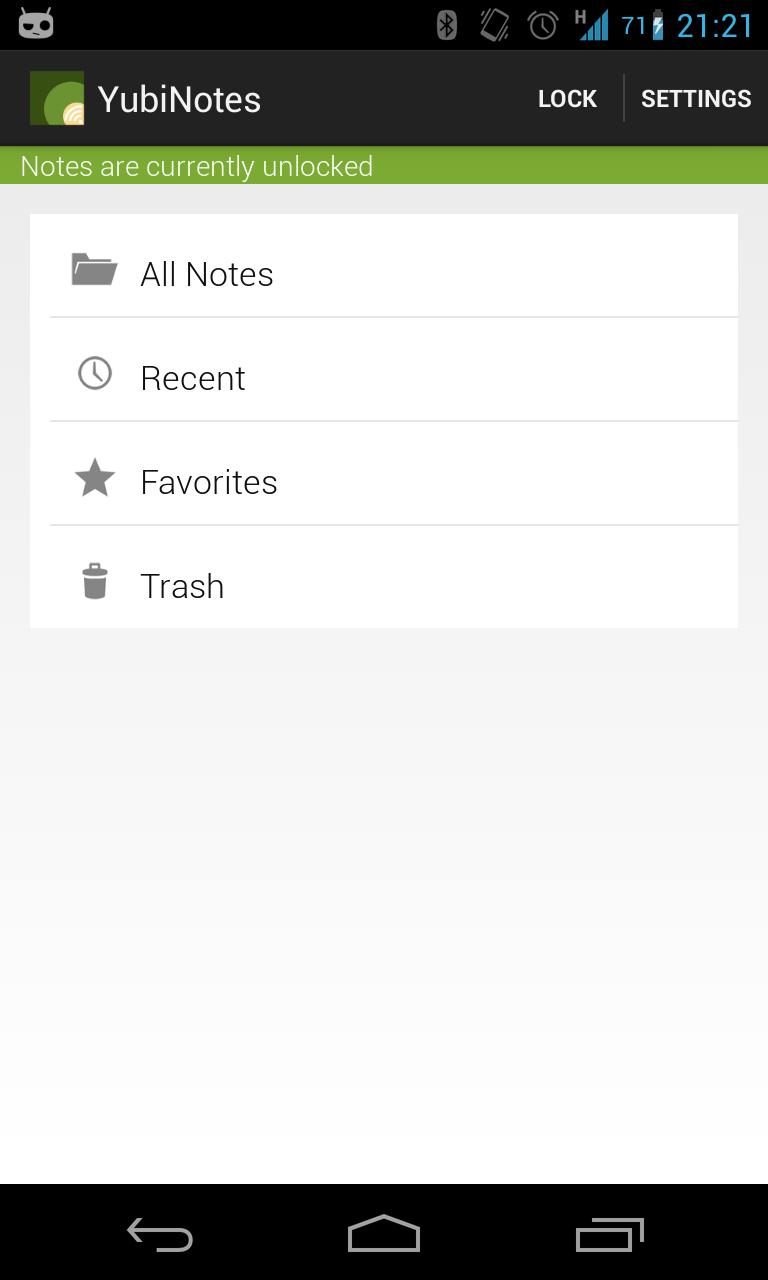
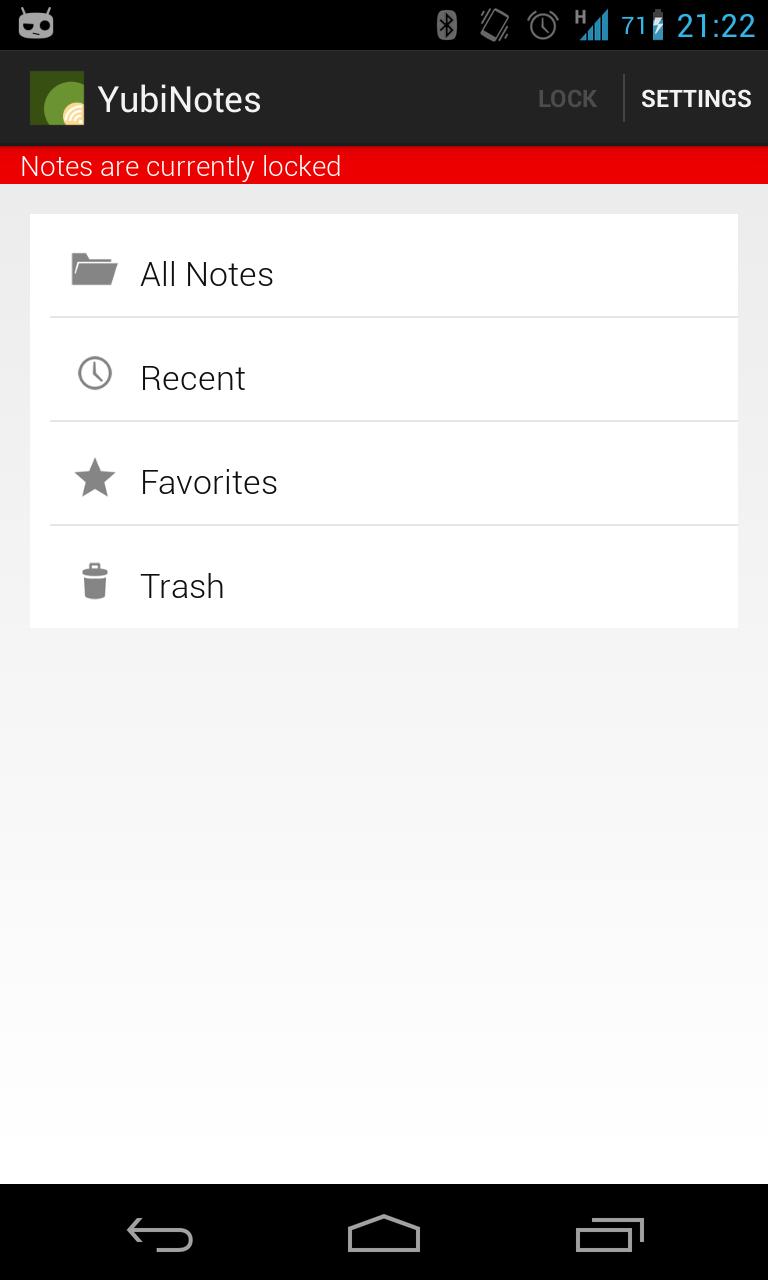
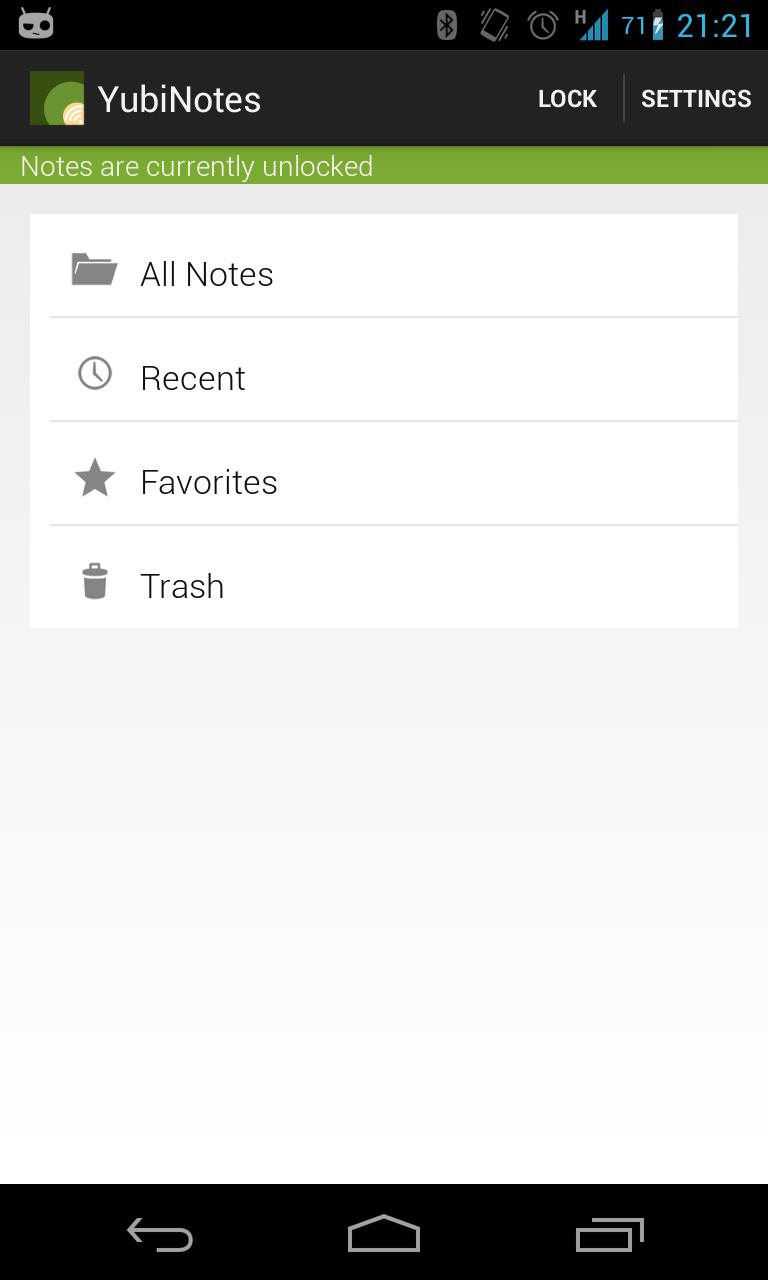
YubiNotes is a different note app. Its secure and the notes are truly for your eyes only. YubiNotes is a open source secure notes app for Android that supports using either a password or the YubiKey NEO to encrypt/decrypt notes. Encryption/Decryption is based on a simple lock system that stores and wipes necessary keys for decryption.
YubiNotes is the perfect companion for anyone with a YubiKey NEO or the desire to keep their secrets to themselves.
Notes are encrypted using AES/CBC with PKCS5 Padding.The encryption and decryption process is based on 4 security keys. The first two are generated the first time the app is started and subsequently stored for safe keeping. The second two are the result of the hashed password or Yubikey input string.
As long as the device is locked only the unique device id keys are stored on the device. The other two keys are wiped when the note store is locked. A one-way hash of the password is also stored on the device when password mode is used.
When decrypting the notes, the following will happen in Password Mode:
The password provided from the user is hashed and checked against the stored hash value. If it matches, the hashed password is separated into two hash strings which are then XOR'ed with the first and second security key. The resulting values are then used as IV and key and used for decrypting the notes.
When decrypting notes in YubiKey mode, the procedure is similar.
The string provided by the YubiKey is XOR'ed first with the first key, and then with the second. The resulting two values are used as IV and key and used for decrypting the notes.








 Download