

Be the fastest! Improve your stereovision, defeat the world!
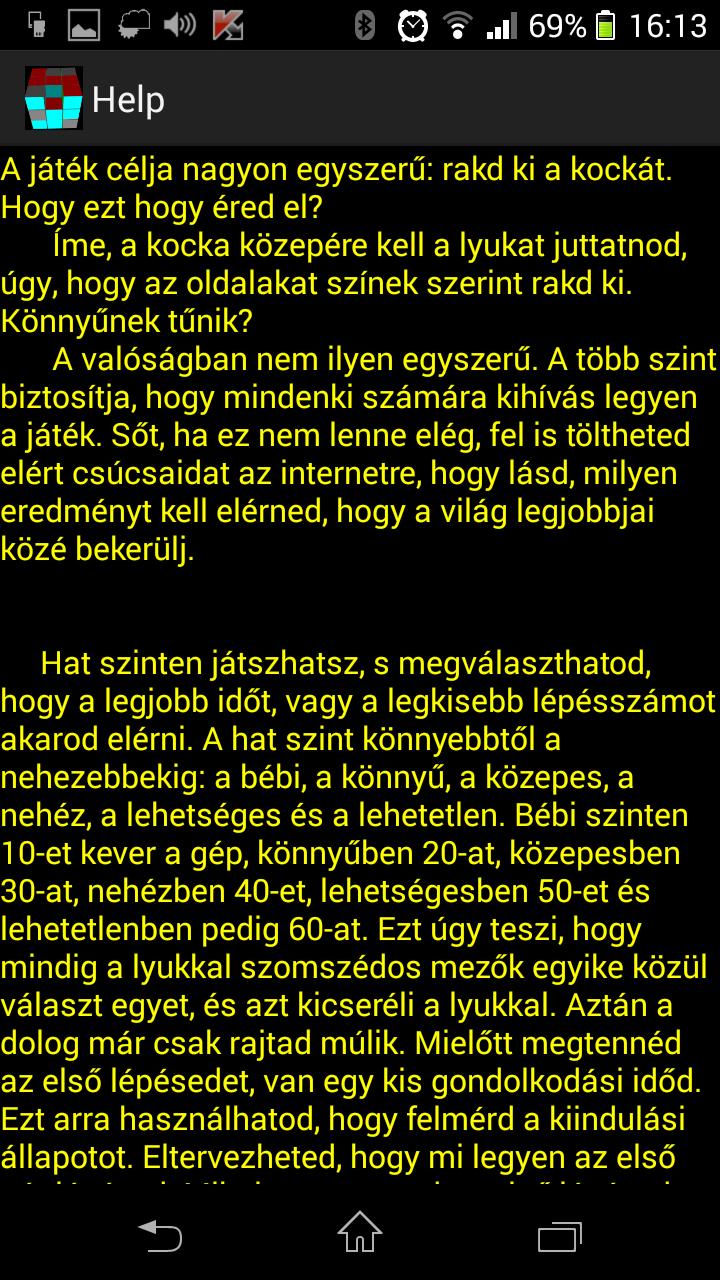
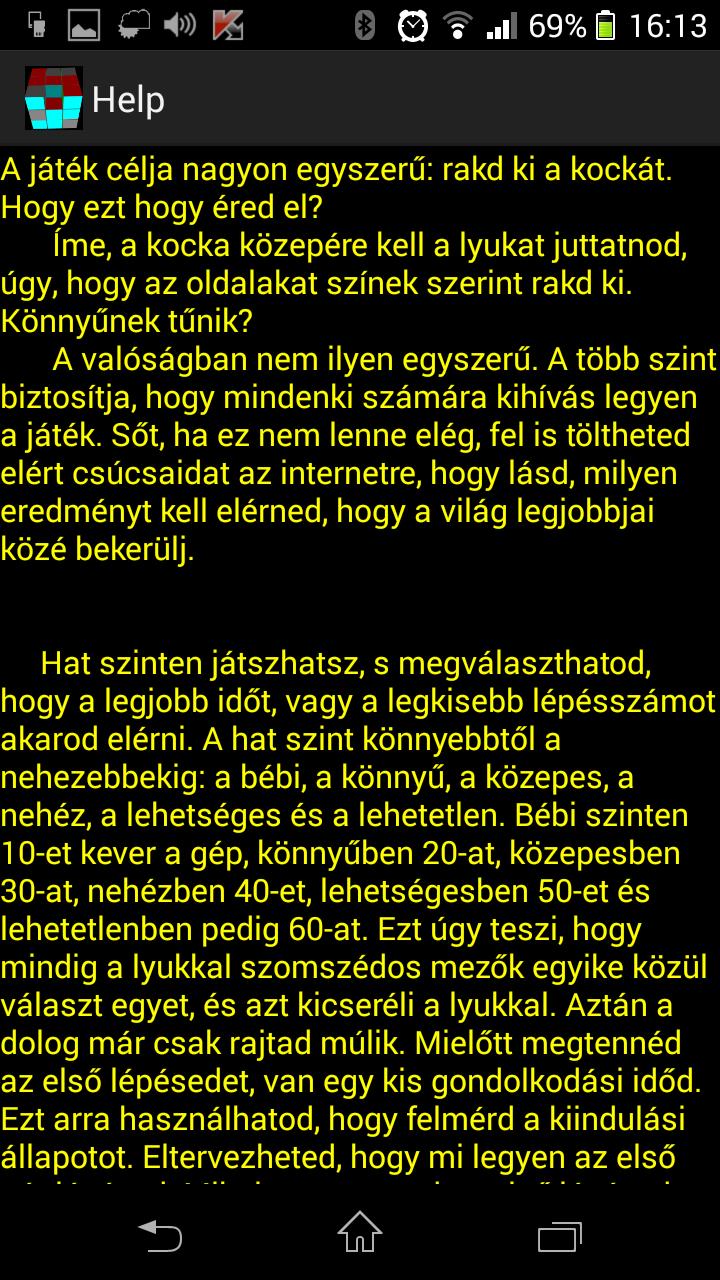
The aim of the game is very simple: solve the cube. How can you do it? You have to get the “hole” (missing part) to the middle of the cube while completing the cube’s faces according to colours. Sounds simple, doesn’t it? Well, in fact, it is not that simple. There are several levels (from “baby” to “unsolvable” level) to make sure the game presents a challenge to all its players. You can share your high score on the Internet and see how you match up against the best.
The game is for touch screen devices with Android 2.0 or OpenGL ES2.0 support.
There are six levels available, and you can set the shortest time or the fewest number of steps as your goal. The six levels are the following: “baby”, “easy”, “medium”, “hard”, “possible” and “impossible”. On “baby” level, the cube is scrambled 10 times, and this number increases with each level (20 times on “easy” level, 30 on “medium” level, 40 on “hard” level, 50 on “possible” level and 60 on “impossible” level). The program scrambles the cube by choosing a part adjacent to the “hole” (missing part) and swapping their places. The rest is up to you. Before your first step, you have a little time to make up your mind and evaluate the initial situation. You can plan your first few steps. It is only after your first few steps that the step counter and the timer starts. Both the step counter and the timer start in each mode: in case of a draw, in „step mode”, your rankings position will be decided according to your time, and vice versa: in „time mode”, if the time needed matches someone else’s time to milliseconds, the number of steps will be decisive. In case of an absolute draw the player who uploads his or her result first has the upper hand. You can share your results on social media sites.
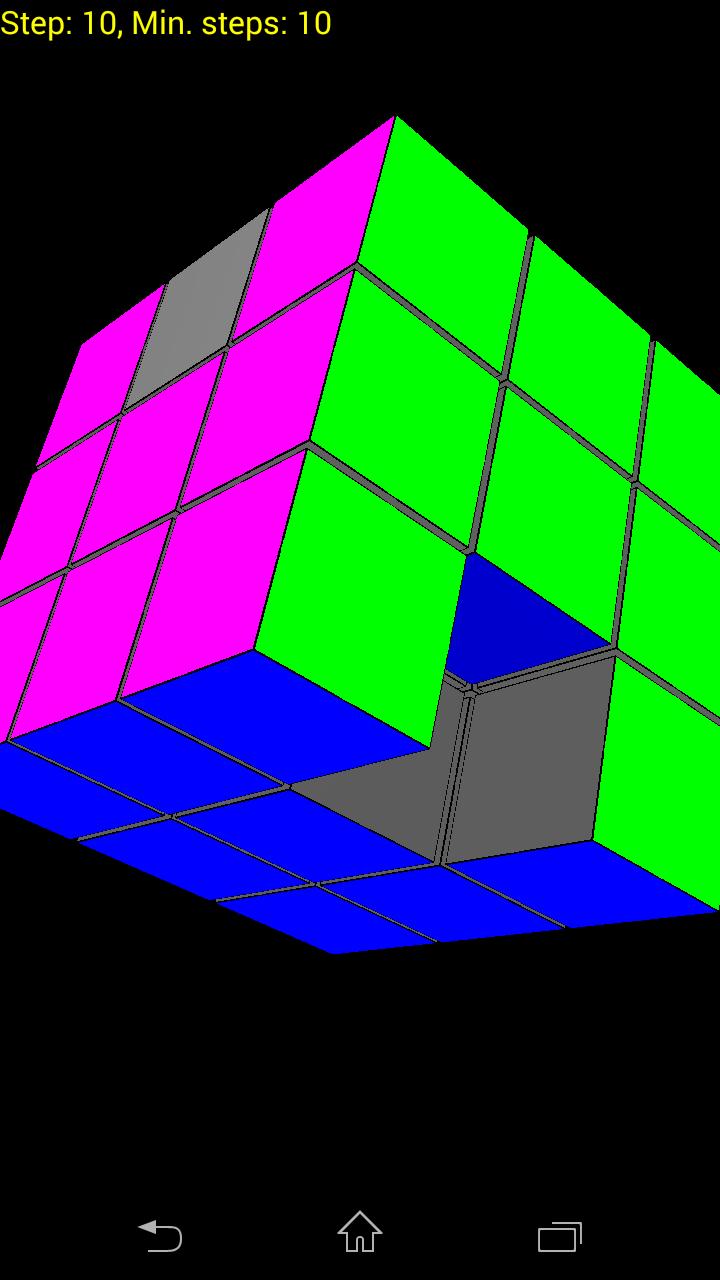
You can also try the game in „Exercise”. Here it does not matter how fast you are or how many steps you need. This mode helps you to decide if you take the right decisions: on top of the screen, a counter shows you how many steps you have already taken and the minimum number of steps that is needed to solve the cube from that position. If this number keeps decreasing, you are on the right track.
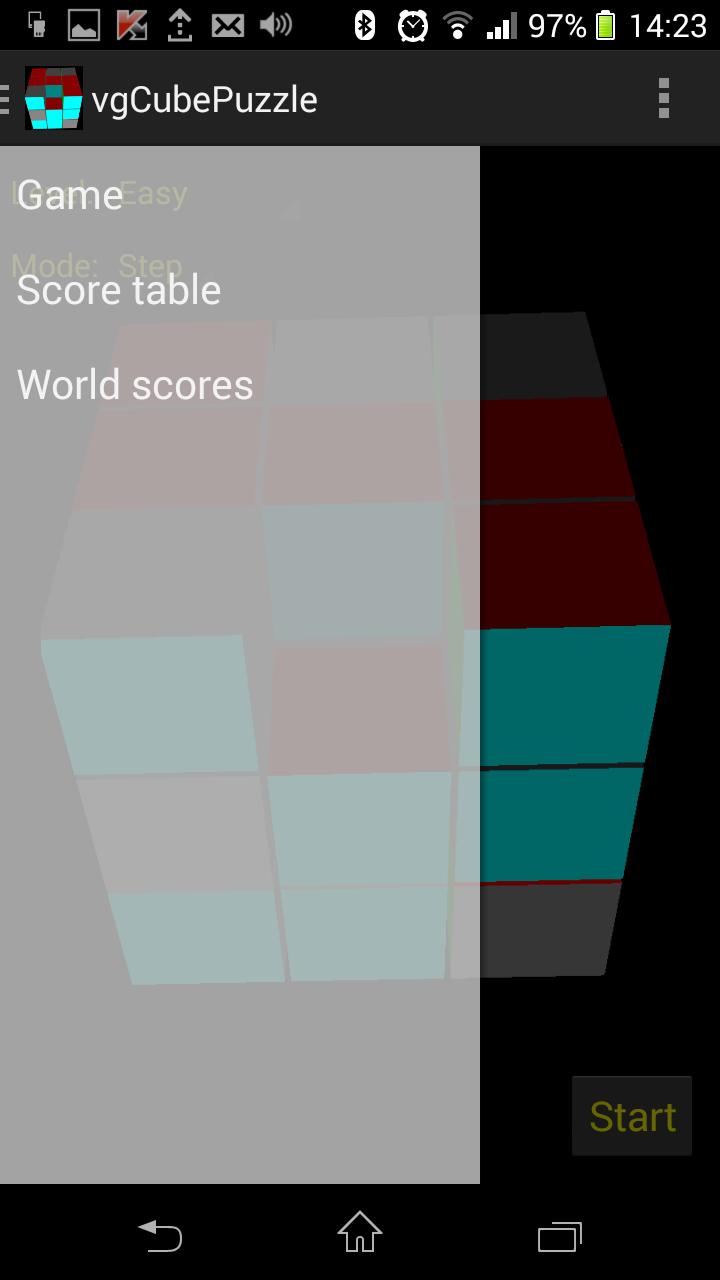
You can play the game offline too: Internet connection is only needed for uploading your results, but you can do that later, by choosing Personal Results – Upload. When uploaded, you can view your results and your position (indicated in purple) by choosing World Rankings. You can also compare your results up to milliseconds with your fellow players. If you think you are capable of reaching the podium, you can check out what results you need to achieve for a 1st, 2nd or 3rd place. However, you need to sign up to be able to store your results. You can sign up right away, or you can find this option in the Menu. You can only sign up once from one device, but you can sign in from several devices at the same time.
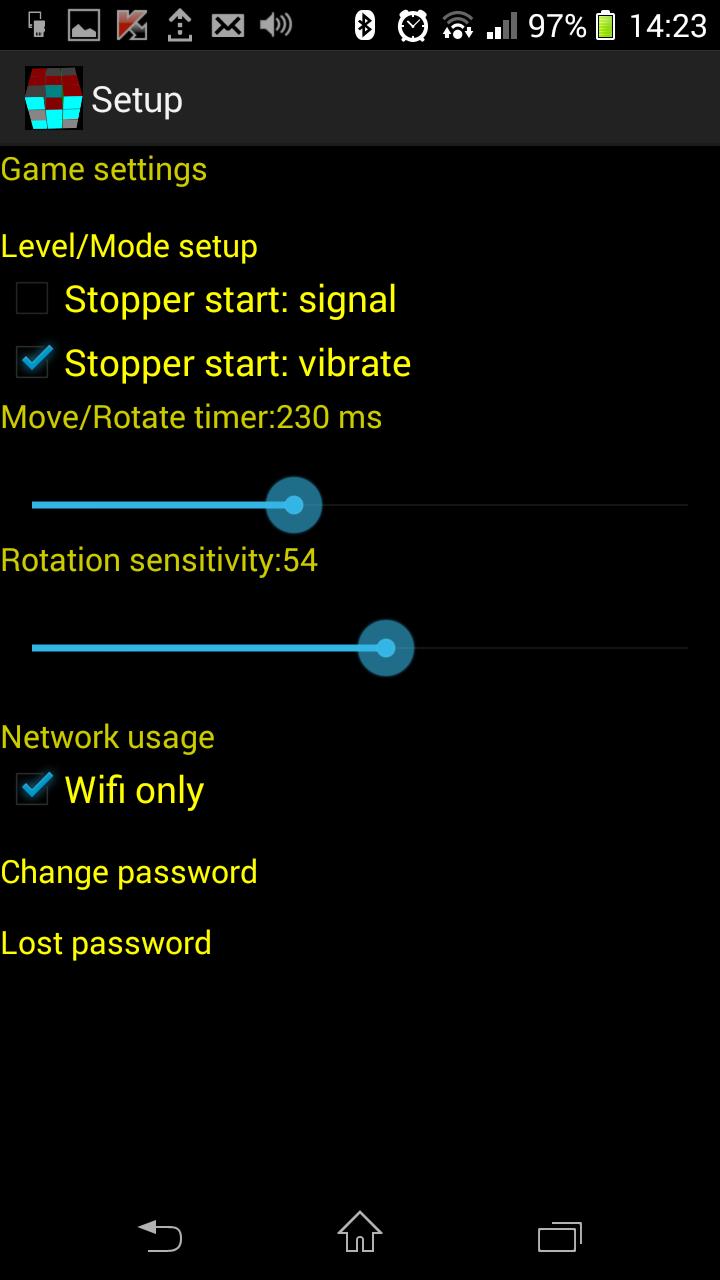
Settings:
- Level/mode setup: you can choose your level and mode of play. This option is available upon launching the game.
- Stopper start: signal: you can set a beep sound to indicate when the timer starts.
- Stopper start:vibrate: you can set a buzz to indicate when the timer starts.
- Move/rotate timer: you can set a time (in milliseconds) for a part to start moving towards the hole, and a time after which a touch is considered an intention to rotate.
- Rotation sensitivity: you can set the sensitivity of rotation.
- Only wifi: you can disable online data flow (in case of roaming the program calls your attention to possible extra charges)
- Registration: It needs to save your scores.
- Change password
- Lost password: if requested, a new password is sent to your email address.


 Download