

You Can Not Pass The Numbers, Is The Fastest Filling The Bingo Cards.
A project done to better help you your chances of winning those awards that you have always wanted to win in the bingo, allowing you to play with the amount of cards you want at the same time.
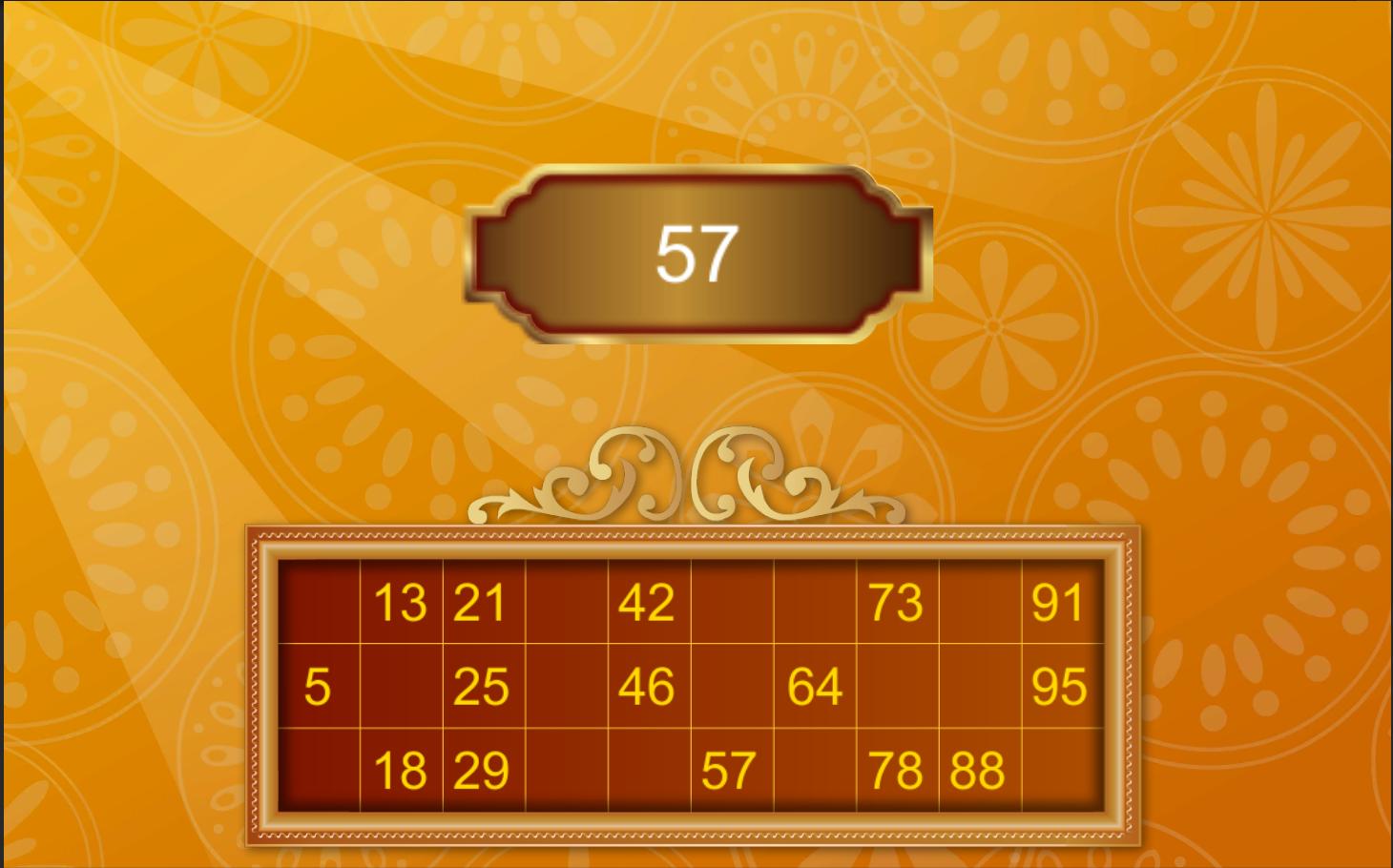
Simply create your cards, fill them and the application will look for numbers for you.
How do you play?
1- Buy your cards.
2- Create the cards in the application.
3- Fill the cartons
4- Select the game mode ... already play.
5- Enter the number you want to search in the cards and press the search button.
How to fill the cartons?
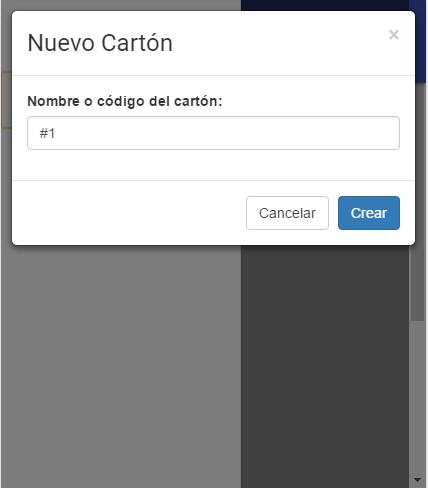
- First you must create the cardboard and assign a name or identifier so you know that cardboard should show when you win.
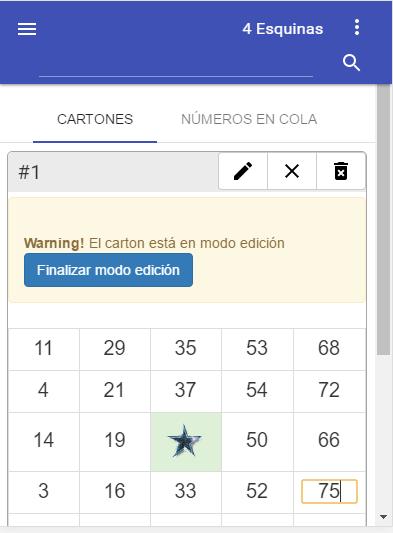
- Each cardboard has a toolbar with three buttons, pressing the first button (pencil), you will put the cardboard in editing mode allowing you to add in each space the numbers corresponding to the cardboard, the numbers will be saved automatically but it is better to make sure to mark the option "Finish edit" when you finish filling the cardboard.
How to change game mode?
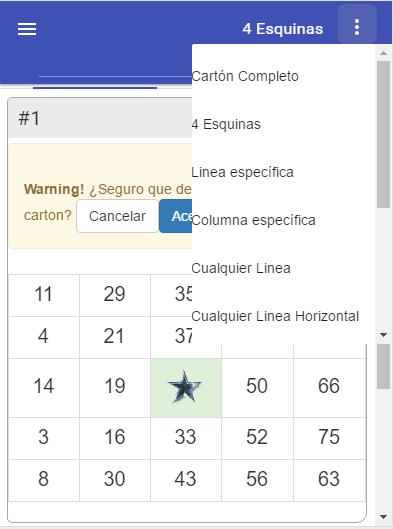
- In the menu of the upper right corner you can select among the different 11 game modes:
--- Complete cardboard: you want when the cardboard (s) this complete (s) in its entirety.
--- 4 corners: you win when the four corners are completed
--- Specific line: You want when some line either vertical or horizontal is complete.
--- SPECIFIC COLUMN: Want when a vertical or horizontal line in specific is complete, example: you want only if row 2 is complete
--- Any line: you want when any lines either vertical or horizontal is complete.
- Any horizontal line: you want when any horizontal line is complete
--- Any vertical line: you want when any vertical line is complete
--- Any diagonal: you want when any of the diagonals is complete.
--- Si-ID diagonal line: You want only if the diagonal that goes from the upper left corner to the lower right corner is complete.
--- Diagonal ii-SD line: You want only if the diagonal that goes from the lower left corner to the upper right corner is complete.
--- In X: You want only if both diagonals are complete
What happens if you are wrong to look for a number and that was marked on the cartons?
- In the tab numbers in tail you can see the numbers you have been looking for.
- Each of these numbers has the option of "cleaning of cardboard" with which you can reverse the search for that number in all cards, and cleaning the number of cards.
What happens if you change the gaine mode?
- Every time you change the game mode or win, it is as if you clean all your cards or if they have corn for example, so the numbers in the cards are uncheck but still keep the numbers.
How do you know if the number was found in any of the cartons?
- Every time the number is found in a cardboard can be marked gray; If, for example, the gaine mode is 4 corners
And a single number is missing to win, the 3 numbers will be put in orange and a message will be displayed with the cardboard name or code
That is about to win.
How do you know what did you earn?
- If the number sought is the winning number, a message will be displayed for each winning cardboard that indicates by name or cardboard code that won in the gaine mode.
What happens when winning?
- The Gane message will be maintained until you select Change gaine mode or clean all cardboard.
--- In the case of changing ga-game mode, the cardboard and the numbers in the previous game of the previous game will be cleaned.
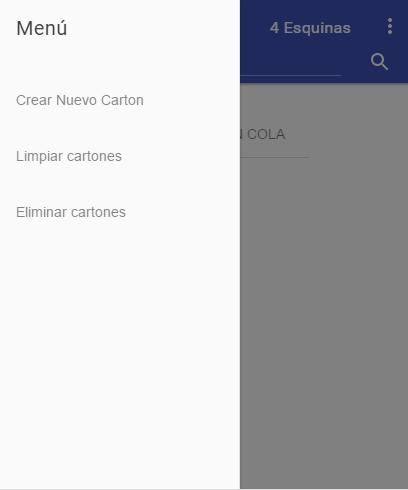
--- To clean the cards and continue in the same way of gaing, you must be the main menu in the upper left corner, this will clean the cartons
and the history of numbers but will maintain the same way of gaine-game










 Download