

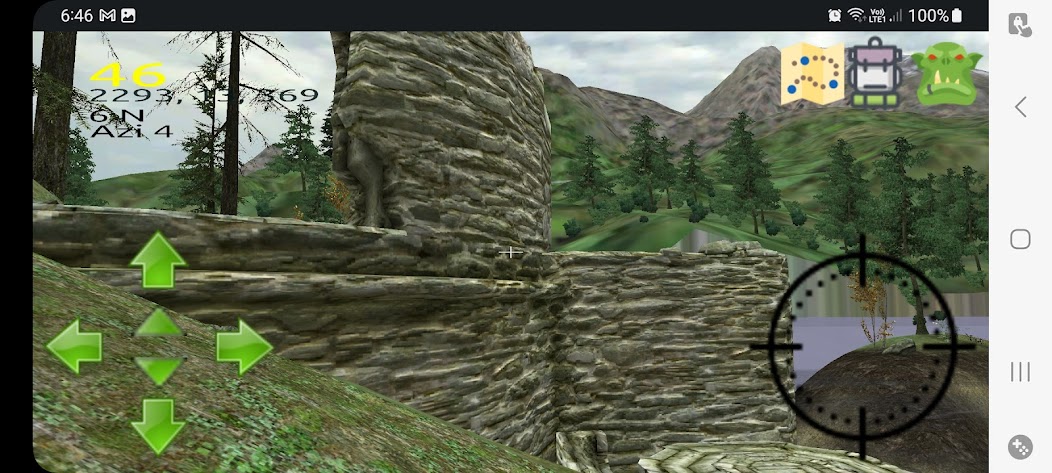
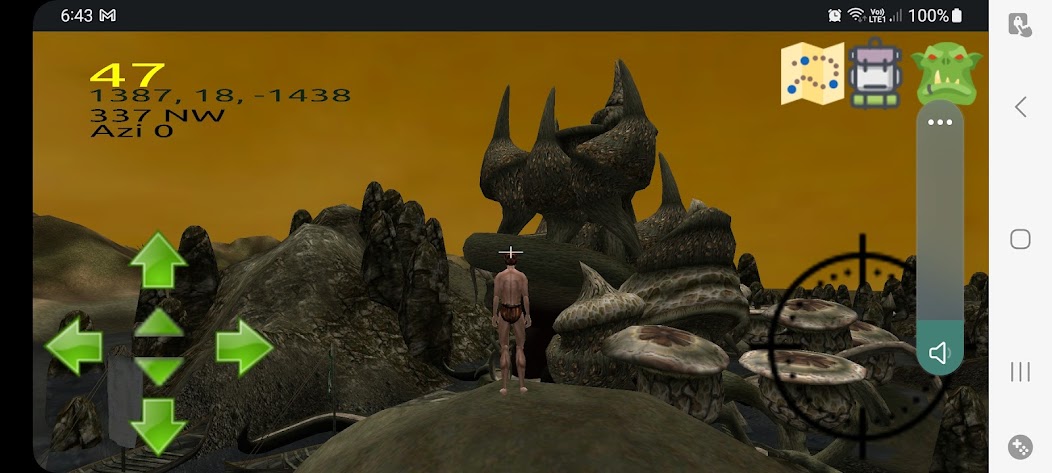
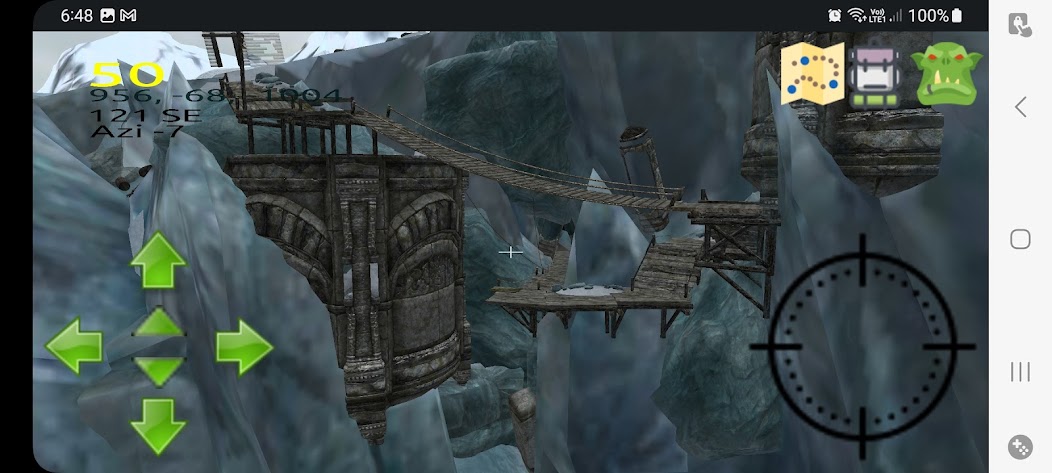
Visit Morrowind, Oblivion, Fallout, and Skyrim by Bethesda (if you own the game)
Note this is a work in progress.
Call of Red Mountain allow you to walk around in the worlds and locations of the game, with Physics, and visual effects, but currently there is no game play implemented, so you can't go up levels and fight monsters yet.
Call of Red Mountain uses the assets from Bethesda Game Studios games Morrowind, Oblivion, Fallout 3, Fallout NV, Skyrim, Falout 4 or StarField.
To use this app you must have acquired those files somehow, they are not distributed with this app.
You will need to copy the game installation folder onto your device. You can copy it to any location that is accessible from your computer's file explorer, though downloads is a nice easy to find place.
On start you will be asked to select the folder that holds the data files for any game, or the parent directory above if you have several copied onto your phone.
A demonstration of this can be seen In this you tube video https://youtu.be/q_MmQSTznh4 or in plain text at the bottom of this store listing.
A really excellent video of the app in action can be seen in iHack3x2's youtube video
https://www.youtube.com/watch?v=ZER30BAVFxA
This is an open source game engine, the code can be found
https://github.com/philjord
and
https://bitbucket.org/philjord
Call of Red Mountain Install instructions.
1. Unlock your device’s screen.
2. With a USB cable, connect your device to your PC computer.
3. Swipe down from the top of your device's screen to see your notifications.
4. Tap the USB for... notification; then tap Transfer files (MTP).
5. Open a file explorer on your PC.
6. Ensure you can see your Android device;
7. Browse to your Morrowind install folder. In my case it is under a steam game library;
“C:SteamLibrarysteamappscommonMorrowind”
9. You may find it easier to simply search for it using the file explorer search box.
10. Ensure that you can see the sub folder “Data Files” or "Data" and that it contains Morrowind.esm and Morrowind.bsa (or similar).
11. Copy the "Data Files" folder to your clip board.
12. Create a folder on your device that you can remember;
In my case I’ve created “This PCP's S21+Internal storageDownloadgameesmbsamorrowind”
13. Paste the folder “Data Files” into that folder.
14. If it asks for a confirm (due to file formats) tick "Do this for all files" then Yes
16. Start Call of Red Mountain.
18. When asked to allow file access select “Allow”
19. After the start-up instructions, you will be asked to select your Morrowind.esm file.
21. A default file picker will be presented, select the esm file on your device or select a parent folder of it, if there are several game folders
21. Now pick a game and click Explore to explore that game world
22. It will need to convert image formats from dds to etc2, this will take several hours depending on the size of the game, StarField will probably take months.
![Legends of Crystal [Lite]](https://images.downzk.com/uploads/20260927/logo_6ab931444eb9d1.jpg)


![RPG Next [Es]](https://images.downzk.com/uploads/20260926/logo_6ab797585f55b1.jpg)



 Download