

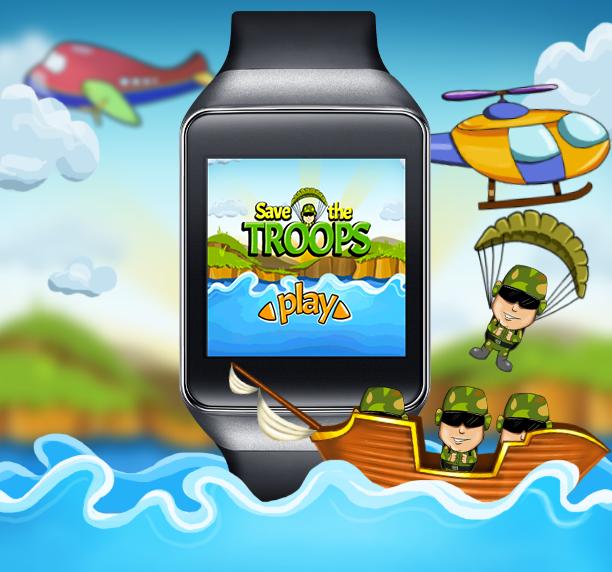
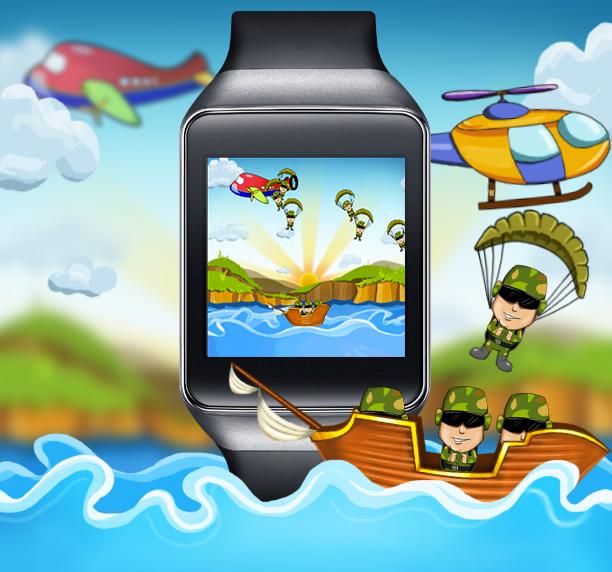
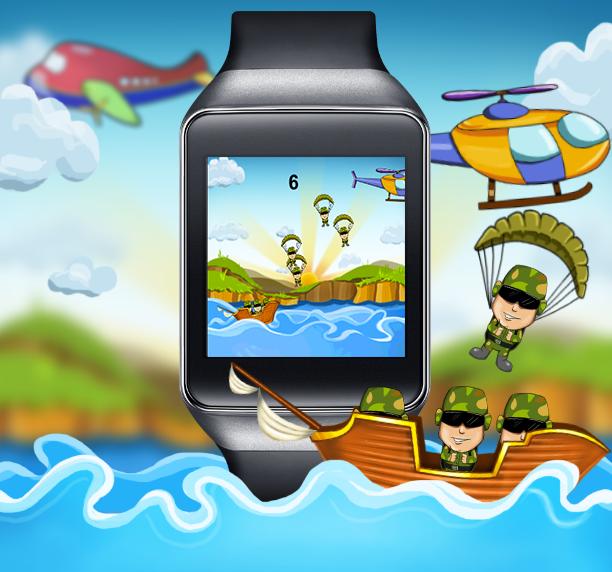
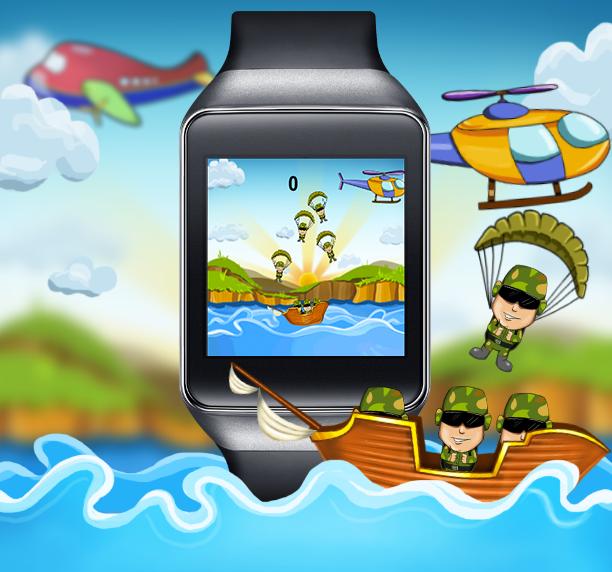
An addictive & unique tap game with plenty of entertainment for Android Wear
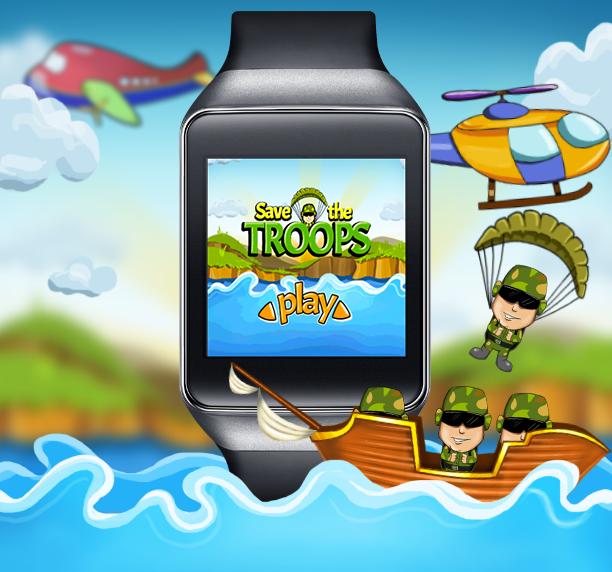
A whole new challenge to test your reflexes as you have to Save The Troops jumping down a chopper. You just need to place the boat down the chopper to Save The Troops from drowning into the sea.
.
Your game would be over if you missed 3 or more troops. So you need to be super efficient and quick to save them all.
.
Save The Troops is a simple tap game designed specifically for your Android wearable Smartwatch. Extremely addictive gameplay for all ages and skill levels. 100% responsive touchscreen gameplay lets you have complete control over the boat.
.
Download Now to enjoy most addictive game on your Android Wear Smartwatch.
Teensy Studios - Bringing fun to your Android Wear watch! We are an indie game studio, with a tight, innovative and creative team of developers and designers. We are here to revolutionize the social gaming experience of game players by embedding features in our games that make them easy to play in bitesize chunks, but socially!
.
How to launch an app on wearable:
You can adopt any of these two methods given below to launch this game.
.
Method 1 : via Voice Command
You can give a voice command by using ‘OK Google’ or whatever the phrase you have set for ‘voice search’ and name the app. It will directly lead you to the app.
.
Method 2: via Start Menu
If you are unable to launch any app via ‘Voice Command’, You can follow the steps given below to launch the app.
- Tap on the screen of your wearable watch
- Go down the menu that appears and you will find ‘Start’ at the end of the menu.
- Tap on ‘Start’
- You will find the list of wearable apps that are installed on your watch.
- Launch the app from the list.
.
How to link your Android wearable with Phone:
.
If you have not link your smartphone with your wearable watch, then please follow the steps to link it. After integration, will be able to launch the installed apps.
- Turn on the bluetooth on smartphone.
- Install ‘Android Wear’ app on your smartphone.
- After installation, go to ‘pair a new wearable’ in ‘Android Wear’ app.
- Select the wearable device from the list.
- Your wearable watch is connected to your smartphone.
.
FOLLOW US FOR UPDATES AND NEWS
http://www.teensystudios.com/
https://www.facebook.com/teensystudios
https://www.twitter.com/teensystudios
http://www.pinterest.com/teensystudios
https://plus.google.com/+Teensystudiosofficial







 Download