

Generate ISS Transit Predictions for the Sun, Moon and Planets
This application generates International Space Station (ISS) Transit Predictions for the Sun, Moon and Planets.
The user specifies a location, which includes latitude, longitude and elevation. The application downloads the latest orbital information. The application generates a transit prediction map which contains prediction paths for each transit within a specified alert radius.
Pro Version Only: Specify and save multiple locations, Save multiple prediction maps for later viewing, add transit to Calendar, View maps with Google Earth, User specified Two Line Elements. No Ads.
Pro Version Only: Available in-app purchase: Unlock Additional Satellites: Compute transits for any satellite, including the Tiangong Space Station and Hubble Space Telescope.
USER INTERFACE
The main screen provides 5 buttons:
•Location - Press this button to add or select the prediction generation location
•Satellite - Press this button to change the transit satellite (Pro Version Only, In-app purchase required)
•Two Line Elements (TLE) - Press this button to download orbital elements
•Generate Prediction - Press this button to start the prediction generation
•View Prediction - Press this button to view the prediction map or text file
The options menu provides the following:
•Locations - Press to add, select, edit or delete saved locations (Pro Version Only)
•Predictions - Press to view, share or delete saved prediction maps (Pro Version Only)
•Settings - Press to set user preferences
•DEM Files - Press to list or delete the downloaded Digital Elevation Model (DEM) Data
•Help - Press to display this help page
•About - Press to display application version, credits and links
LOCATIONS
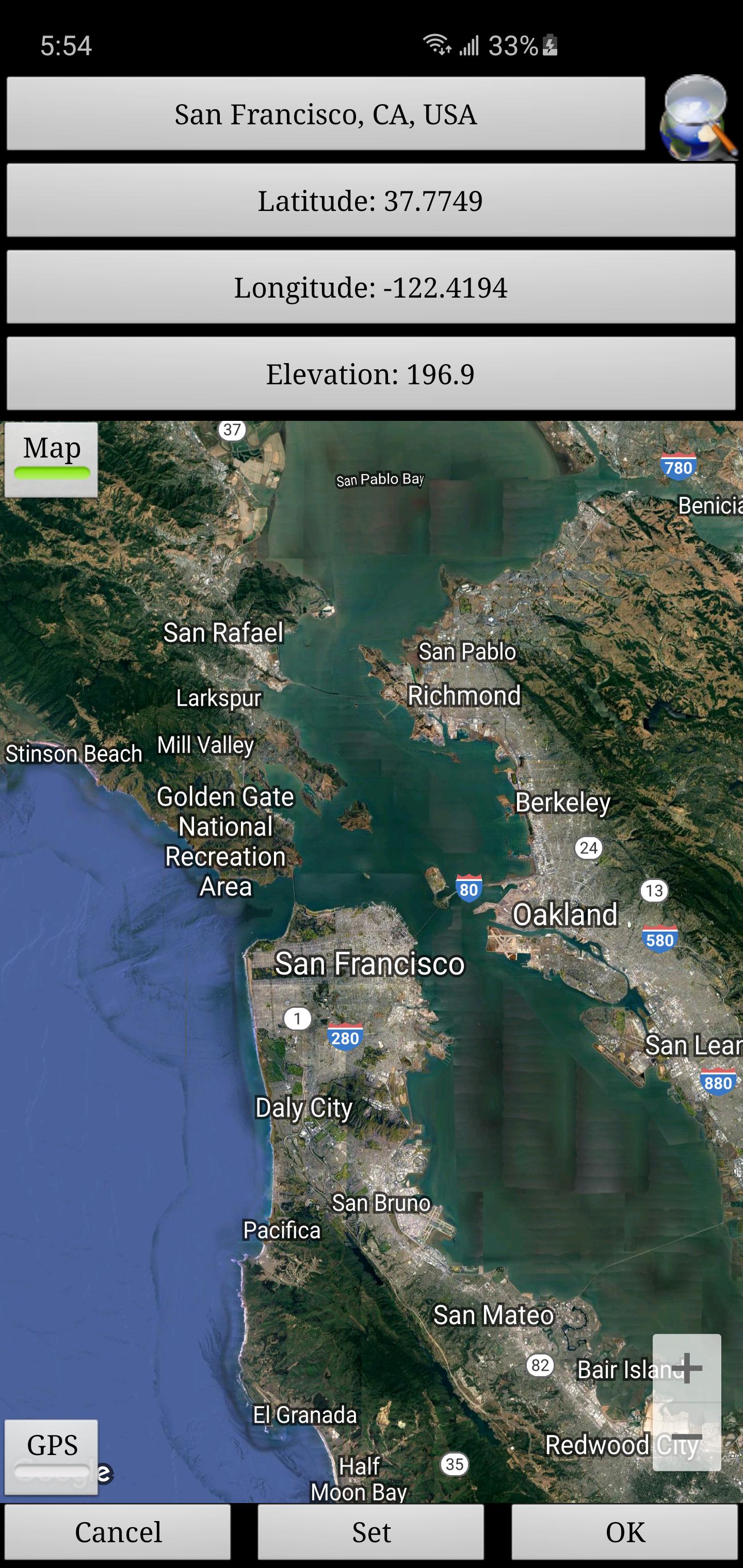
Add a named observing location by clicking the "Location" button accessible from the main screen.
The location coordinates can be entered in any of these methods:
•Manually - Enter latitude, longitude and elevation in the text boxes. Positive values represent North and East, negative values South and West. Elevation can be entered in meters or feet above sea level depending on the current prediction units setting.
•Search - Press the search button to search for a location.
•Map Input - Use the map to zoom and pan to a location. Pressing the Set button sets the location name, coordinates and elevation in the text boxes. The elevation of the current coordinates is retrieved using the specified elevation data source setting. Switch between map and satellite modes by toggling the Map/Sat button.
•GPS - By pressing the GPS button, the application uses GPS to obtain location coordinates and elevation.
Use the locations page accessible from the options menu to edit and delete saved locations. (Pro Version Only)
GENERATING PREDICTIONS
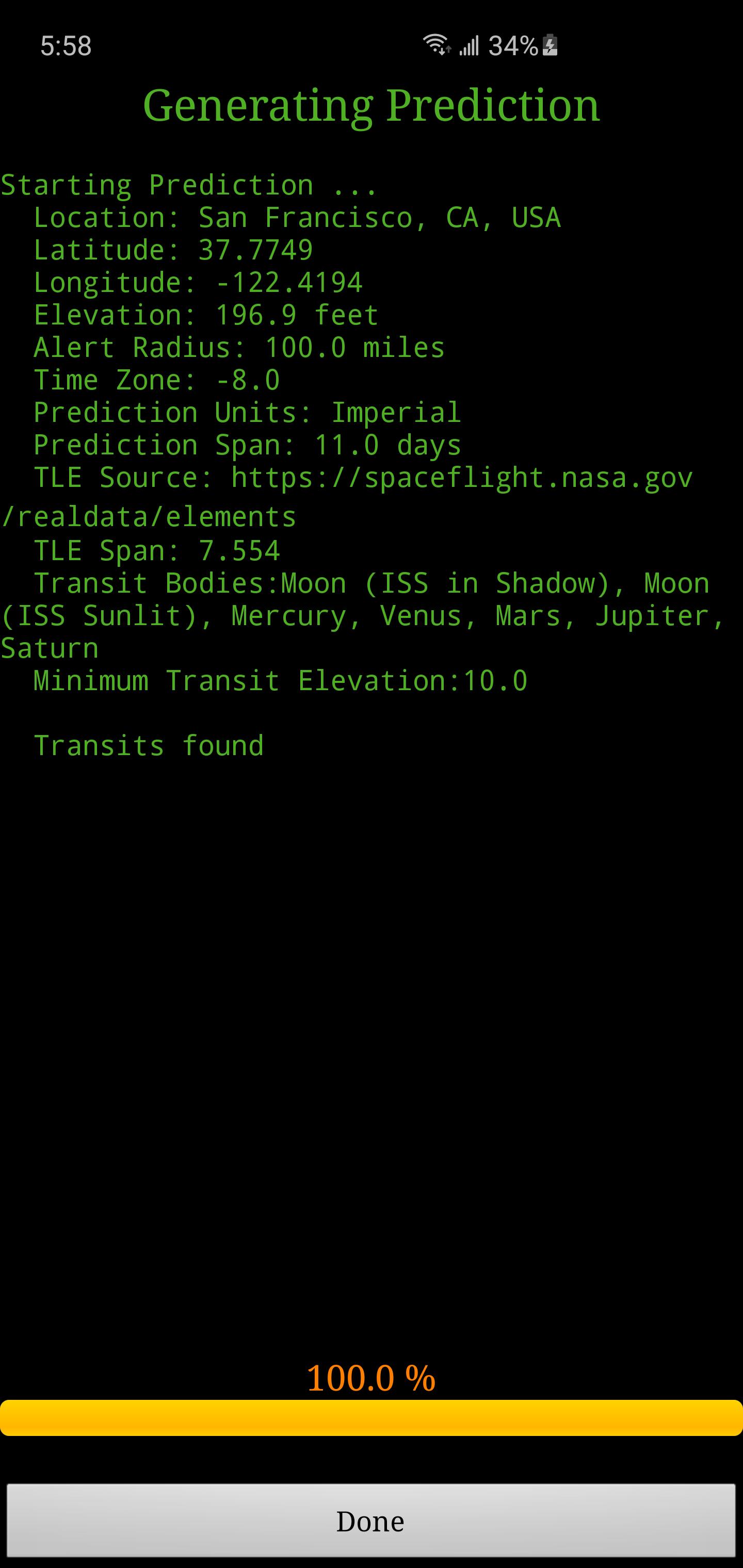
Once a location has been entered and TLE have been downloaded, press the "Generate Prediction" button to begin prediction generation. The progress bar gives an indication of how long it will take to complete the process. Depending on your processor speed, it can take a few minutes to generate the predictions. Pressing the cancel button will cancel the prediction.
VIEWING PREDICTIONS
Once the prediction generation is complete, the prediction map or text file can be viewed. Pressing the View Prediction button brings up the previously generated prediction map. The text button within the map view displays the prediction text. The Map/Sat button switches between Map mode and Satellite mode.
Within the map view press the Google Earth button to view the map in Google Earth (Pro Version Only). Press the save button to save the prediction for later viewing (Pro Version Only).
Within the transit information window, press the add to calendar button to create a calendar event (Pro Version Only).
Use the predictions page accessible from the options menu to view, share and delete previously saved prediction maps (Pro Version Only).
PERMISSIONS
Location: Only required if GPS option is selected during location entry












 Download